Page 19Aviom A640 Personal Mixer User Guide
The Favorite channel’s assignment is saved as part of a preset and in a conguration.
AmbienceIntercom
Save Recall
Signal/Clip
Aux Volume Master Volume
Master EQ
Trim All
View Mixer Setup
1 2 3 4 5 6 7
8 9 10 11 12 13 14 15 16 Favorite
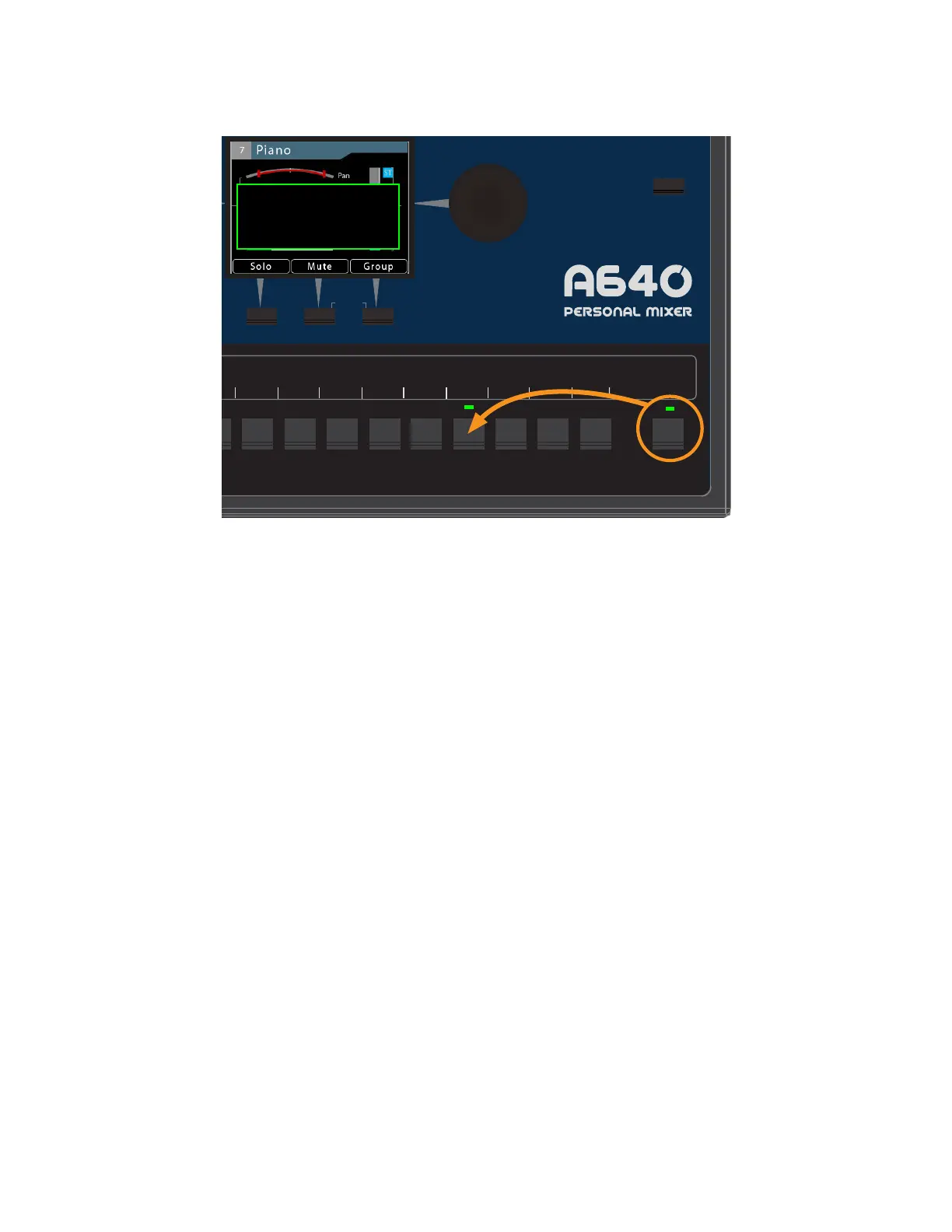
Favorite has been set to Chan. 13
HOLDPRESS
Setting channel 13 as the Favorite in Pro16 or Default modes
In Custom mode, the Favorite channel becomes a fully-assignable mono/stereo audio channel.
Assign any network audio source to the Favorite button (which is displayed as channel 17) by using
the Channel Mapping function found in the Mixer Setup window.
See "Mixer Mode" on page 77 for additional information about the A640 modes. See page 65 for
additional information about Channel Mapping.



 To Next Page