Page 65Aviom A640 Personal Mixer User Guide
Channel Mapping
You can assign any of the 64 available A-Net network sources to the A640’s mixer channel buttons
(including the Favorite and Ambience channels) for use with the A640’s Custom mode. User-created
channel maps can be saved to a USB storage device as part of a conguration for backup or for
loading into other A640 Personal Mixers.
To create a custom channel map:
• From the Mixer Setup menu, select the Channel Mapping option by scrolling with either
encoder knob.
• Press the encoder button to activate it.
• A warning message is displayed (a reminder that custom channel mapping only works with
Custom mode) if the A640 is currently set to Pro16 or Default modes.
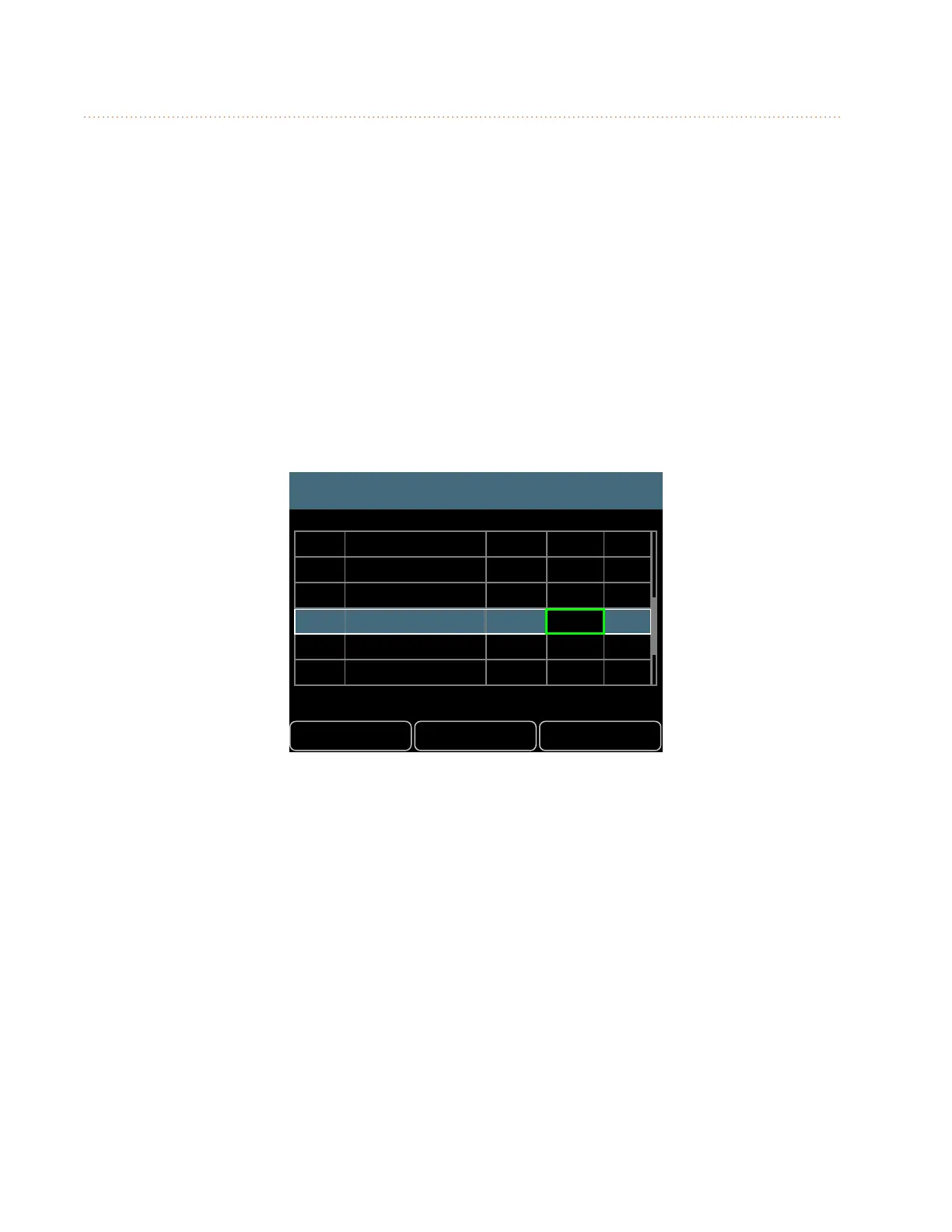
• The channel list is displayed along with the current channel assignments.
• Scroll with the left encoder to select a mixer channel to edit.
• The selected channel’s current network Slot assignment is highlighted in green.
DefaultsBack Help
Channel Mapping
Drums
Bass
John Voc
Ac Gtr
Gtr 1
Paul Voc
Yes
No
No
No
No
No
1-2
3
9
26
7
15
1
2
5
6
3
4
16
• Turn the right encoder to scroll through a list of the currently available mono and stereo
network Slots (all network Slots already in use will be skipped in the list).
• The edited channel’s highlight changes to orange.



 To Next Page