Page 66Aviom A640 Personal Mixer User Guide
DefaultsBack Help
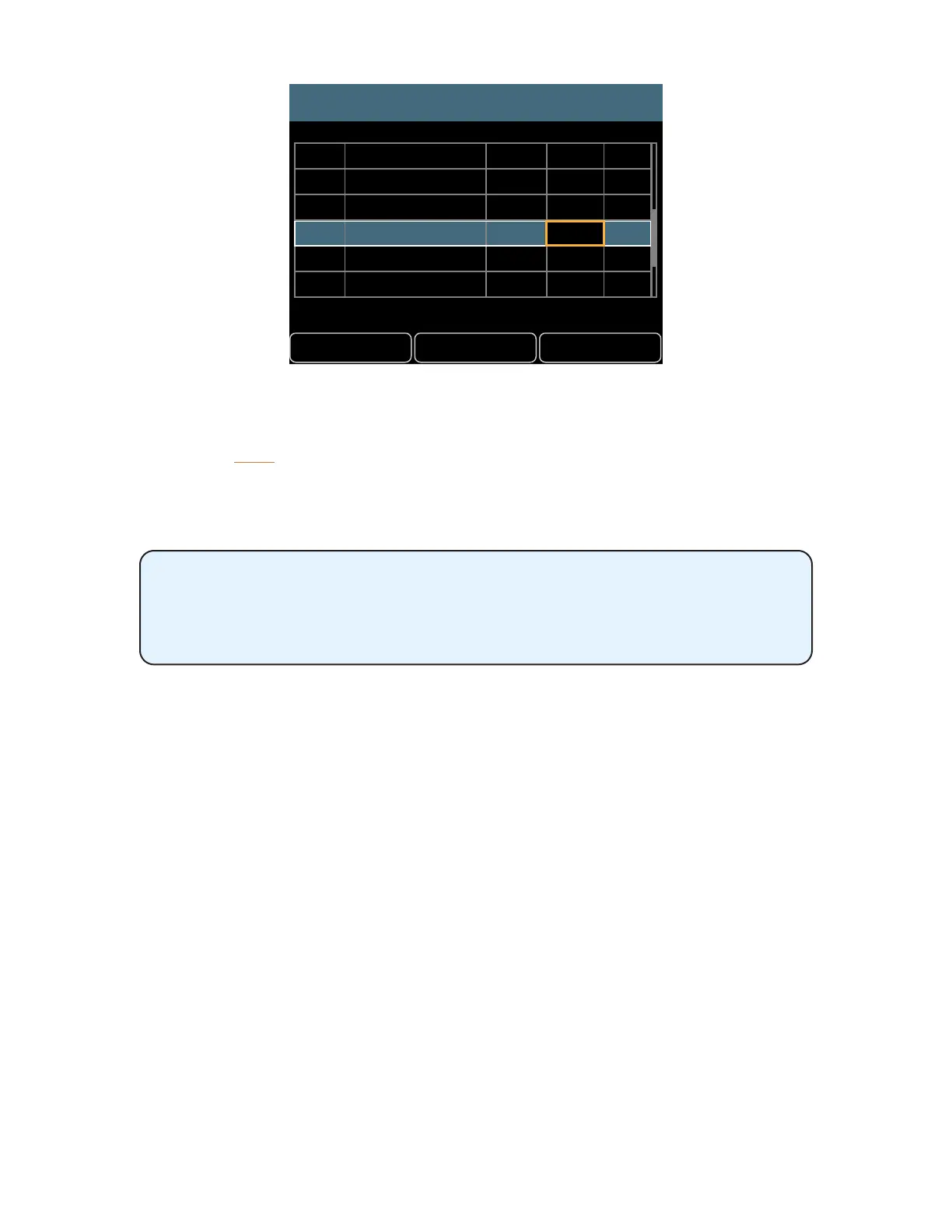
Channel Mapping
Drums
Bass
John Voc
Ac Gtr
Gtr 1
Paul Voc
Yes
No
No
No
No
No
1-2
3
9
26
7
15
1
2
5
6
3
4
15
• Press the right encoder to conrm the change and assign the network Slot to that A640
channel button.
• Continue selecting and editing A640 channel assignments as needed.
• Press the back button to exit.
If a mistake is made while editing a channel, right-scroll until the channel assignment highlights in
green; this is the original assignment.
If the Edit Channel Names function is set to sync with names coming from a
D800-Dante on a Dante network, the Name eld in the channel mapping
editor will update when the encoder is pressed to conrm a new network Slot
assignment.



 To Next Page