Page 41Aviom A640 Personal Mixer User Guide
The A640 must be connected to a D800/D800-Dante to access the Broadcast Slot settings. To set the
intercom Broadcast Slot source from the Intercom window:
• Press the MixeR Setup button
• Open the Intercom settings from the list of options.
• Scroll to select the Broadcast Slot option in the Intercom settings.
• Press either encoder button to open the channel list.
• Scroll with the encoders to select None (Intercom disabled) or any one of the 64 A-Net
network Slots.
• Press either encoder button to conrm the selection.
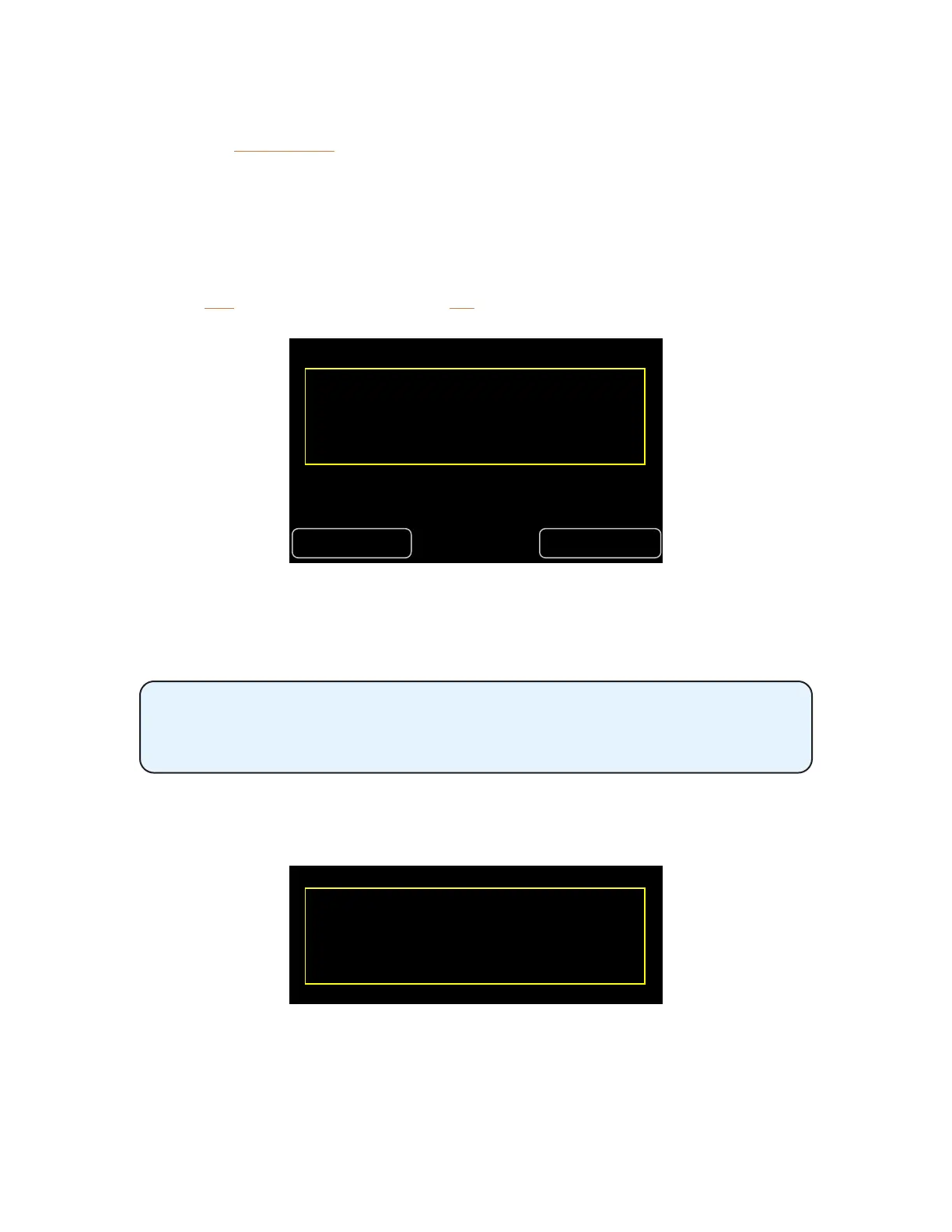
• Press YeS to set the Broadcast Slot or no to return to the Slot list.
No Yes
Are you sure? Changing the Broadcast
Slot aects the entire network.
Press Yes to conrm the selection.
After conrming, the display returns to the main Intercom window and the current Broadcast Slot
source is shown within the Broadcast Slot text.
Only one A640 needs to set up the Broadcast Slot. The Broadcast Slot selection
will be transmitted to the D800 from the A640 and then broadcast from the
D800 to all other A640 Personal Mixers connected to it.
When an A640's Intercom Audio Source is set to Listen Only, you cannot change the Broadcast Slot
from that A640. An error message will be displayed.
Cannot change the Broadcast Slot
while in Listen Only mode.
Press any button to continue.
You can temporarily set the Audio Source to Local Mic or a network Slot to make the change or opt to
edit the Broadcast Slot from a dierent A640 in the network.
Additional information about setting up the options for the Intercom are found in the Mixer Setup
window. See page 73.



 To Next Page