Page 101Aviom A640 Personal Mixer User Guide
Network Mix Back
The A640 Personal Mixer oers a special feature—Network Mix Back—that allows its stereo mix
to be sent back through the Cat-5 cable to a D800 or D800-Dante A-Net Distributor. The D800
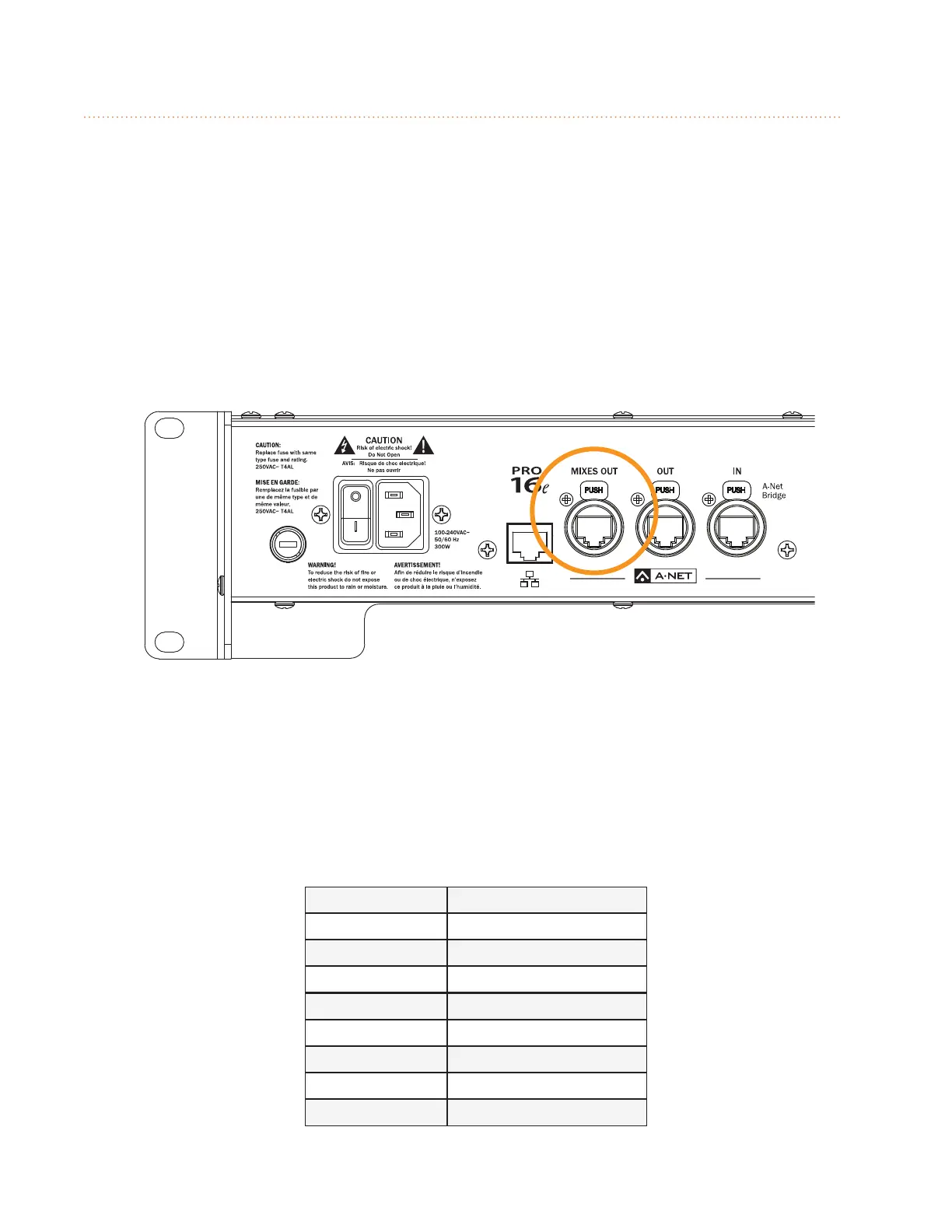
products have a special port labeled Mixes Out that can be used with an AN-16/o v.4 Output Module
to simplify the connection to wireless in-ear transmitter systems. The A640 can then be used as a
remote controller for the performer’s mix without connecting earbuds or headphones to the A640.
One D800 and one AN-16/o v.4 Output Module can provide stereo mixes for up to eight users’ in-ear
transmitters. The stereo mixes can also be patched directly into a Dante network when using the
D800-Dante A-Net Distributor, eliminating the need for the AN-16/o v.4 and the analog cabling. See
the example below.
Mixes Out on the D800
To use Network Mix Back the front panel mode switches on the D800 must be set to the bidirectional
position (II) for each A640 that will use the feature. Each of the eight A-Net ports on the D800 or
D800-Dante can provide one stereo mix from an A640 Personal Mixer to the Mixes Out port.
The stereo mix from an A640 is automatically assigned to a pair of network channels that appear at
the Mixes Out port; channels are mapped to the connected output device as seen in the table below.
D800 Port Mixes Out Channels
1 1-2
2 3-4
3 5-6
4 7-8
5 9-10
6 11-12
7 13-14
8 15-16



 To Next Page