100 BD FACSCanto II Instructions for Use
Optimizing During a Run
For instructions on using optimization controls, see Using Cytometer Controls on
page 71.
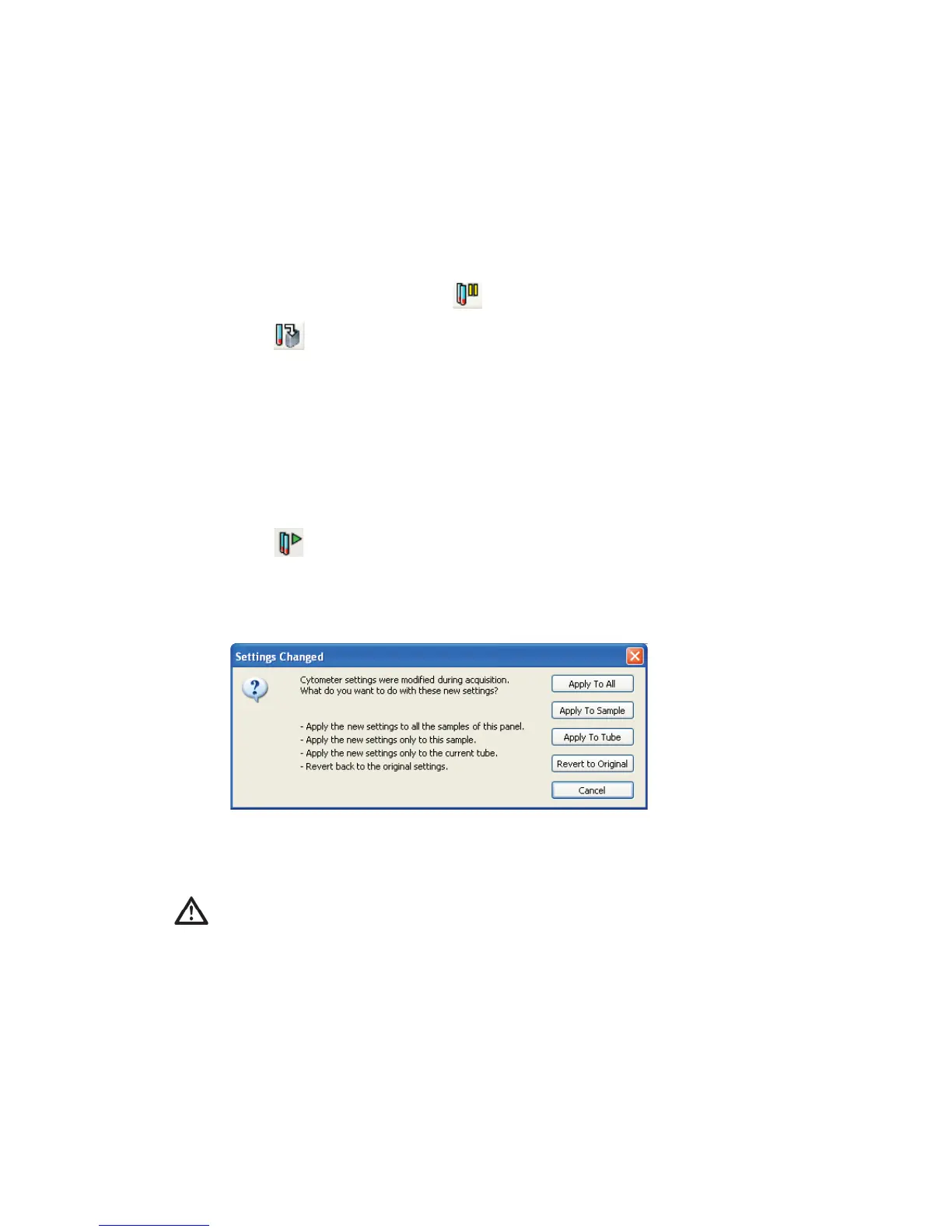
1 At the Acquisition view, click on the toolbar to pause.
2 Click .
Live events are displayed without being recorded.
3 Use Detectors controls to adjust detector voltages.
4 Use Thresholds controls to adjust the threshold.
5 Use Spectral Overlap controls to adjust compensation settings.
6 Click to return to data recording.
7 Decide how to apply the optimized changes and click the corresponding
button.
The software applies the updated settings and finishes running the tube
(unless you click Cancel or Revert to Original).
The software overwrites all events recorded prior to optimizing for the
current tube.



 To Next Page