Chapter 6: Running Samples with BD FACSCanto Clinical Software 101
Inspecting Lab Reports
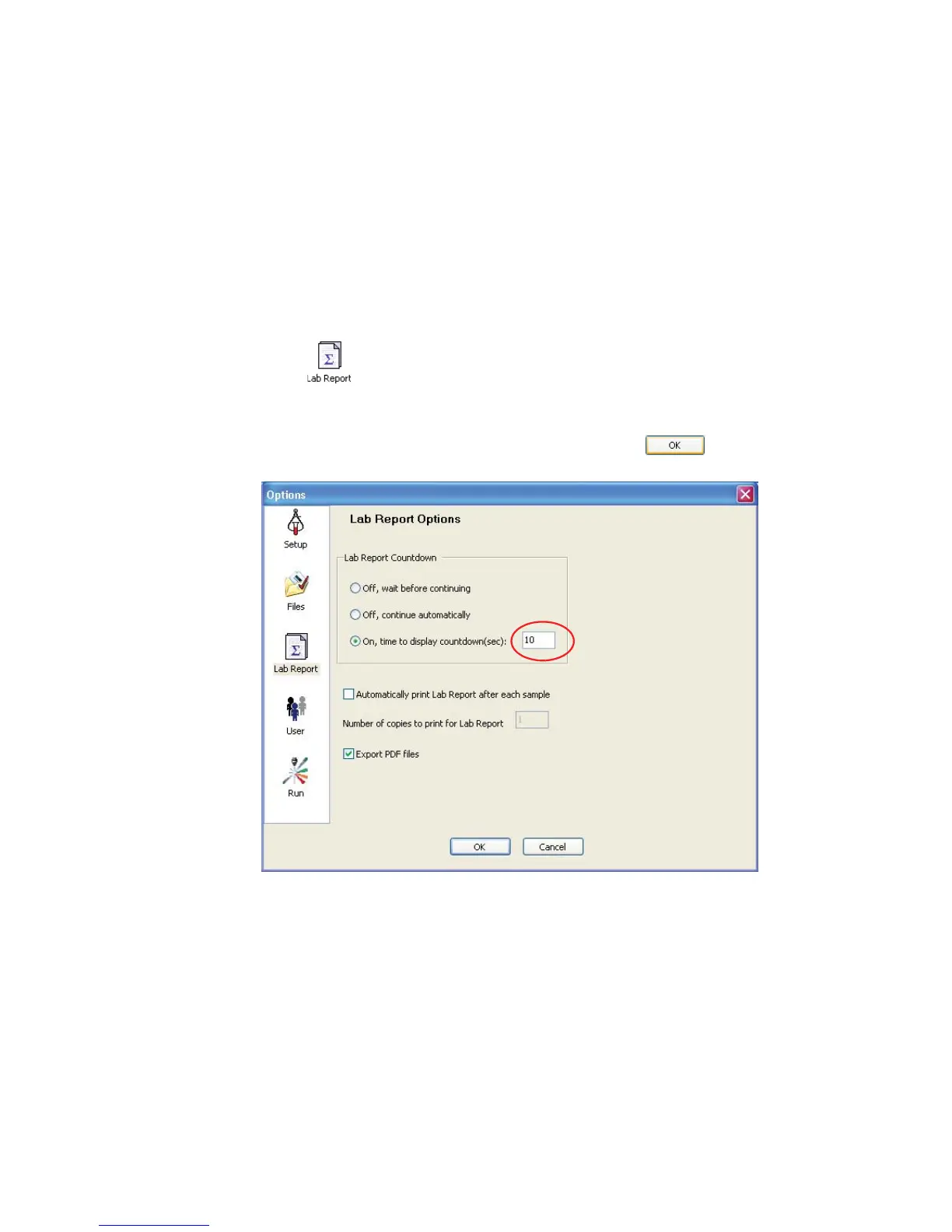
To inspect a Lab Report during acquisition, set the Lab Report countdown.
Specifying a Display Time for the Lab Report Countdown
1 Choose Tools > Options.
2 Click .
3 Select On, time to display countdown (sec).
4 Enter a number of seconds, from 1 to 10, and click .



 To Next Page