Chapter 6: Running Samples with BD FACSCanto Clinical Software 103
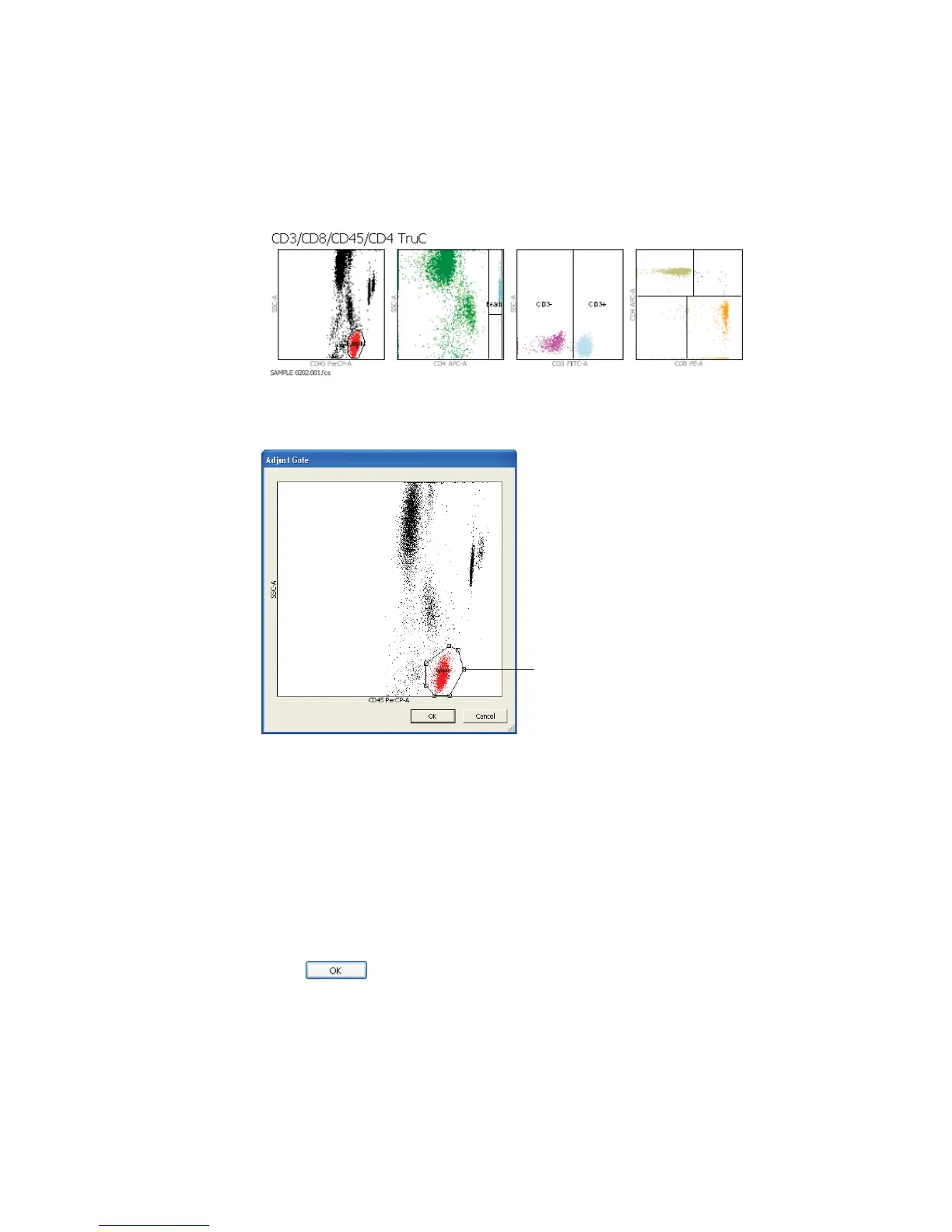
2 Click any plot to adjust its gate.
The selected plot appears in an enlarged view:
3 Adjust the gate.
• Select the gate by clicking its boundary.
• Drag the selection handle to adjust the shape or size of the gate.
• Drag the gate boundary between selection handles to move the gate.
Gate changes apply only to the current tube.
4 Click .
selection handle



 To Next Page