Chapter 8: Using the Loader with BD FACSDiva Software 133
2 Select how you want the Loader to handle any tube pressurization errors
that occur during the run.
If a tube or specimen is skipped during the run, this will be highlighted in
the Carousel Report.
NOTICE To make changes to the Tube Pressurization Error Handling
options for the current run only, use the Carousel Setup window. See
Figure 8-2 on page 134.
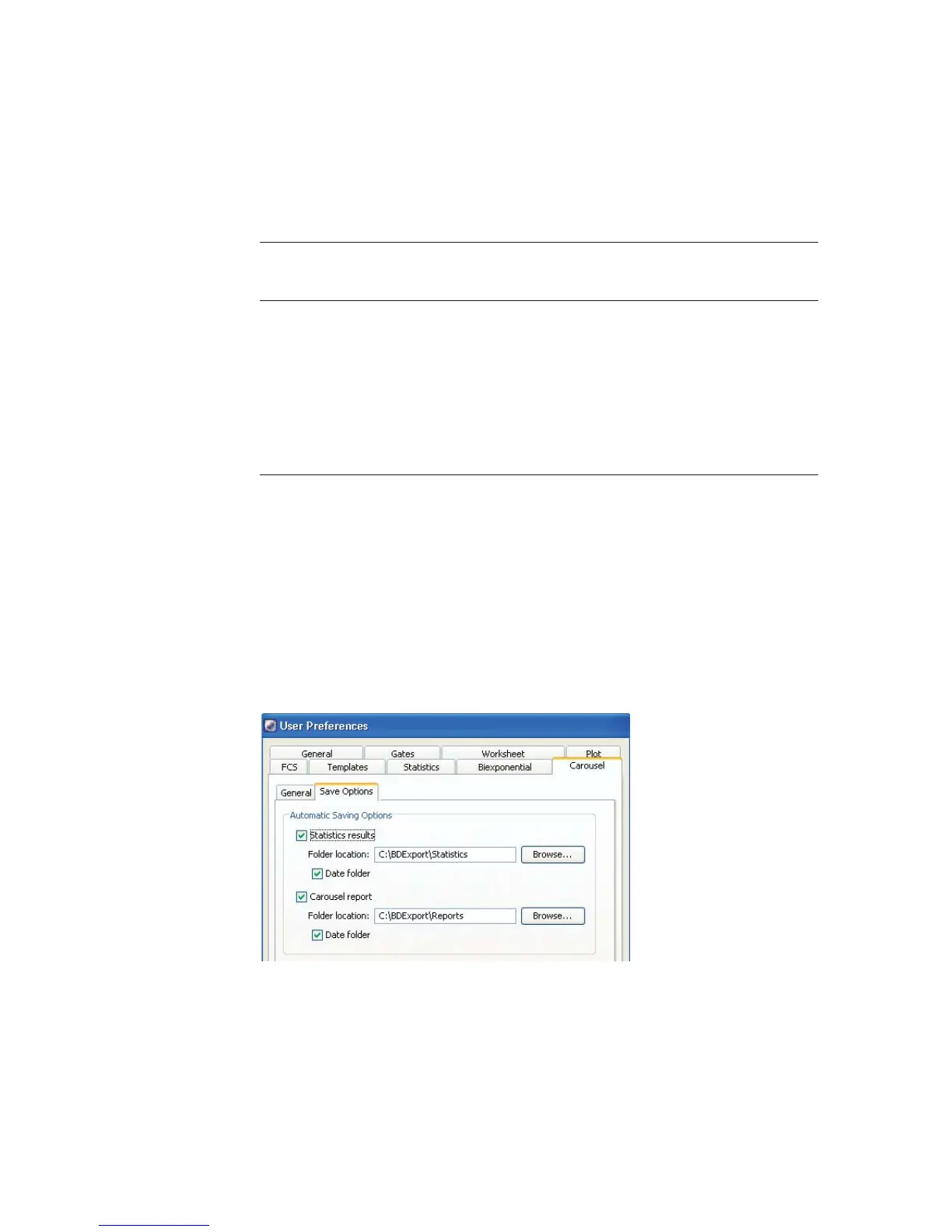
3 Click the Carousel tab > Save Options tab, and choose whether and where
to automatically save the statistics results and Carousel Report.
4 Click OK to save changes.
Tube Pressurization
Error Handling Options
Function
Show error and wait Stops the run and waits for you to choose
whether to abort the run, skip the tube, or skip
to the next specimen
Skip to next tube Automatically moves to the next tube if an error
is encountered
Skip to next specimen Automatically moves to the next specimen if an
error is encountered



 To Next Page