Chapter 8: Using the Loader with BD FACSDiva Software 135
6 (Optional) Insert or delete carousel breaks.
Carousel breaks, represented by a thick horizontal line, indicate the start of
a new carousel. The software automatically inserts them whenever a
carousel cannot contain the next specimen’s tubes. To change carousel
assignments for tubes, insert and delete breaks.
You can insert or delete breaks only on an unassigned carousel (carousel ID
is None).
• To insert, select a row, click New Carousel, and select an ID number
from the drop-down list.
• To delete, select None from the Carousel ID drop-down list, select the
break line, and click Delete Carousel Break.
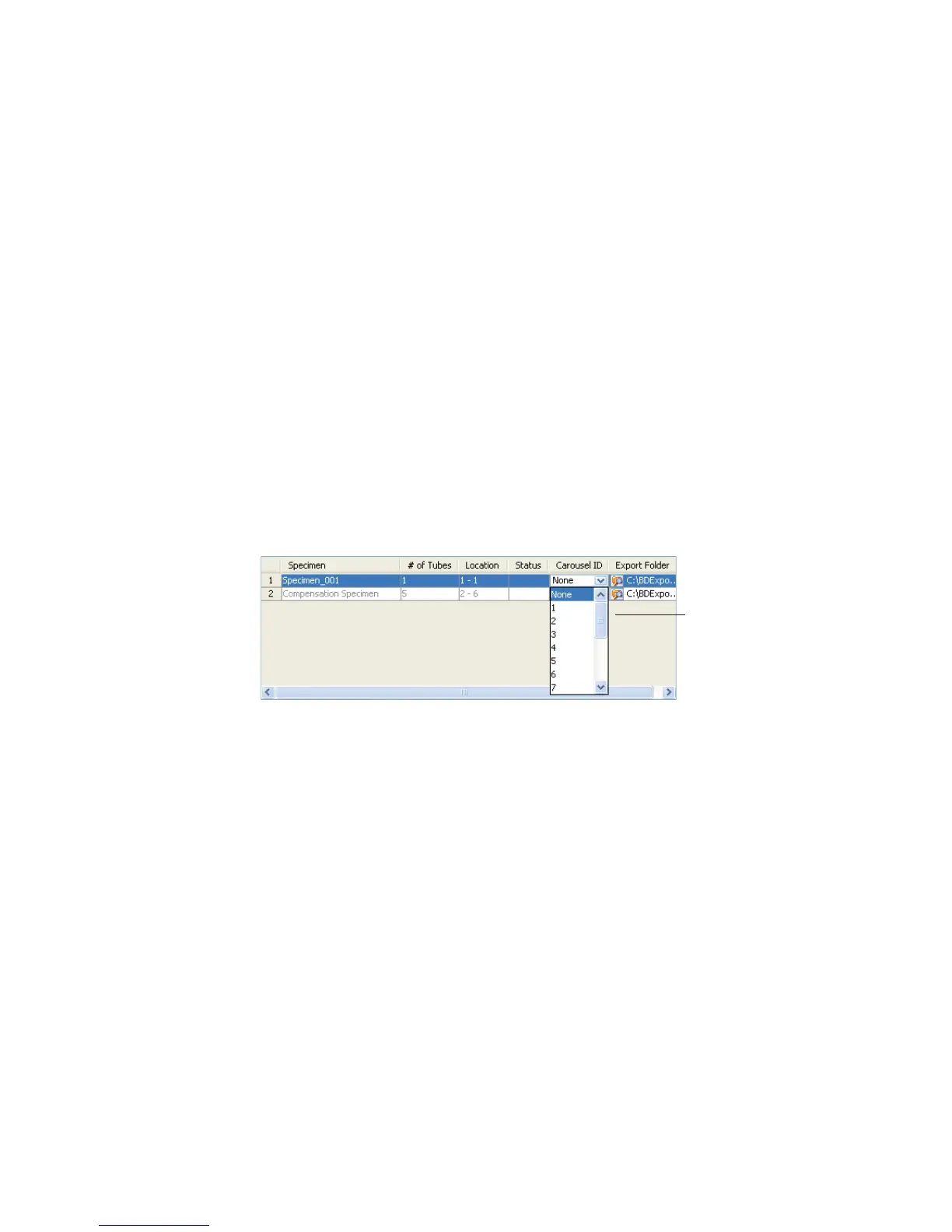
7 From the menu, assign a carousel ID to each specimen.
8 Click Print to print a record of tube and carousel assignments, as well as
the FCS directory selected for each specimen.
Use the printout as a guide when filling the carousels.
9 Verify the Run Settings.
drop-down list



 To Next Page