Chapter 8: Using the Loader with BD FACSDiva Software 137
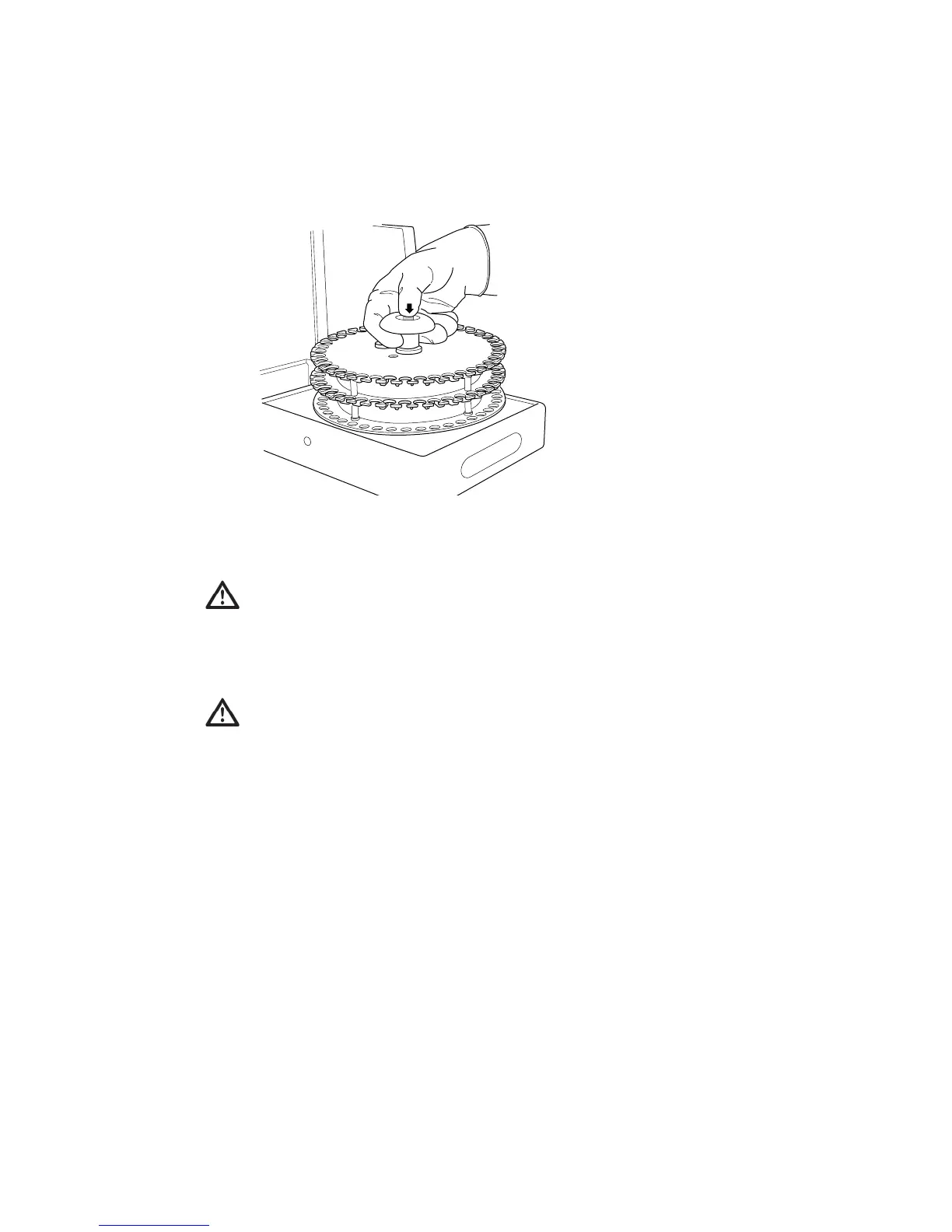
2 Gently remove the carousel from the cytometer as shown:
3 Vortex the sample tubes and place them uncapped in the carousel(s)
according to the worklist.
4 Install the first carousel to be acquired on the Loader.
Position the spindle hole in the handle over the center spindle of the Loader
drawer. Rotate the carousel until the alignment guide pin fits into the small
alignment hole at the top of the carousel. Press down firmly to seat the
carousel.
For accurate results, match the tubes to those listed on the printed worklist
(BD FACSCanto clinical software) or Carousel Setup (BD FACSDiva
software). Print out a copy of tube assignments and use the printout as a
guide when filling each carousel.
To prevent binding during loading, make sure label thickness per tube is
less than three labels. Flatten labels completely before placing a tube in the
carousel.



 To Next Page