Chapter 10: Maintenance 169
Priming Fluidics Lines
1 Choose Cytometer > Cleaning Modes > Prime After Tank Refill.
2 Select the checkboxes for the cubitainers you changed; click OK.
3 Click OK when the completion message displays.
NOTICE If the fluidics are not functioning properly, perform Removing an
Air Lock.
Removing an Air Lock
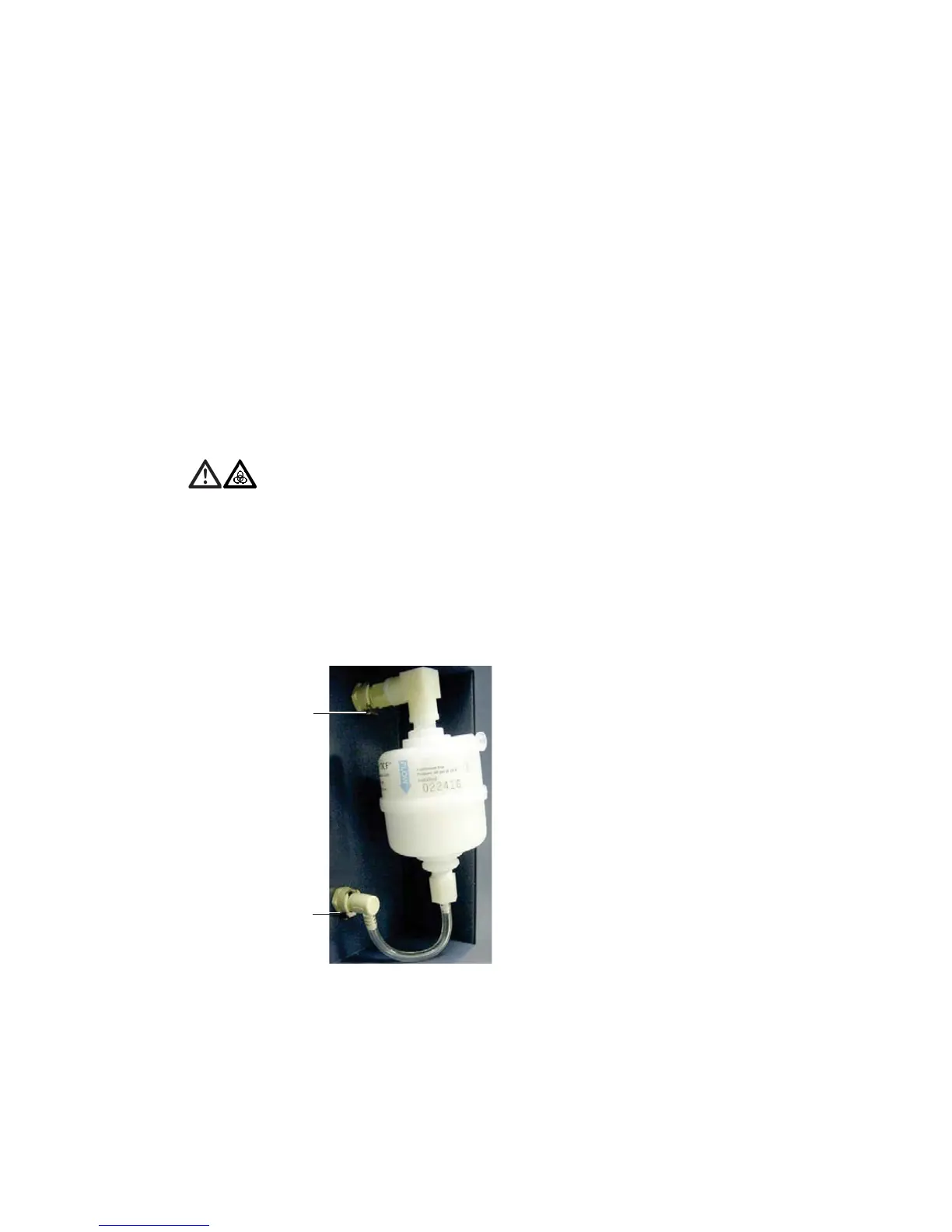
1 Place a few paper towels beneath the air-locked filter.
2 Remove the filter by pressing the metal tabs.
Figure 10-4 Fluidics filter
All cytometer surfaces that come in contact with biological specimens can
transmit potentially fatal disease. Use universal precautions when cleaning
cytometer surfaces. Wear suitable protective clothing and gloves.
metal tab
metal tab


 To Next Page
 Loading...







