170 BD FACSCanto II Instructions for Use
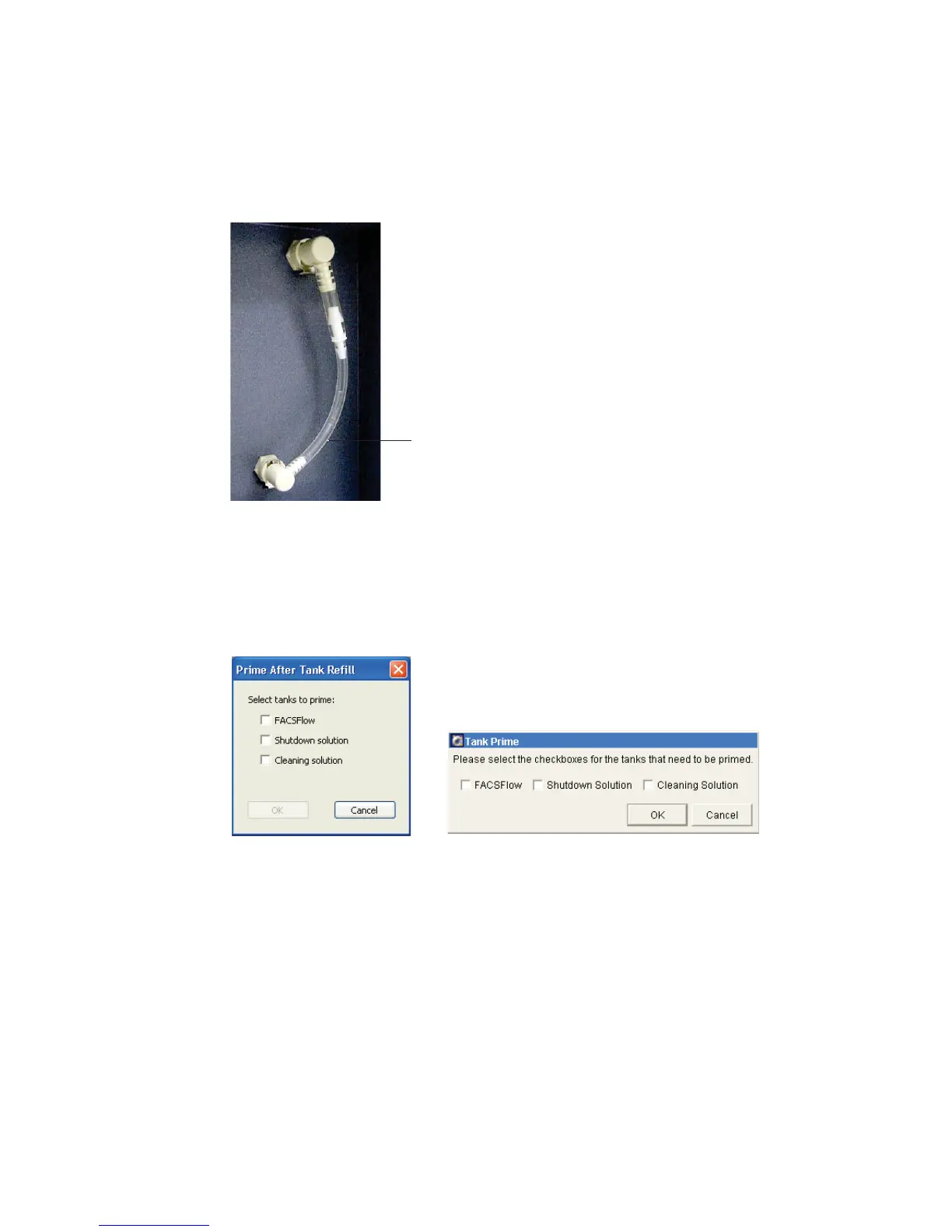
3 Install bypass tubing in place of the filter.
4 Choose Cytometer > Cleaning Modes > Prime After Tank Refill.
5 Select the checkbox that corresponds to the filter you have bypassed.
6 Click OK.
7 Ensure fluid is moving through the bypass tubing.
8 When the prime finishes, remove the bypass tubing.
9 Reattach the filter to the fluidics cart.
bypass tubing,
installed
BD FACSDiva software
BD FACSCanto clinical software


 To Next Page
 Loading...







