218 BD FACSCanto II Instructions for Use
Faulty screen display,
display objects
distorted or unreadable
Pointer shadow
enabled
Disable the pointer shadow:
Select Start
> Settings > Control
Panel. Double-click the Mouse icon
and select the Pointers tab.
Deselect the Enable pointer
shadow checkbox. Click OK.
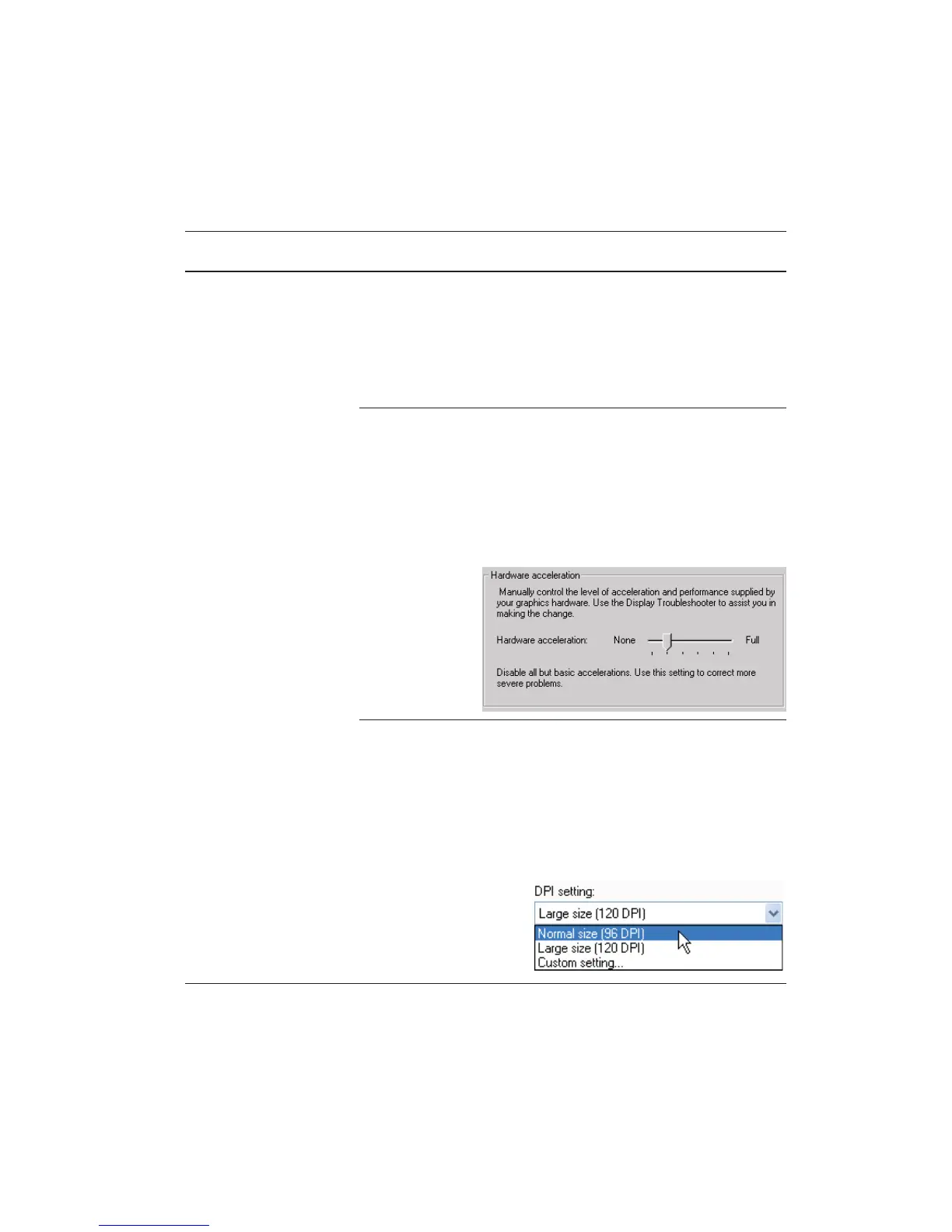
Graphics hardware
acceleration set too
high
Decrease the acceleration:
Right-click on the desktop and
select Properties. Click the Settings
tab. Click the Advanced button.
Click the Troubleshooting tab and
drag the hardware acceleration
pointer to the left.
Non-standard DPI
setting
Revert to the default DPI:
Right-click on the desktop and
select Properties. Click the Settings
tab. Click the Advanced button.
With the General tab selected, use
the drop-down menu to set DPI to
96 (normal size).
BD FACSDiva Software General Issues (continued)
Observation Possible Causes Recommended Solutions



 To Next Page