Chapter 4: Starting Up 47
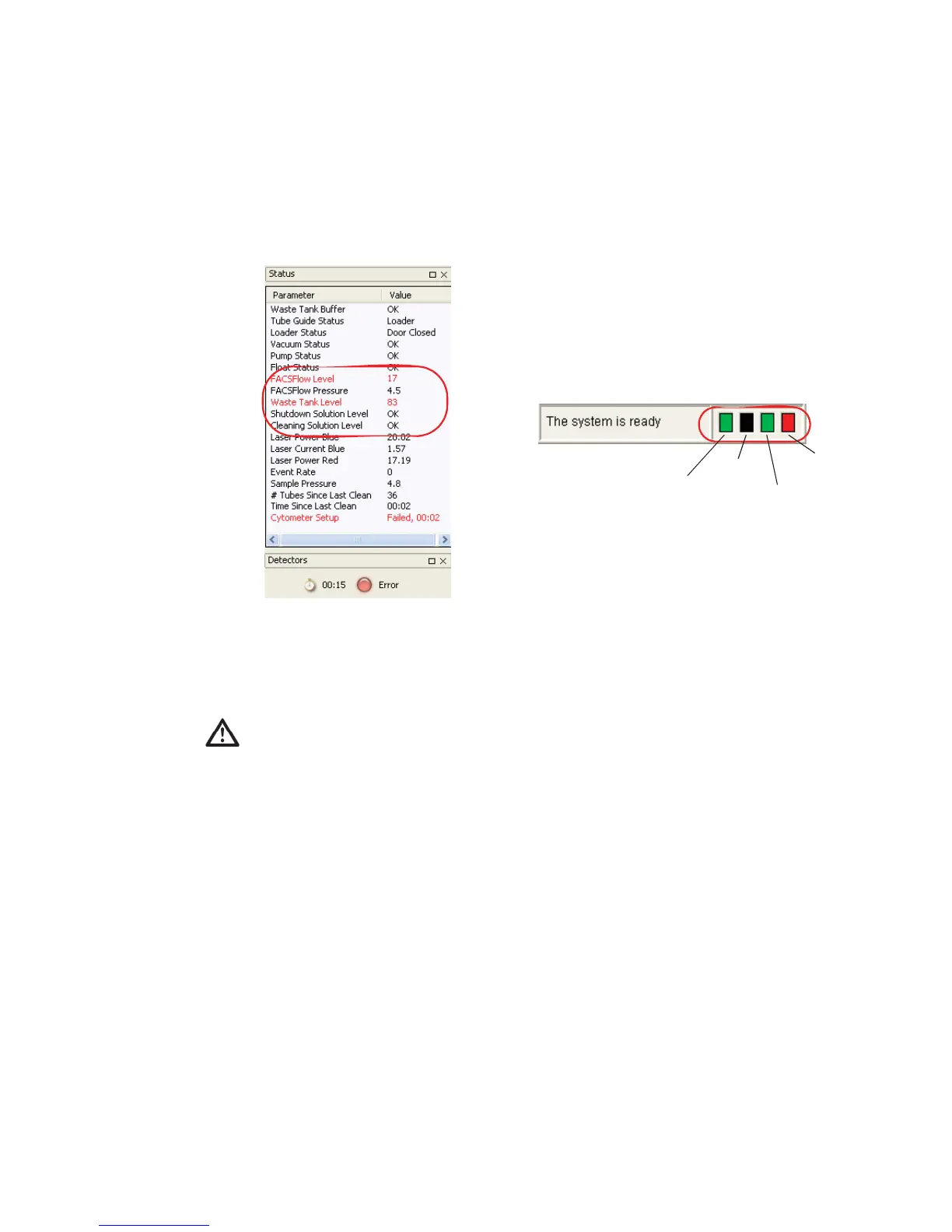
4 Check fluid levels.
Low fluid levels or a full waste container are indicated in red.
5 If fluidics startup does not start automatically, choose Cytometer > Fluidics
Startup.
6 Click OK at the confirmation dialog.
7 When Fluidics Startup finishes, click OK to close the dialog.
To prevent fluid overflow, make sure there is no tube on the SIT at startup.
FACSFlow
BD FACSCanto
BD FACSDiva
waste
shutdown
solution
cleaning solution
(empty)



 To Next Page