52 BD FACSCanto II Instructions for Use
3 Choose Cytometer > Setup > Standard Setup.
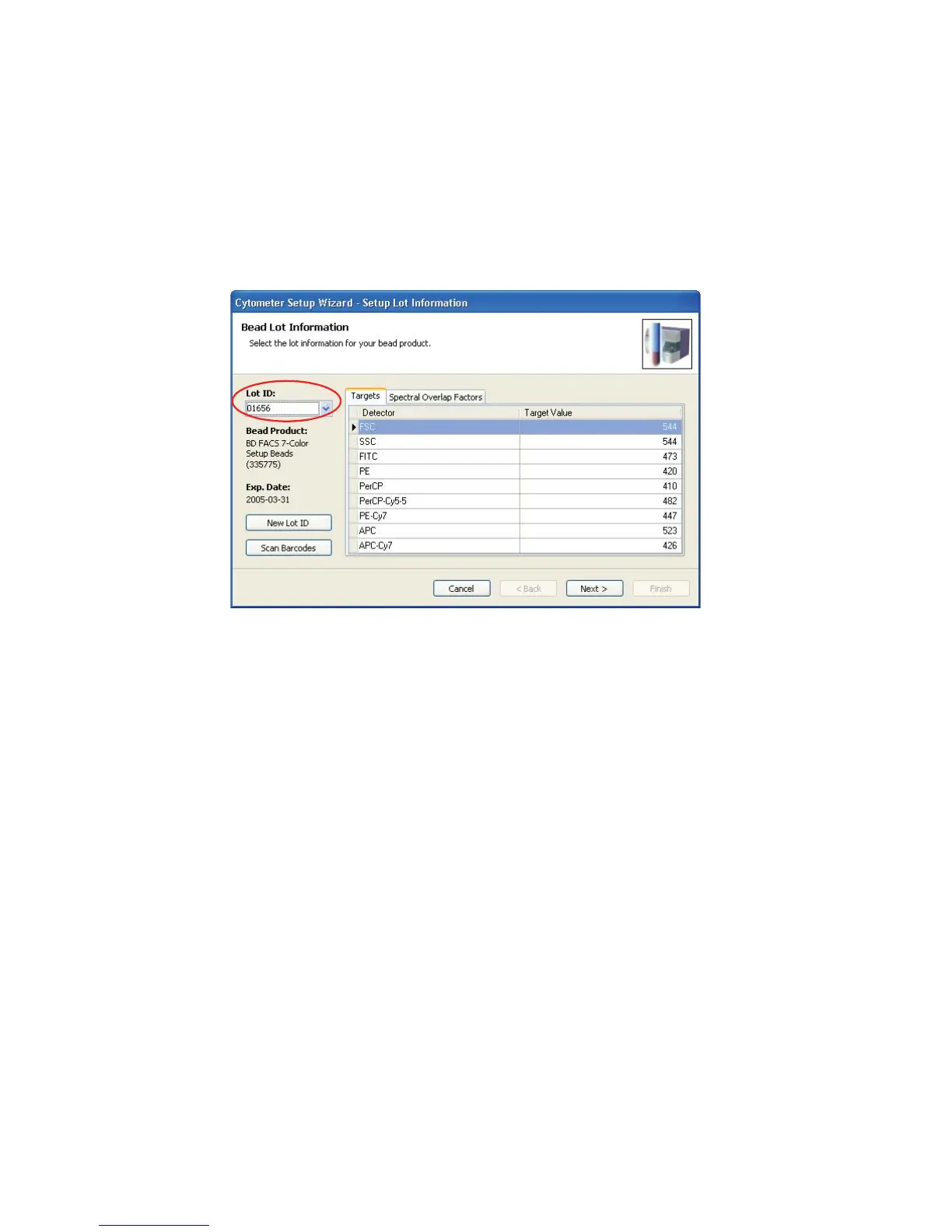
4 Select the current bead lot from the Lot ID menu.
Figure 5-1 Setup Lot Information window
5 Check lot ID, targets, and spectral overlap factors in the Cytometer Setup
Wizard against the BD FACS 7-color setup beads label. If necessary, enter
new values into the Wizard.
See Figure 5-2 on page 53 for an example BD FACS 7-color setup beads
label.



 To Next Page