56 BD FACSCanto II Instructions for Use
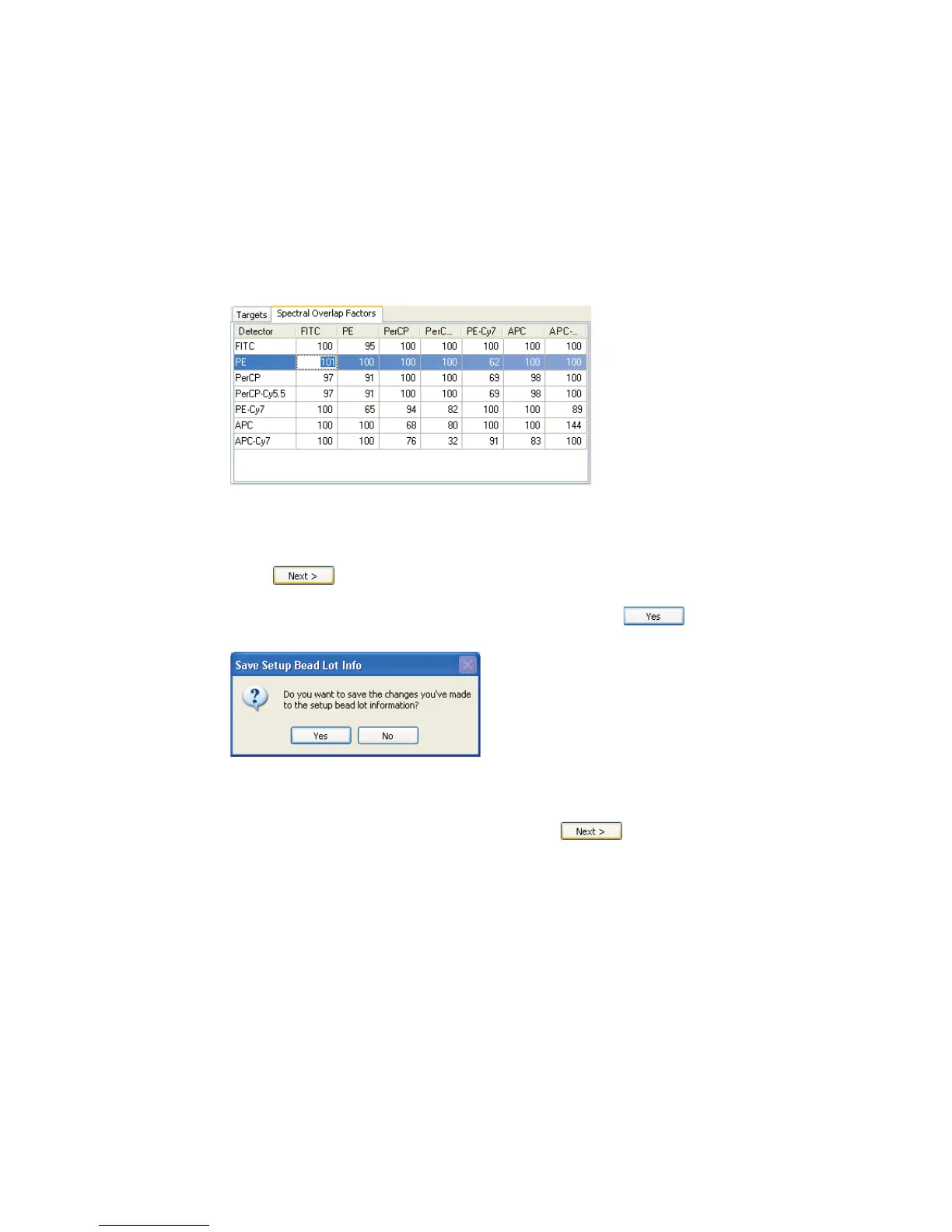
4 Click the Spectral Overlap Factors tab, and enter the spectral overlap
factors for the bead lot.
Select a current value and enter the new value. Repeat until you have edited
all spectral overlap factors.
Loading Tubes
1 Click .
2 If the Save Setup Bead Lot Info dialog appears, click .
This dialog appears only if you changed lot ID values.
3 Select Run setup in Manual mode, and click .
See Figure 5-4 on page 57.



 To Next Page