Chapter 5: Cytometer QC and Setup 55
5 Check software entries for accuracy of reading the setup beads label.
6 Go to Loading Tubes on page 56.
Entering New Lot Information with the Keyboard
1 Click in the Setup Lot Information window of the Wizard
(Figure 5-1 on page 52).
2 Choose the bead product, enter the lot ID and the expiration date, and
click OK.
The lot ID and expiration date are on the setup beads label.
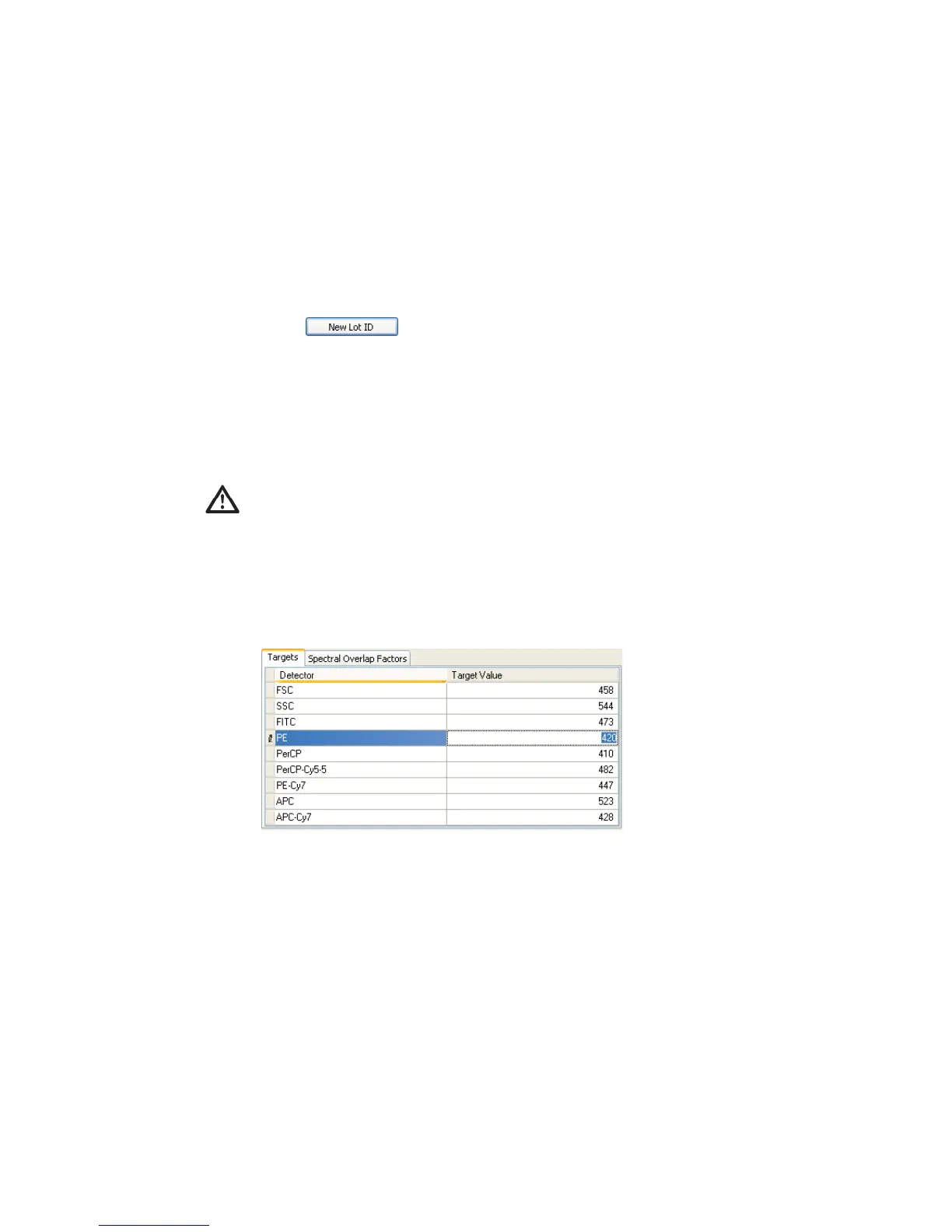
3 Enter the target values for the bead lot.
Select the current value in the Target Value field and enter the new value.
Repeat until you have edited all target values.
Do not use the barcode on the tube.



 To Next Page