54 BD FACSCanto II Instructions for Use
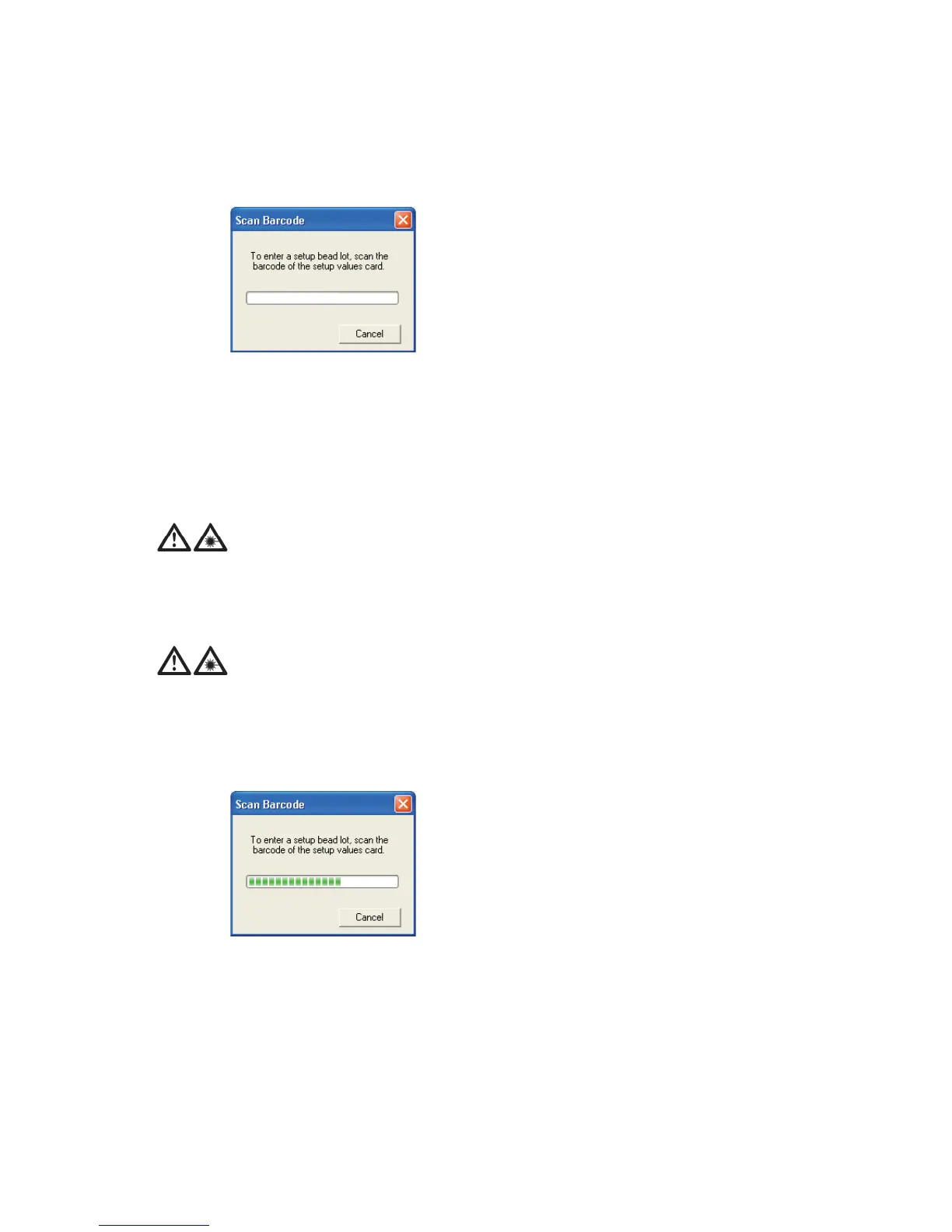
Figure 5-3 Scan Barcode dialog
2 Locate the barcode on the BD FACS 7-color setup beads label.
See Figure 5-2 for an example label.
3 Hold the barcode reader 23 cm (9 in.) from the BD FACS 7-color setup
beads label and aim the barcode reader at the center of the barcode.
4 Press and hold the trigger on the barcode reader until you hear a beep.
The progress bar fills and the dialog closes when you successfully scan the
barcode.
If the reader does not beep, adjust your distance from the barcode while
continuing to hold the trigger.
If the barcode reader is used in a manner not specified by BD Biosciences,
the inherent safeguards provided may be impaired.
To prevent laser injury, do not stare into the beams or aim the scanner at
another person’s eyes while the trigger is depressed.



 To Next Page