Chapter 6: Running Samples with BD FACSCanto Clinical Software 97
After you click and before data recording begins, choose from the
following options.
11 View the Lab Report for recorded data.
If the Lab Report countdown is set to On, the Lab Report is shown for the
designated time. You can pause and edit the report during the countdown.
See Inspecting Lab Reports on page 101 for instructions.
12 (Loader) Acquisition of the next tube starts automatically.
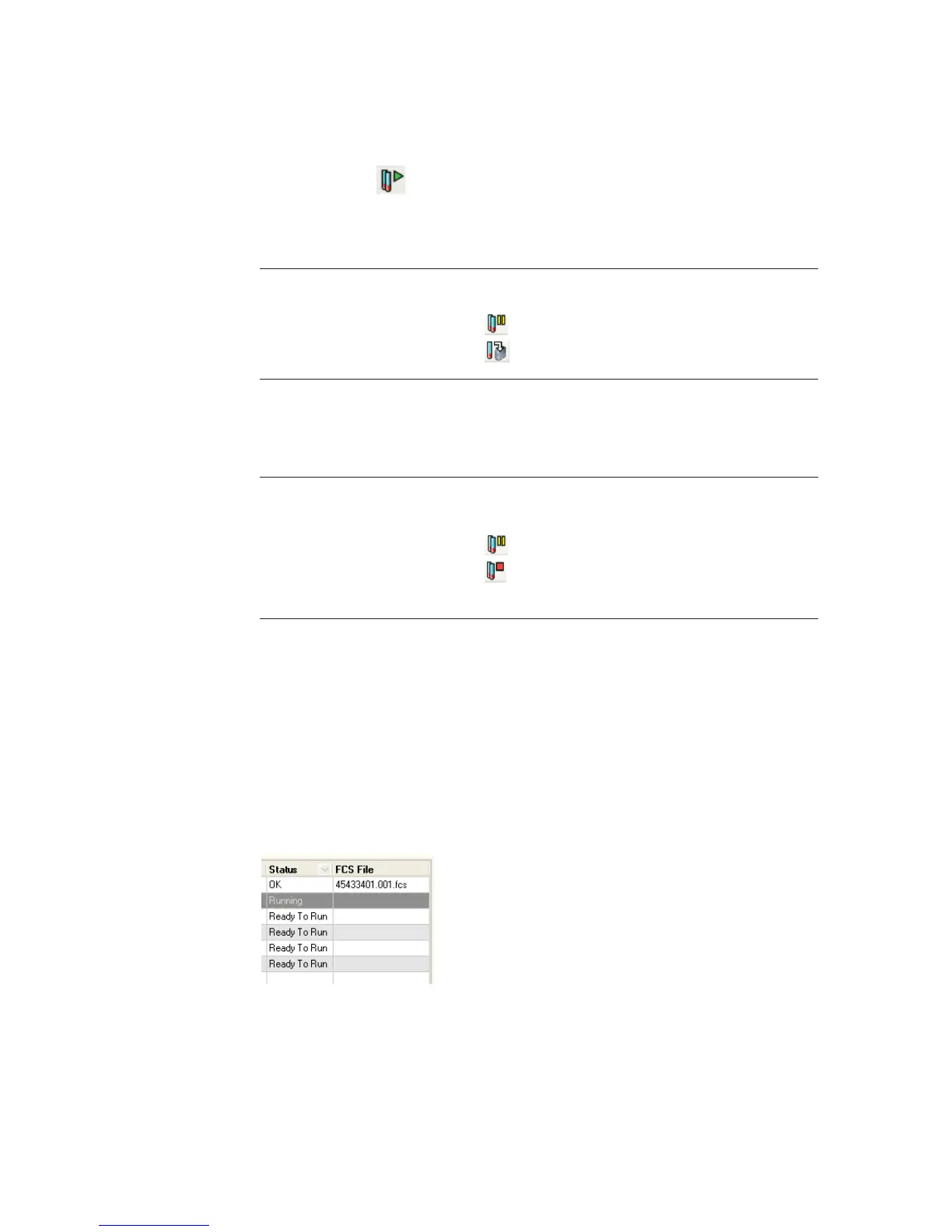
The Status and FCS File fields update as each sample is recorded.
Table 6-1 Options before recording
To... Do This Additional Information
Optimize detectors,
thresholds, or spectral
overlap
1 Click .
2
Click .
See page 100.
Change plot
parameters
1 Right-click on an
axis label.
2 Choose a different
parameter.
Proceed with
recording
Do nothing.
Stop recording data
for the worklist
1 Click .
2
Click .
If recording was in progress,
data for the current tube is
discarded and no FCS file is
saved.



 To Next Page