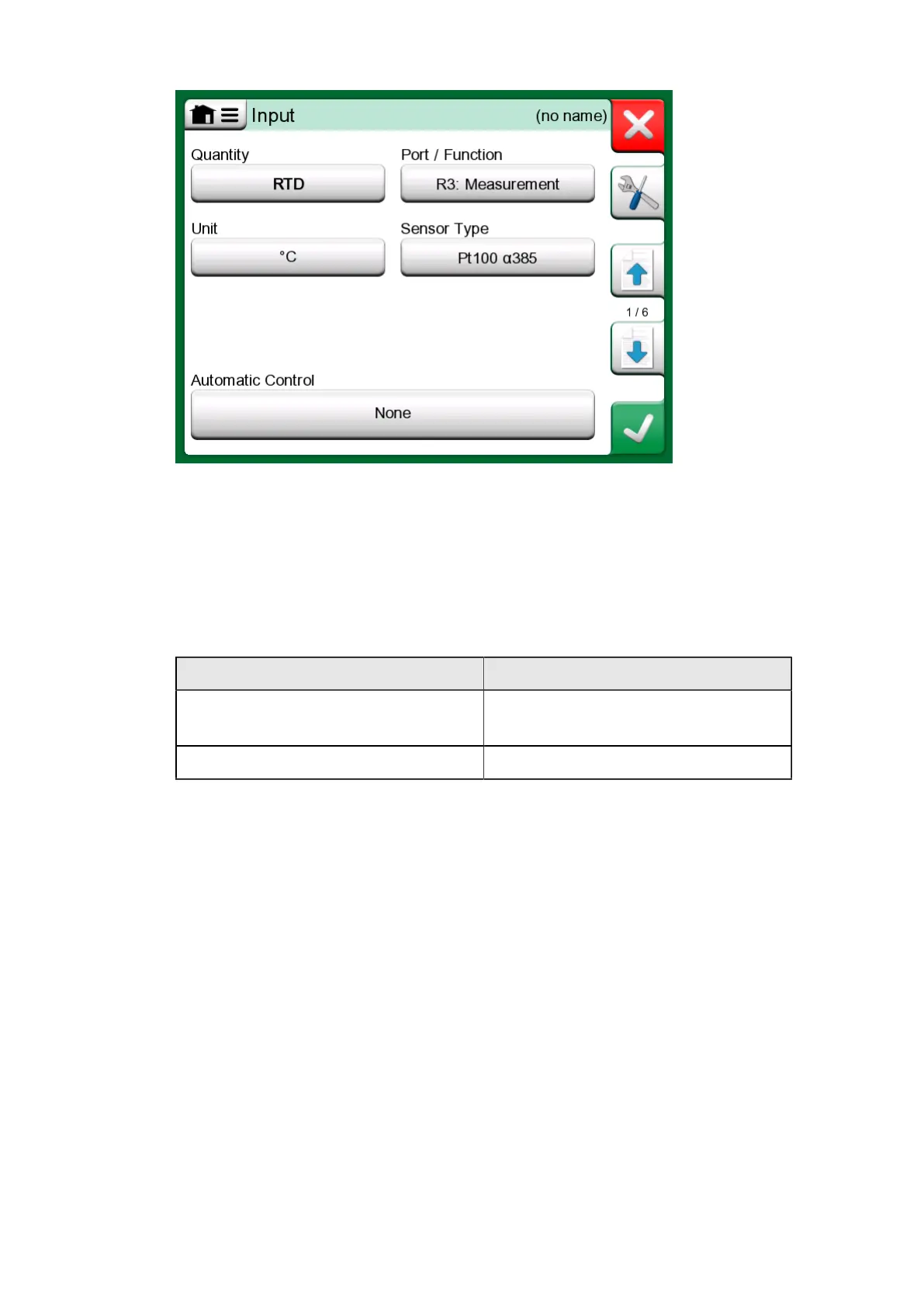
80 - Documenting Calibrator
Figure 66: Creating new instrument - configuration, page 1
Second page of the creating new instrument configuration data is Output
related. For most of the Quantities same parameters are available,
with couple of additional settings (see table Table 2: Additional Output
parameters).
Table 2: Additional Output parameters
Quantity Additional available settings
Switch Switch Type, Switch Sound, Trigger
Level
Keyed Display Type
Third page of the creating new instrument configuration data (Function)
allows to modify following parameters:
• Input Range - range of the Input, shown in Input Quantity related units
(e.g. Temperature - °C, Current - mA, etc.);
• Transfer Function - defines the relationship between instrument's input
and output (e.g. Linear, Square Root, etc.);
• Output Range - range of the Output, shown in Output Quantity related
units;
• Function name;



 To Next Page