Calibrating Instruments - 93
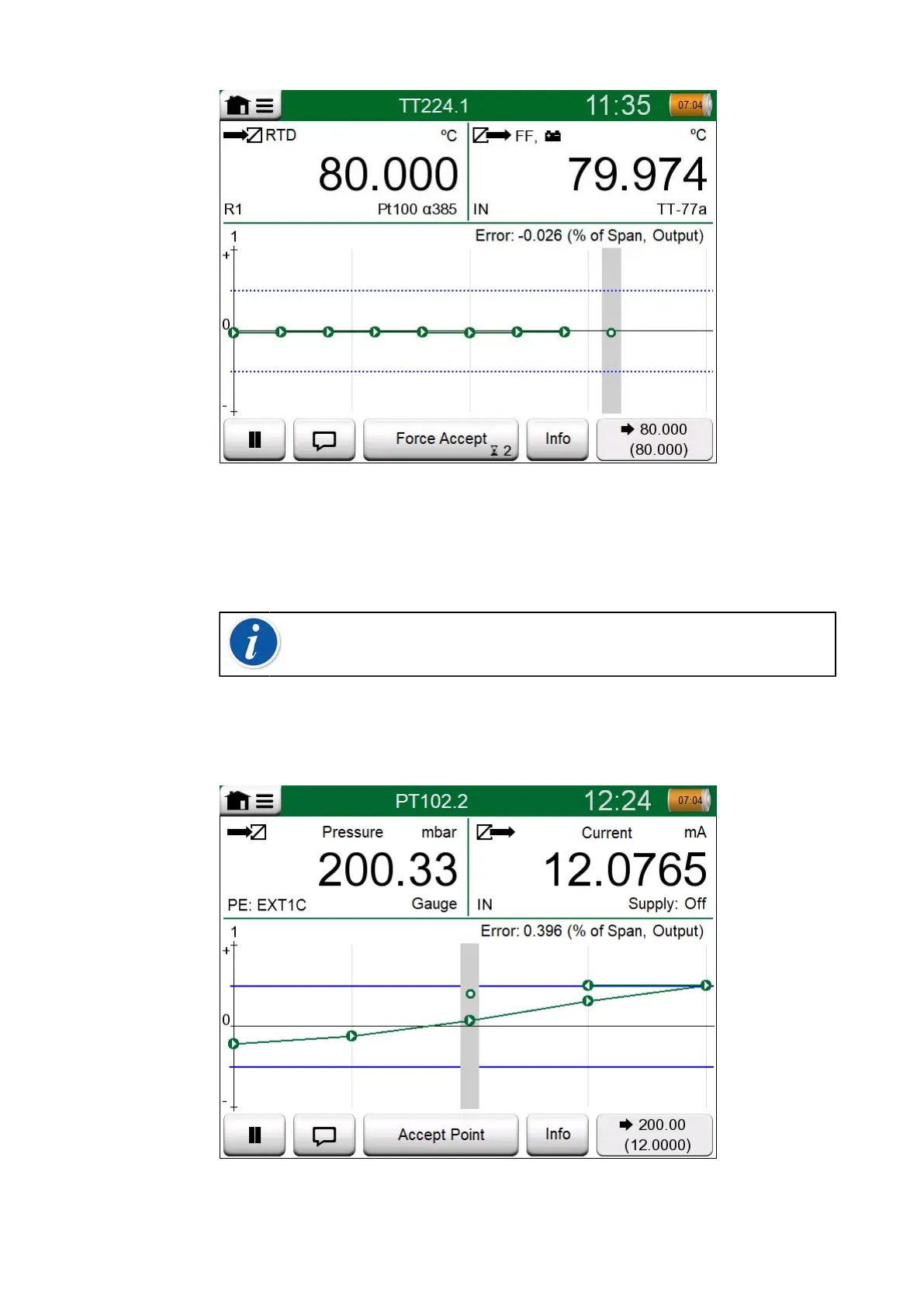
Figure 84: Calibration with Automatic Acceptance in use
Use the Force Accept button to manually accept points when, e.g. the
calibration does not advance because of an unstable input and/or output
signal.
Note: Opening the menu during calibration pauses the
calibration for as long as the menu is open.
When Automatic Acceptance is not in use, every calibration point must
be manually accepted by tapping the Accept Point button seen in the
Calibration window. See Figure 85: Calibration with manual acceptance.
Figure 85: Calibration with manual acceptance



 To Next Page