Safety instructions Operating instructions CS 300
3 - 2 6.110.98.5.01.40 en
3
WARNING Opening the device!
–
Opening the device must be carried out by trained and qualified Bi-
zerba personnel only.
Repair or service works on scanner!
–
Repairs or services to the optical scanner unit are only performed
by the responsible cash-desk or scanner supplier.
– Do not lift the scanner by the load carriers or by the weighing sys-
tem!
– For installing and deinstalling the scanner adhere to the installation
instructions of the scanner manufacturer.
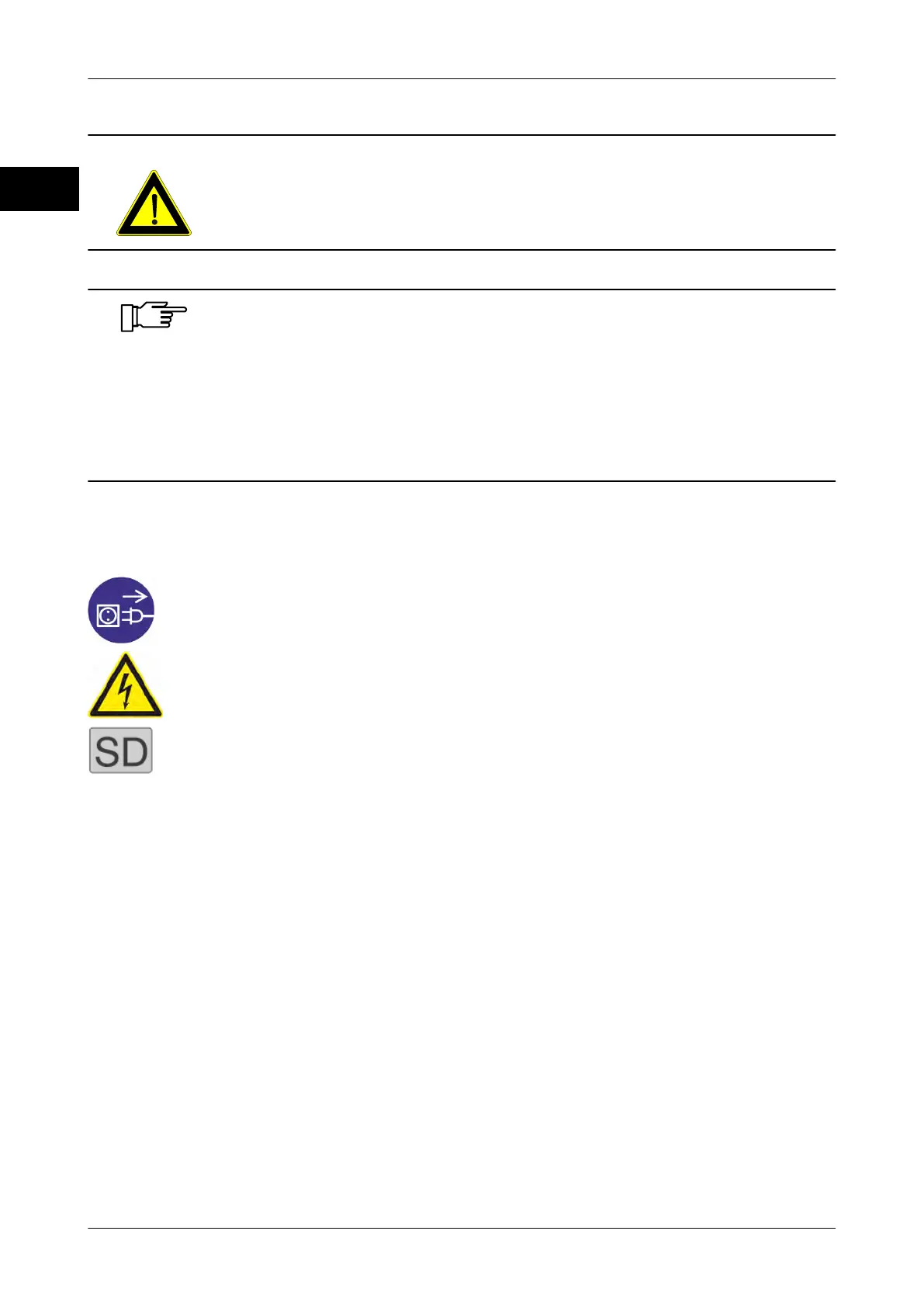
3.3 Plates on the device
Plate Description
Pull power plug before moving the machine.
Beware of hazardous electric charge.
SD adhesive mark. If you have acquired a license for the soft-
ware display, an SD adhesive mark comes with the software.
Attach adhesive mark next to the identification plate of the
weighing system.



 To Next Page