Operating instructions CS 300 Installation
6.110.98.5.01.40 en 4 - 31
4
SD Display weighing results
Screen
Requirement
–
The software module must be installed
on the POS system.
– A Bizerba scale must be connected to
the POS system.
– Remote keys for software display must
be connected to the scale.
Instead of a display, remote keys are
connected to the scale.
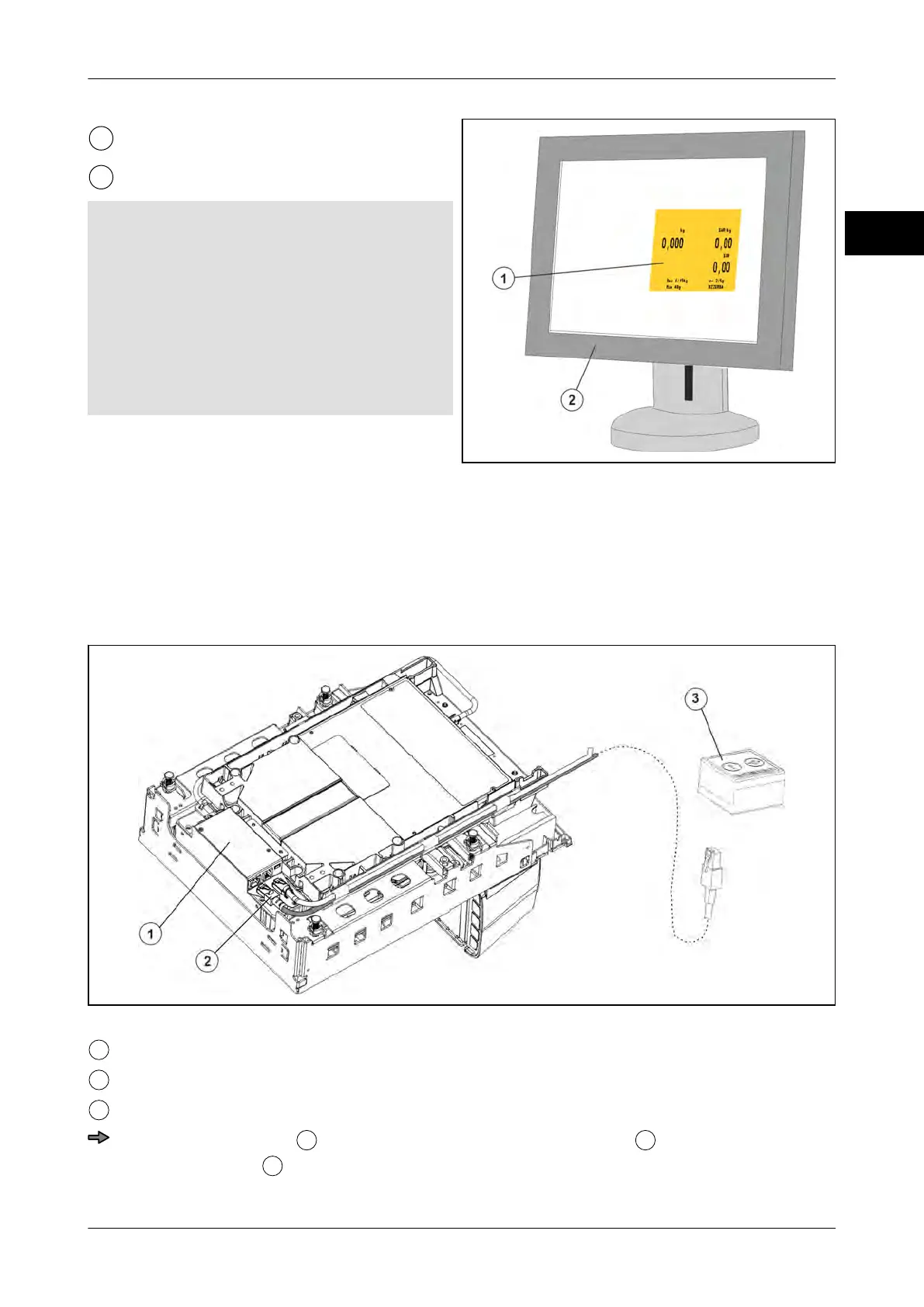
Fig. 53: Example of a POS system screen
Installing the software module
Install the software as described in the software installation instructions.
The software is installed correctly, if the valid software ID is displayed
, see page 5 - 4.
Connect remote keys
Fig. 54: Example of cable connectors for software display
Weighing system
Connector remote keys for software display
Remote keys <T> and <0>
Properly install cable
for the connection of the remote keys
and plug it into the
weighing system
.



 To Next Page