Programming Operating instructions CS 300
7 - 6 6.110.98.5.01.40 en
7
Select program number
Press <0> eight times.
Press <T> key.
The first digit starts flashing.
Menu setting
Press <T> key.
The second digit starts flashing.
Press key <0>.
Press <T> key.
7.4 Menu Pr 4--
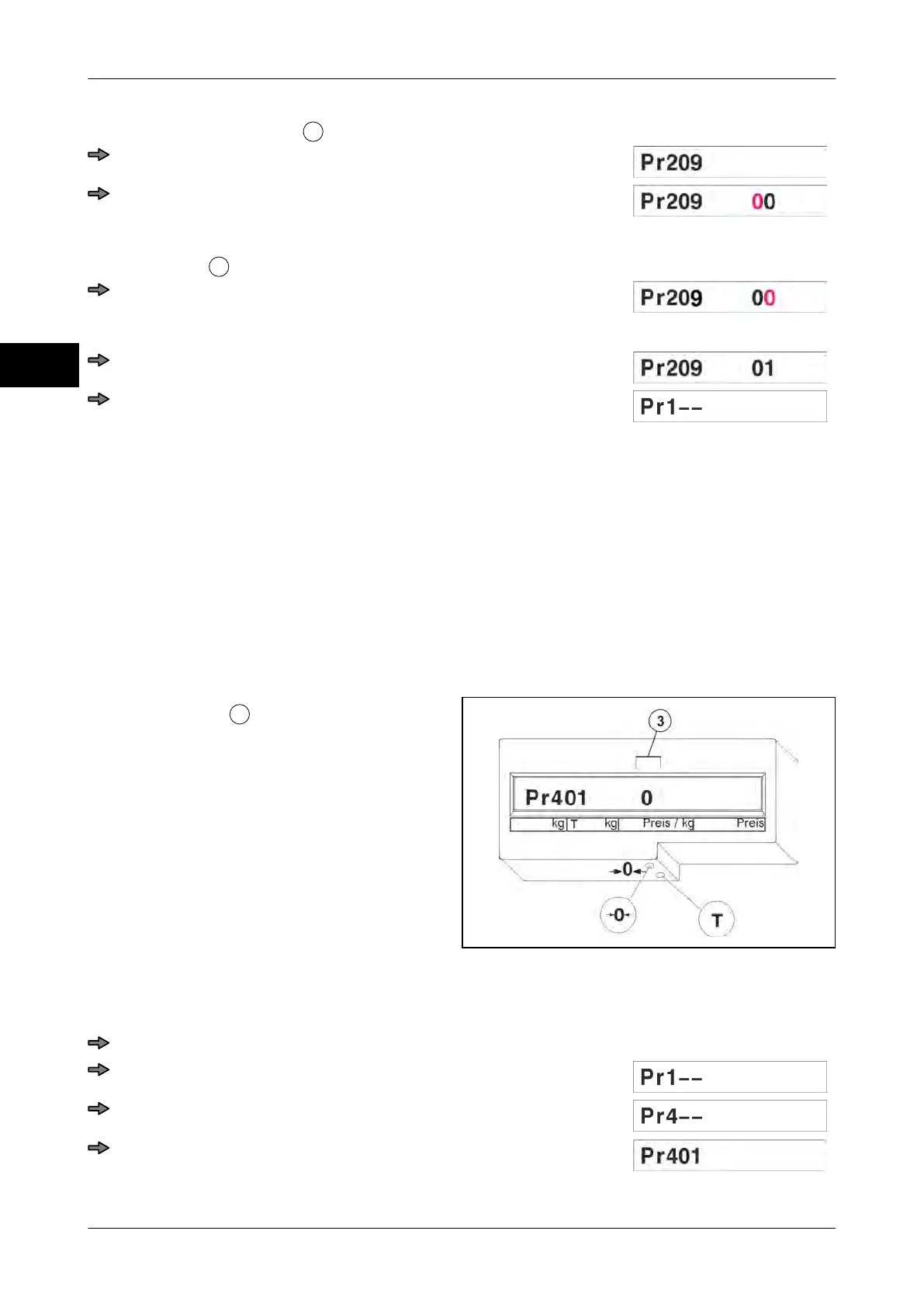
0-LED on scanner Pr 401
Set display type Pr 404
7.4.1 Pr 401 0-LED on the scanner
If the scanner has an 0-LED, this can be controlled.
The controlled 0-LED of the scanner starts flashing, if the scale is exactly on zero.
Setting options
:
0 = LED off with zero
1 = no control
2 = LED on with zero
Fig. 89: Pr 401 Standard
Example: Menu setting "1"
Selection of programming mode during display test
Press key <0> three times.
Press <T> key.
Press key <0> three times.
Press <T> key.



 To Next Page