Installation Operating instructions CS 300
4 - 34 6.110.98.5.01.40 en
4
Press key <T> twice.
The display test starts. The scales returns then to the normal weighing mode.
4.6.1 Overload stop MA 84
The overload limitation of the weighing system is factory-set by Bizerba. Due to factory-set
tolerances in the scanner the overload limitation may no longer meet the requirements.
The overload stop must only be set by trained and qualified personnel.
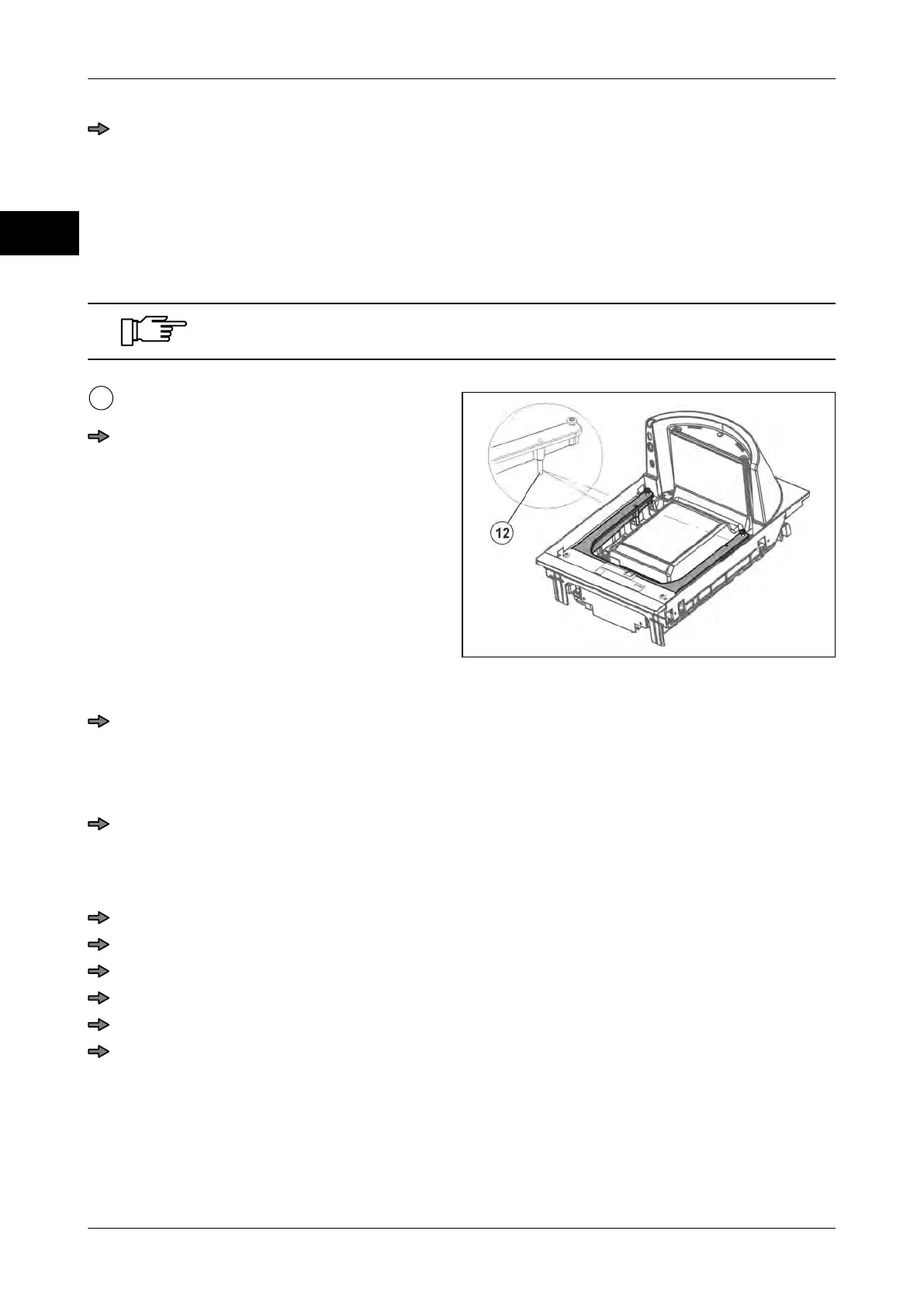
Fig. 57: Overload stop CS 300 MA 84
Place and align load platter.
Carefully set the overload stops. See
page 4 - 33
.
Overload stop screws
Place and align load platter.
There must be an uniform gap between the load platter and the lateral limitations of
the scanner housing.
The load platter must not get in contact with the lateral limitations of the scanner hous-
ing.
Correct deviations by taking appropriate measures, e.g. adjust weighing system.
Disassembling weighing system from scanner
The weighing system can be disassembled from the scanner without damaging the verifi-
cation seal.
Remove load platter.
Remove weighing system from scanner.
Unscrew adapter from weighing system
Unplug all cables.
Unscrew the four fastening screws of the weighing system.
Carefully take weighing system out of the scanner.
4.6.2 Overload stop MA 94
The overload limitation of the weighing system is factory-set by Bizerba. Due to factory-set
tolerances in the scanner the overload limitation may no longer meet the requirements.



 To Next Page