Installation Operating instructions CS 300
4 - 18 6.110.98.5.01.40 en
4
Correct, if need be, probable deviations accordingly, e.g. check counter cutout, adjust
weighing system etc.
Leveling
Fig. 30: Spirit level
Level the scanner
(weighing system)
by means of a spirit level
by adjust-
ing the POS counter
or adjusting the
foot screws
or any other possible
measure.
If the air bubble in the spirit level
is in
the center ,
as shown in the picture,
the scale is in horizontal position.
Reattach the load platter and check if
the scale is installed correctly.
Check the scale for freedom of move-
ment.
See page 4 - 4
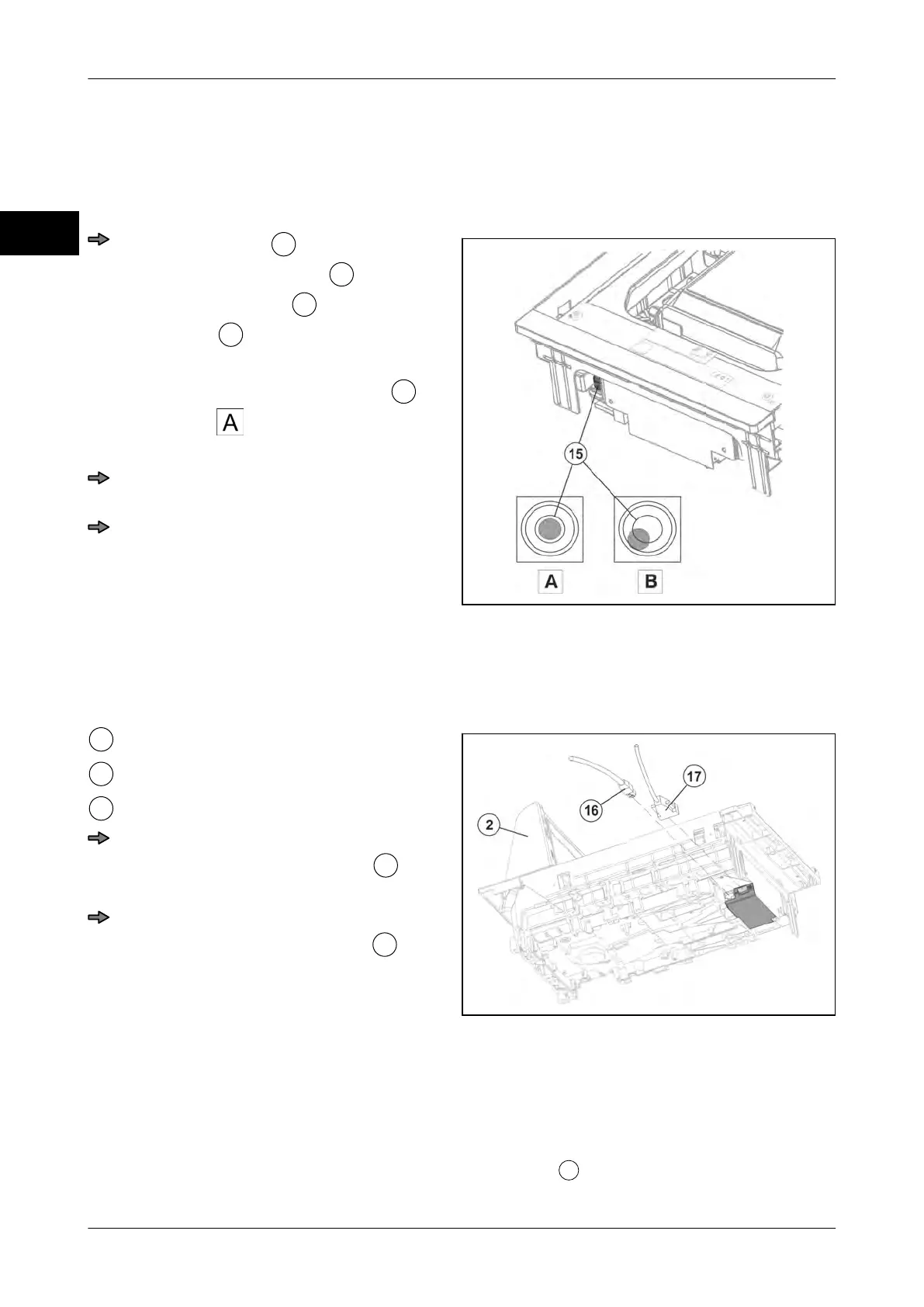
Connecting CS 300 MA 84
Lay and connect cables
Fig. 31: Connectors CS 300 MA 84.
Scanner
Display connector
POS connector
Route display cable properly and con-
nect it to the weighing system
(RJ-45 socket).
Route POS counter cable properly and
connect it to weighing system
(SUB-D socket).
4.5.5 CS 300 MA 94
The scanner is designed for mounting of weighing system. See instructions provided by
scanner manufacturer.
The cover plate of the scanner serves as the load platter
.



 To Next Page