Operating instructions CS 300 Programming
6.110.98.5.01.40 en 7 - 1
7
7 Programming
7.1 Key functions in programming mode
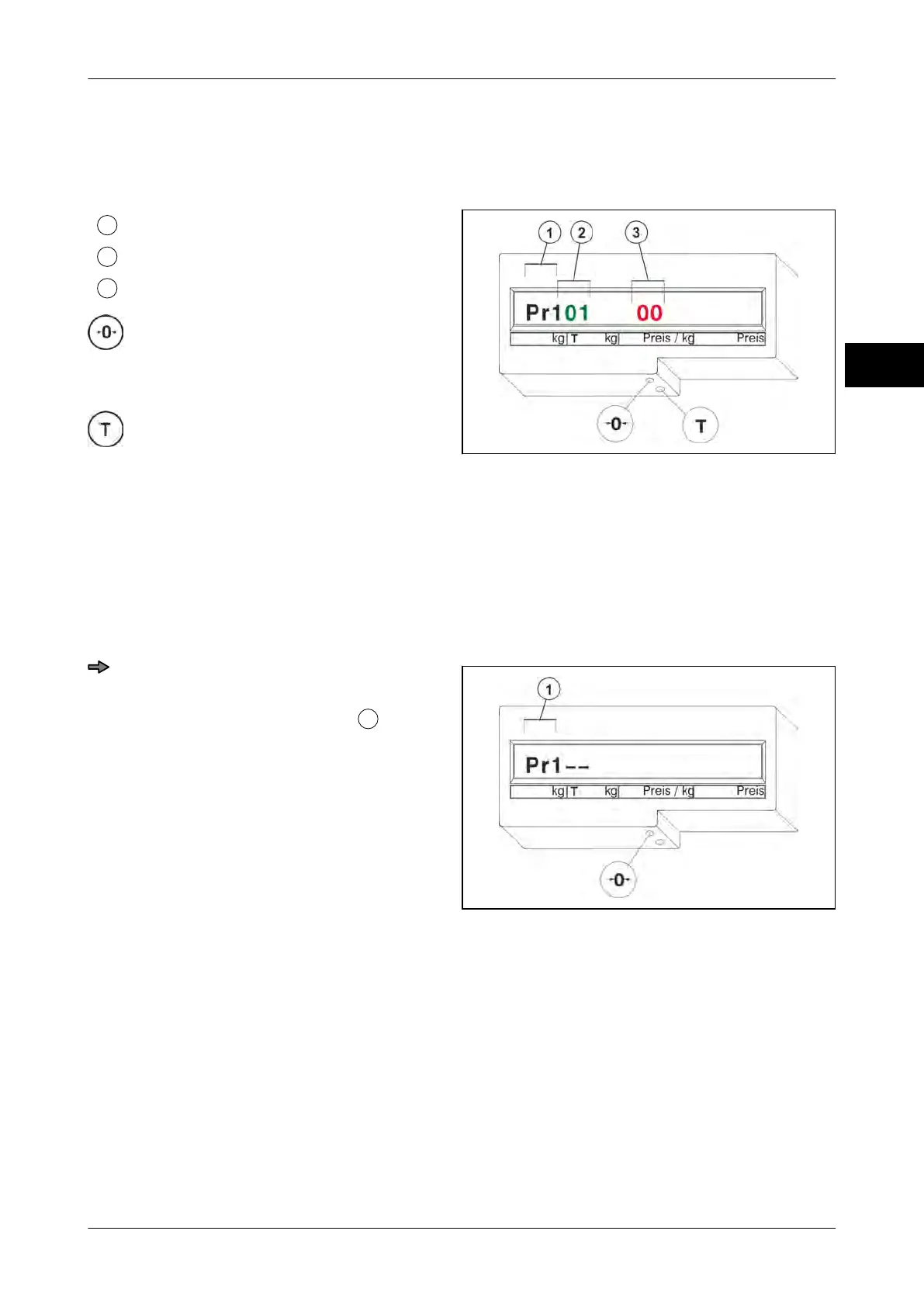
Menu
Program number
Menu setting
Key <0>
–
Select
(menu, program number, menu setting)
Key <T>
–
Confirm
(menu, program number, menu setting)
– 2x <T> = Restart of scale when "Pr1--"
appears in the display.
Fig. 83: Programming mode
7.2 Calling up a menu
The menu call-up is carried out during the display test.
Menu call-up
Fig. 84: Calling up a menu
Press key <0> three times and key <T>
once while display test is running.
The display indicates "Pr1--"
.
The scale is in programming mode.



 To Next Page