Device and operating controls Operating instructions CS 300
5 - 8 6.110.98.5.01.40 en
5
Zero setting of scale
1.
Touch weight field
for approx. 3-5 seconds.
Function disabled in self-service operation.
2.
If remote keys are connected or integrated in the scanner, press the key <T>.
3. Via the third-party software (API) to POSscale.
Declaration on the functions of the software can be found in the documentation of the
respective manufacturer.
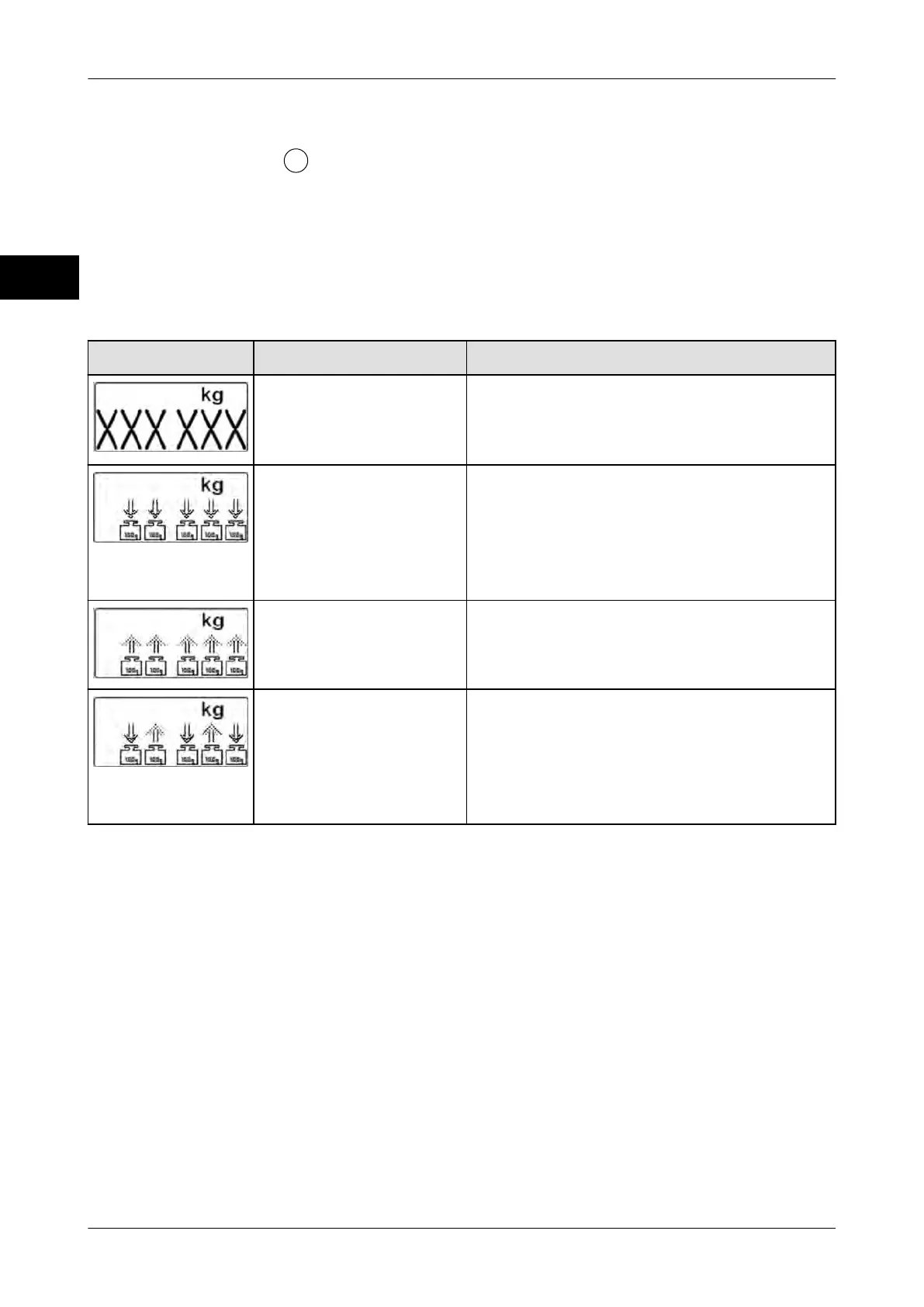
Troubleshooting
Fault Cause Elimination
A window of the appli-
cation software hides a
part of the weighing dis-
play.
Window must be placed outside weighing
display.
Scale in underload
range below zero point.
Fit load platter correctly.
Remove objects positioned against the
load platter.
Remove objects from beneath load platter.
Set scale to zero.
Scale in overload range
above maximum load.
Remove objects from load platter.
Level scale.
Switch device on/off.
Scale in motion during
start-up.
Clean load platter, position correctly and
remove objects
Level scale.
Switch device on/off.
Change the location of the scale.
5.5 MA 98 and MA 94 with ScaleSentry
ScaleSentry prevents incorrect positioning of fruit and vegetables on the load platter and
thus weighing losses.



 To Next Page