Installation Operating instructions CS 300
4 - 26 6.110.98.5.01.40 en
4
Fasten the self-adhesive cable holder
at the scanner housing.
Properly route the cash register cable
.
Fasten the cash register cable
with cable holders
.
Connect the cash register cable to the weighing system
(D SUB connector).
Properly route the display cable
.
Fasten the display cable
with the cable holders
.
Connect the display cable
to the weighing system
(RJ45 socket).
4.5.6 CS 300 MA 98
Mounting the weighing system CS 300 MA 98
The scanner must not be connected.
–
Unplug scanner.
– Please observe the scanner operating instructions .
CAUTION Incorrect use of weighing system!
Damage of weighing system.
–
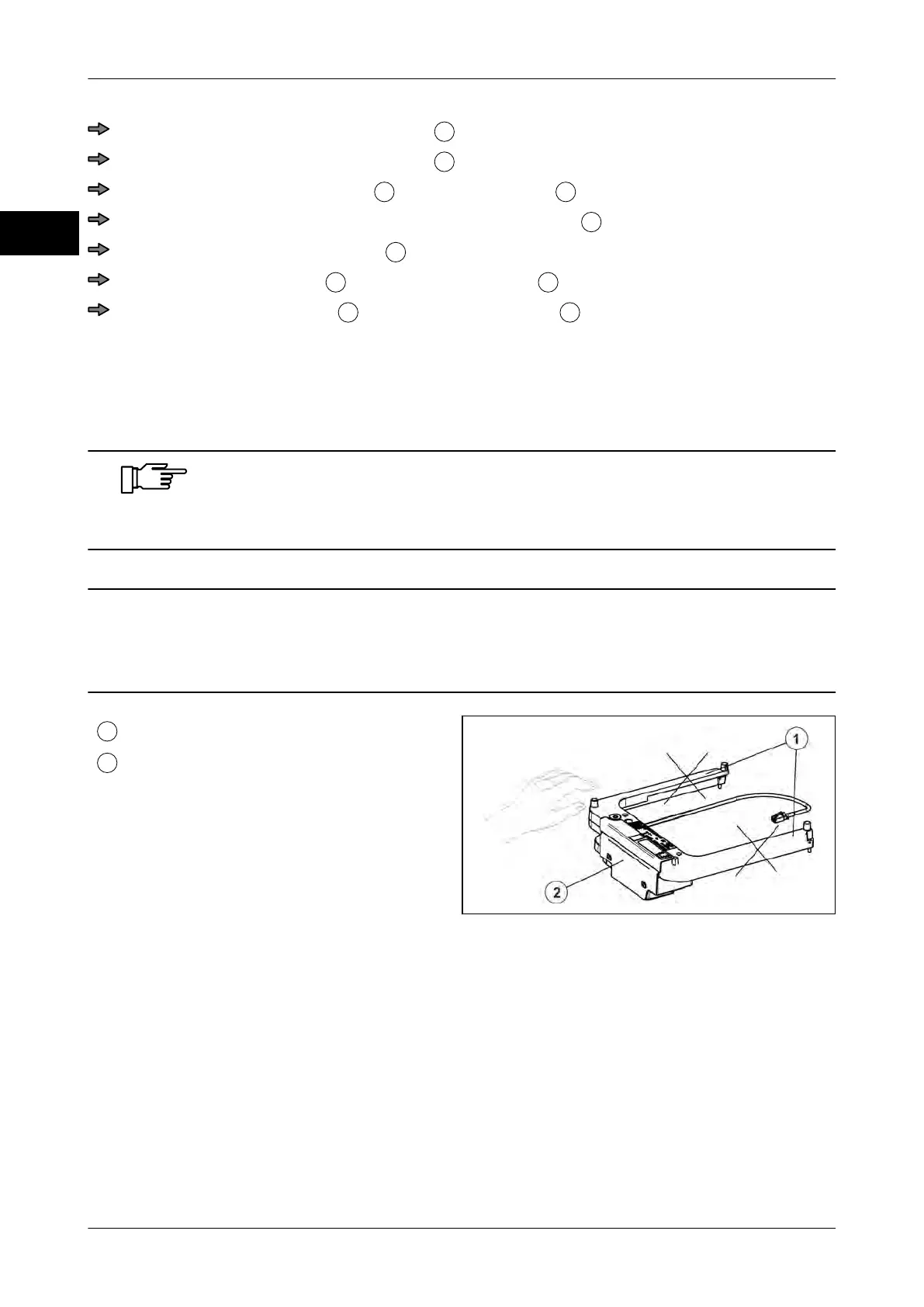
Do not lift the weighing system at the load arms.
Load arms
Weighing system
Fig. 45: Load arms
Bizerba products are subject to constant further development and various country-specific
regulations.
In order to guarantee that the weighing system is still conform with these regulations after
installation into scanner and complete scanner scale into POS counter, the points descri-
bed in these installation and assembly instructions must be absolutely adhered to.



 To Next Page