Programming Operating instructions CS 300
7 - 8 6.110.98.5.01.40 en
7
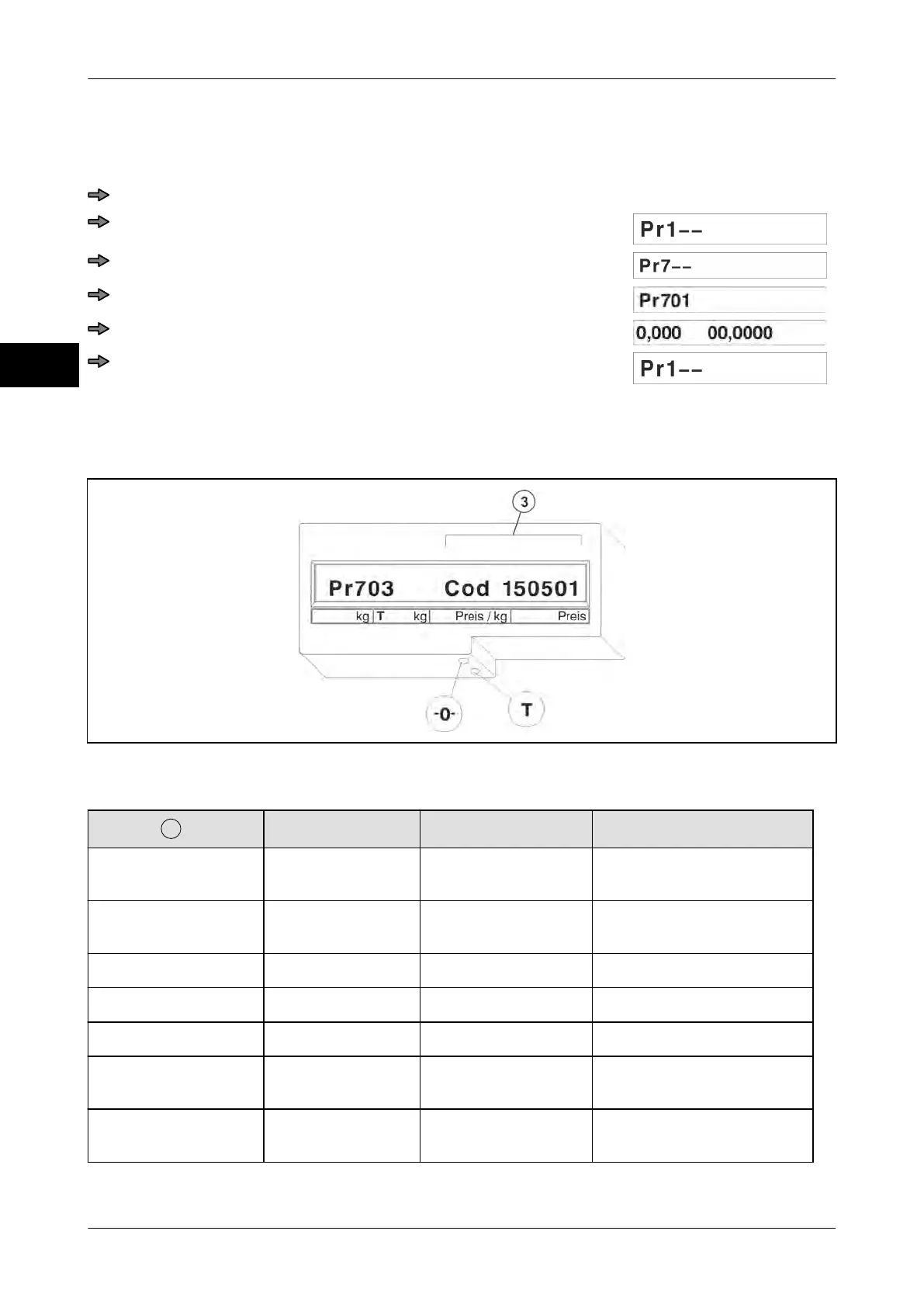
7.5.1 Pr 701 Switching the fine resolution display on
Use the fine resolution display to make settings on the scale (e.g. overload limitation).
Press key <0> three times.
Press <T> key.
Press key <0> six times.
Press <T> key.
Press <T> key.
Press <T> key.
7.5.2 Pr 703 Display load cell type
The display in Pr 703 is used only for control. No entries possible.
Fig. 90: Pr 703
Display possibilities:
Display
Load cell types Load capacity Interval
Cod 060201 WS12; WS18;
WS22; WS36
6 kg 2 g
Cod 060202 WS12; WS18;
WS22
3/6 kg 1/2 g
Cod 060203 WS12 3/6 kg 1/2 g
Cod 060101 WS12; WS18 6 kg 1 g
Cod 150201 WS18; WS36 15 kg 2 g
Cod 150501 WS18; WS22;
WS36
15 kg 5 g
Cod 150502 WS18; WP 18;
WS22; WS36
6/15 kg 2/5 g



 To Next Page