Programming Operating instructions CS 300
7 - 2 6.110.98.5.01.40 en
7
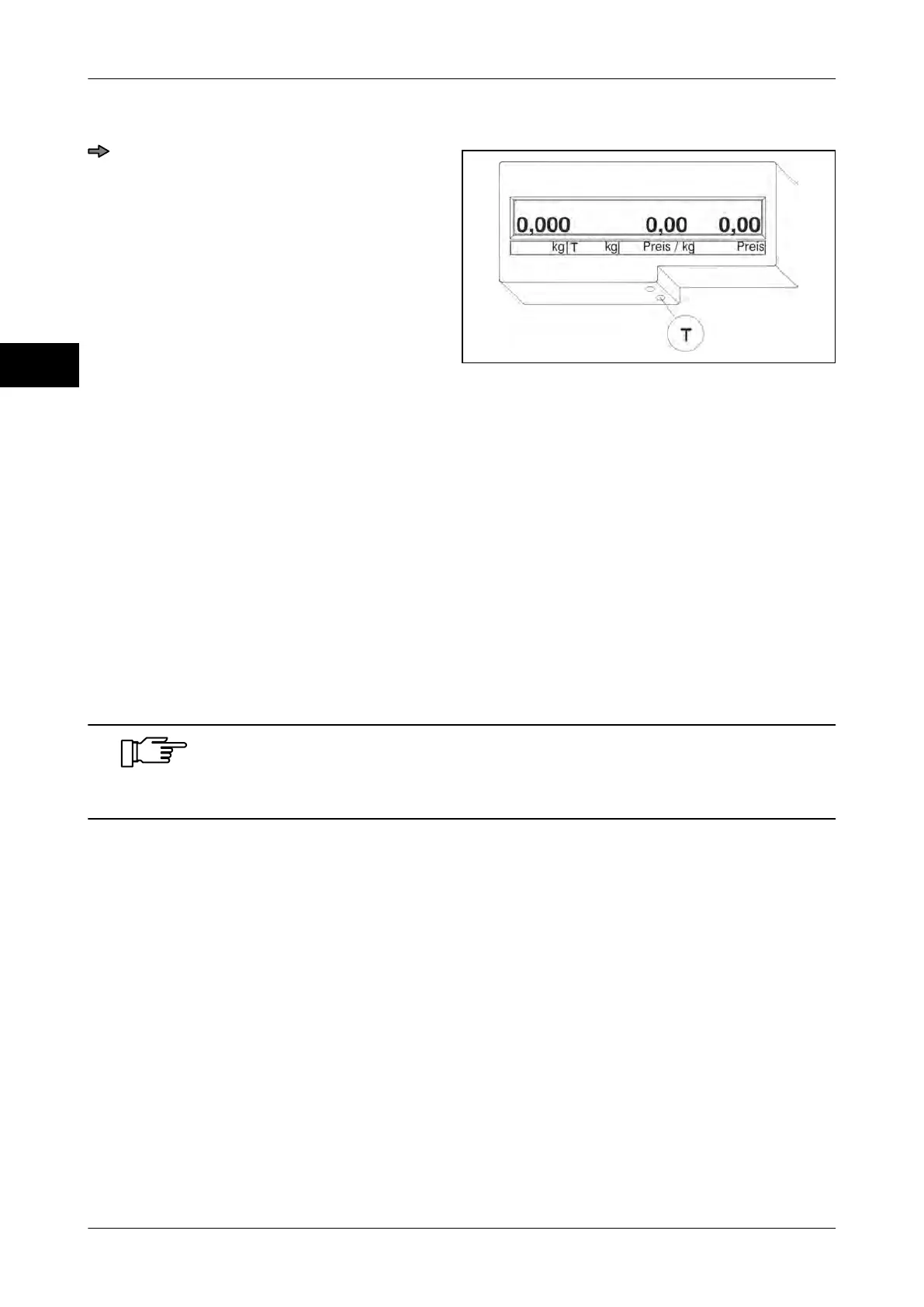
Exit menu
Fig. 85: Exit menu
Press <T> twice while "Pr1--" appears
on the display.
The scale runs a display test.
The scales returns to the weighing mode.
7.3 Menu Pr2--
Checkout dialog Pr 201
Switching between POS / scale display on 1/4 VGA
display
Pr 204
Active zeropoint monitoring Pr 206
Tare function Pr 209
7.3.1 Pr 201 Checkout dialog
This setting must be made in order to ensure that the CS functions
properly in conjunction with the POS.
As a standard menu setting "06" is already set.



 To Next Page