Operation Operating instructions CS 300
6 - 4 6.110.98.5.01.40 en
6
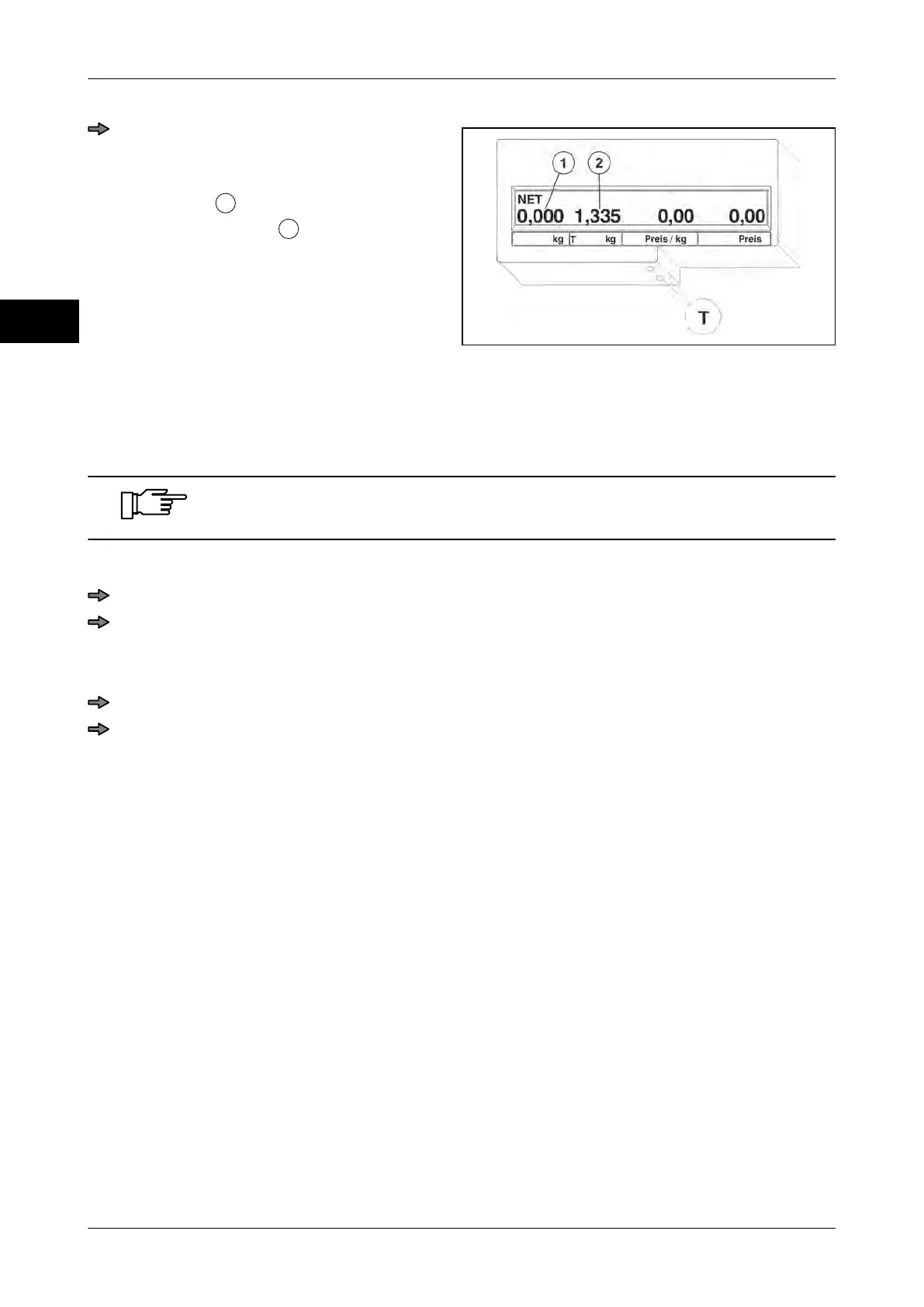
Fig. 82: Batch tare
Press the <T> key.
The article weight and the weight of the
empty container are added to the new
tare weight
.
The weight display
indicates zero.
For scales with weighing ranges up to 10 kg, you can tare the entire weighing range.
6.4.3 Deleting tare
Tare deletion depends on the menu setting made in Pr 209, see page
7 - 5
1 Manual
Unload scale.
Press the <T> key.
The display indicates zero.
2. Automatic
Record the article.
Unload scale.
The display indicates zero. The unit price is also deleted.



 To Next Page