Operating instructions CS 300 Programming
6.110.98.5.01.40 en 7 - 7
7
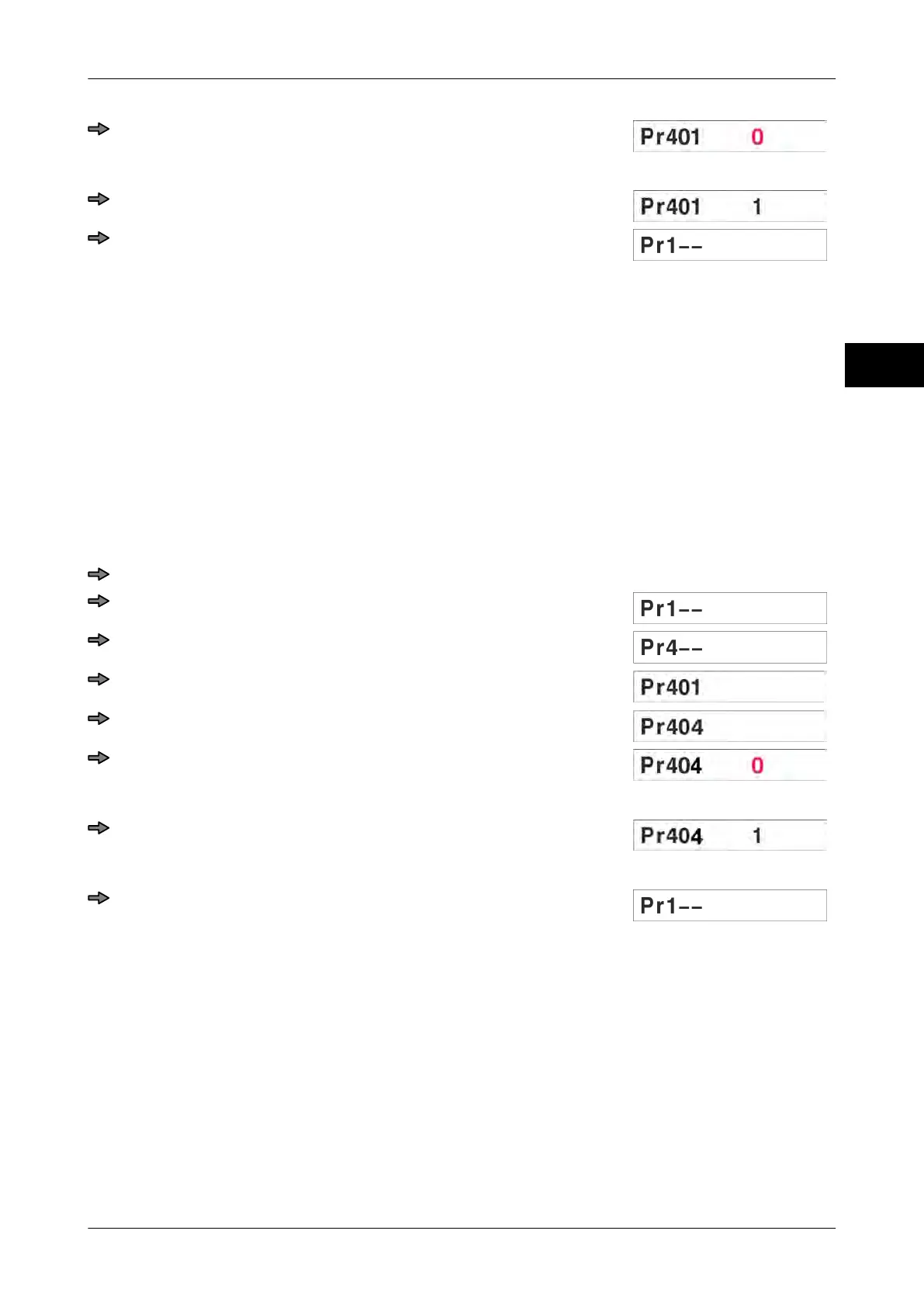
Press <T> key.
The digit starts flashing.
Press key <0>.
Press <T> key.
7.4.2 Pr 404 Setting display type
Setting options:
0 = Setting according to program number
1 = P/W display (standard Bizerba display with green display)
3 = IBM display
4 = AV display (Arc Vision)
5 = WS display
6 = P/W display (orange Bizerba standard display)
Selection of programming mode during display test
Press key <0> three times.
Press <T> key.
Press key <0> three times.
Press <T> key.
Press key <0> three times.
Press <T> key.
The digit starts flashing.
Press key <0>.
By pressing key <0> the respective number is increased by 1
Press <T> key.
The setting is saved.
7.5 Menu Pr 7--
Switching the fine resolution display on Pr 701
Display load cell type Pr 703
Logbook monitoring Pr 705



 To Next Page