Installation Operating instructions CS 300
4 - 32 6.110.98.5.01.40 en
4
Connect the cable
to the remote keys
.
License for software display
If you have aquired a license for the software display, an SD adhesive
stamp comes with the software.
The software must be installed on the POS system.
Attach SD adhesive mark to scale which is connected to this POS sys-
tem.
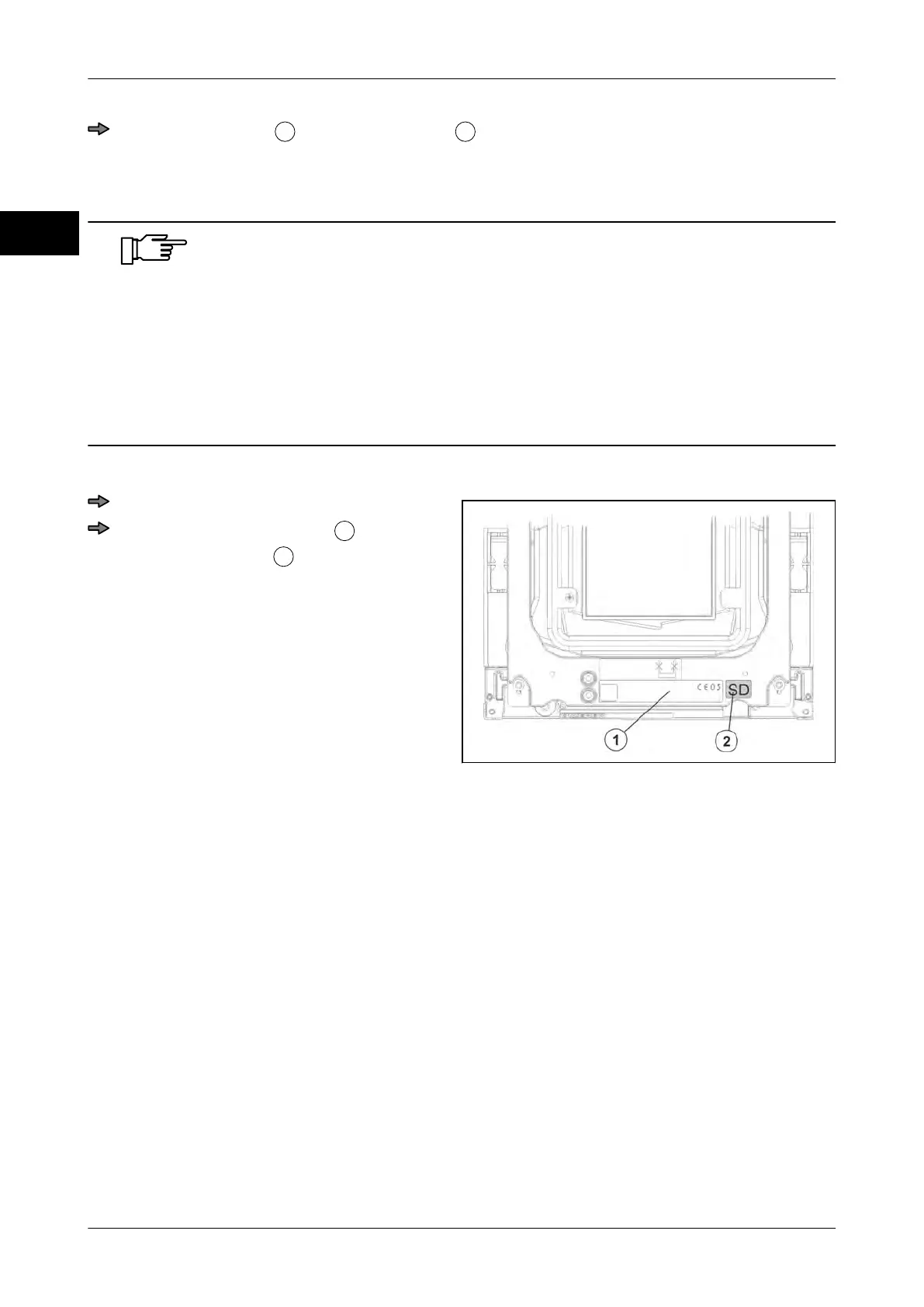
Always attach the SD adhesive mark next to identification plate. The
identification plate is attached to the weighing system under the load
platter.
SD adhesive mark next to identification plate
Fig. 55: Example, top view
Remove load platter.
Attach SD adhesive mark
next to
identification plate
.



 To Next Page