Programming Operating instructions CS 300
7 - 4 6.110.98.5.01.40 en
7
Setting options
:
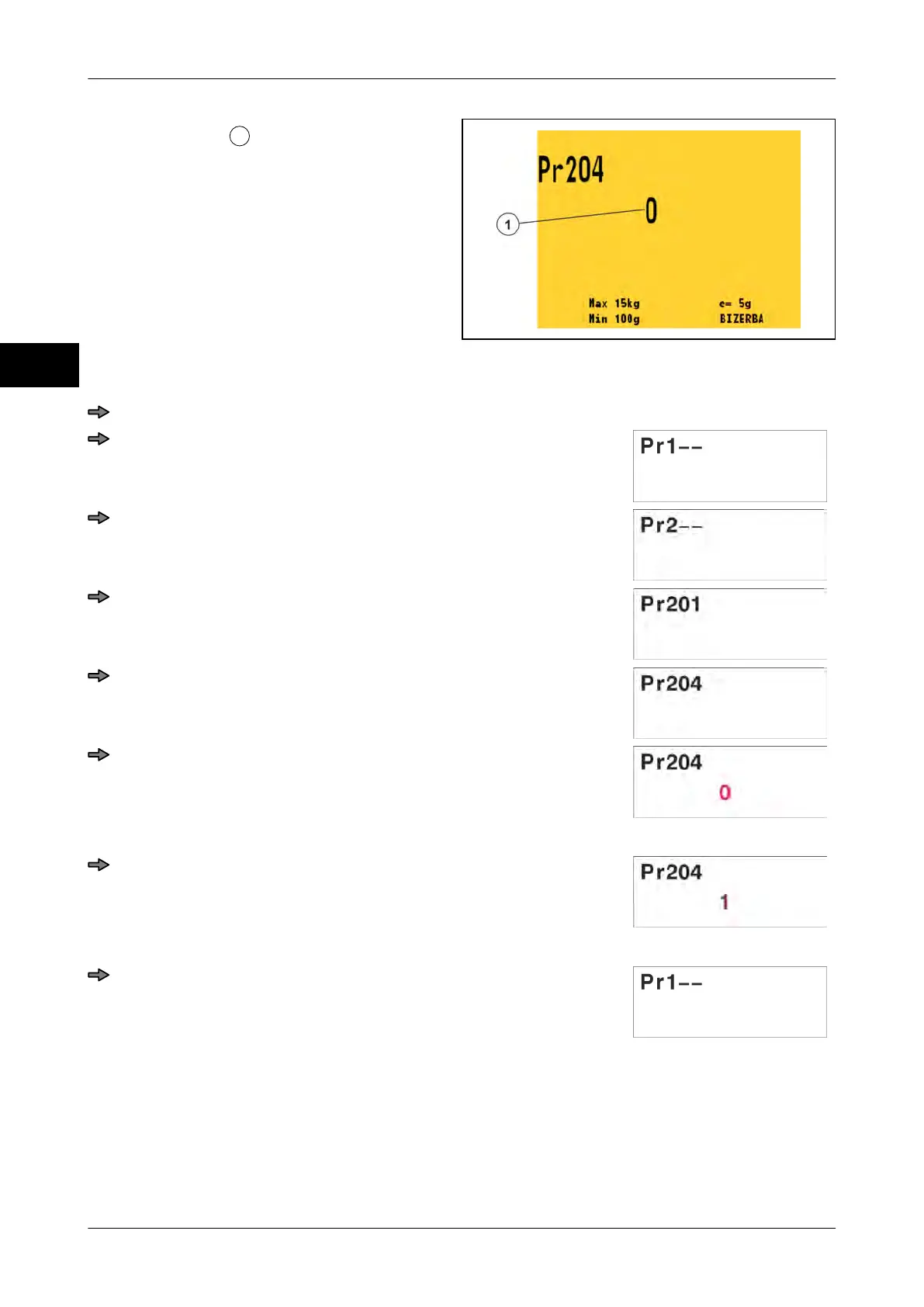
0 = Only after motion on scale, the scale
display switches to the POS display.
1 = After approx. 2 seconds the scale dis-
play switches to the POS display.
Fig. 87: Pr 204 Standard
Example: Menu setting "1":
Press key <0> three times.
Press <T> key.
Press <0> key.
Press <T> key.
Press key <0> three times.
Press <T> key.
The digit starts flashing.
Press <0> key.
The digit starts flashing.
Press <T> key.
7.3.3 Pr 206 Active zeropoint monitoring
If the scale is not set to zero, a message occurs on the display approx. every 3 minutes to
zeroset the scale.
Setting possibilities:



 To Next Page