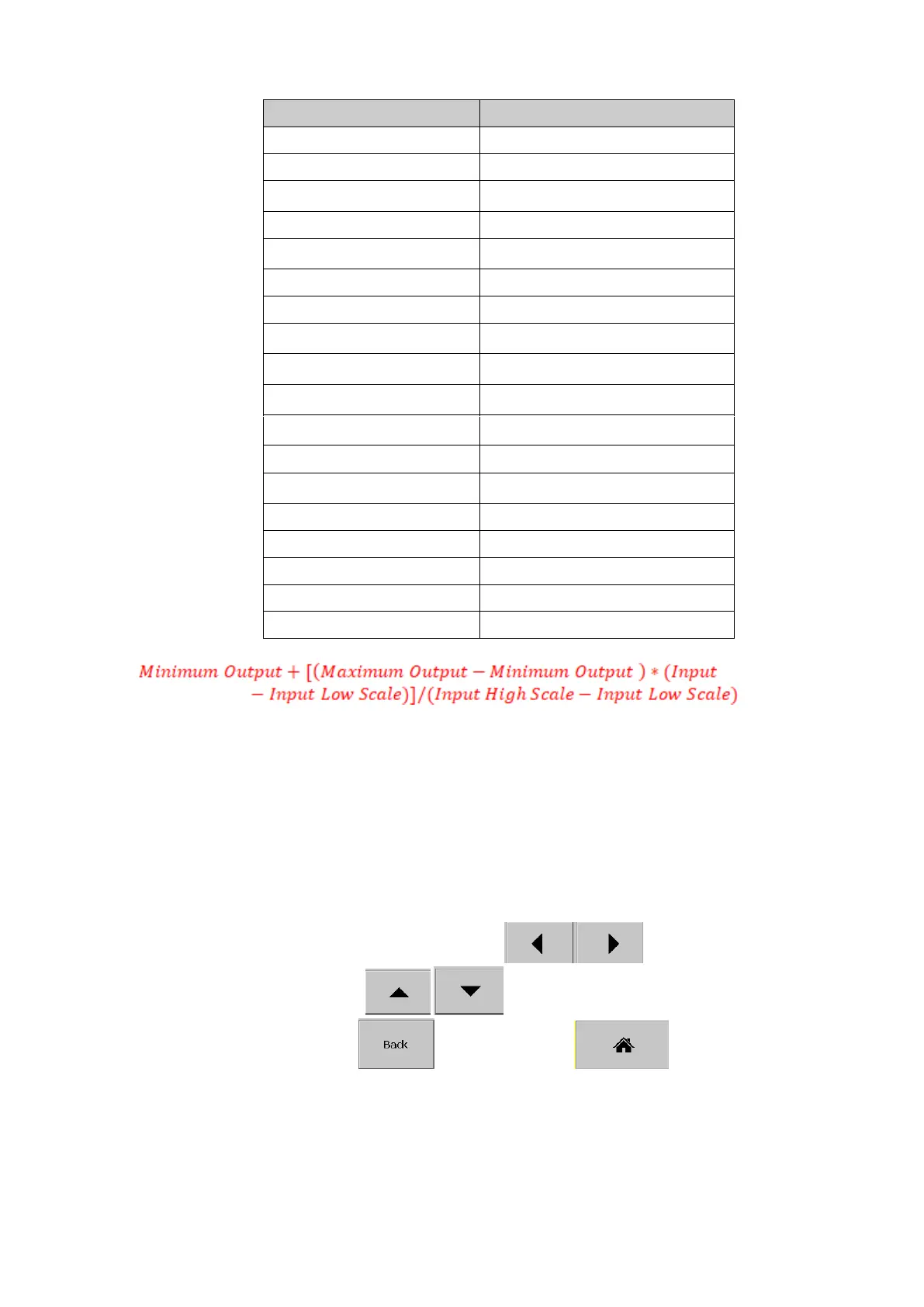
The analog output expression should follow the below syntax for the expression.
For example AO1 is required to retransmit current output 4 to 20mA corresponds to AI1
scaled with -120°C to 1000°C should have the expression as below.
4+ (20-4)*(AI1-(-120)) / (1000-(-120))
5.1.4.5 Modbus
The scaling of the channel value in Modbus communication.
5.1.5 Digital Output
After entering the Configuration menu, in the Channel, select DO then Press the “Enter” soft key
to get into DO Channel configuration menu. . It displays the DO channel DO1 as the first DO channel
configuration page. Press directional navigation keys at the bottom to select other
channels. Press directional keys on the right hand side to select the column. After
completing Configuration, press soft key, then press soft key to return to main
display. All configurations will be saved automatically.



 To Next Page