Page 302 of 479
the control.
6.3.5.4 View
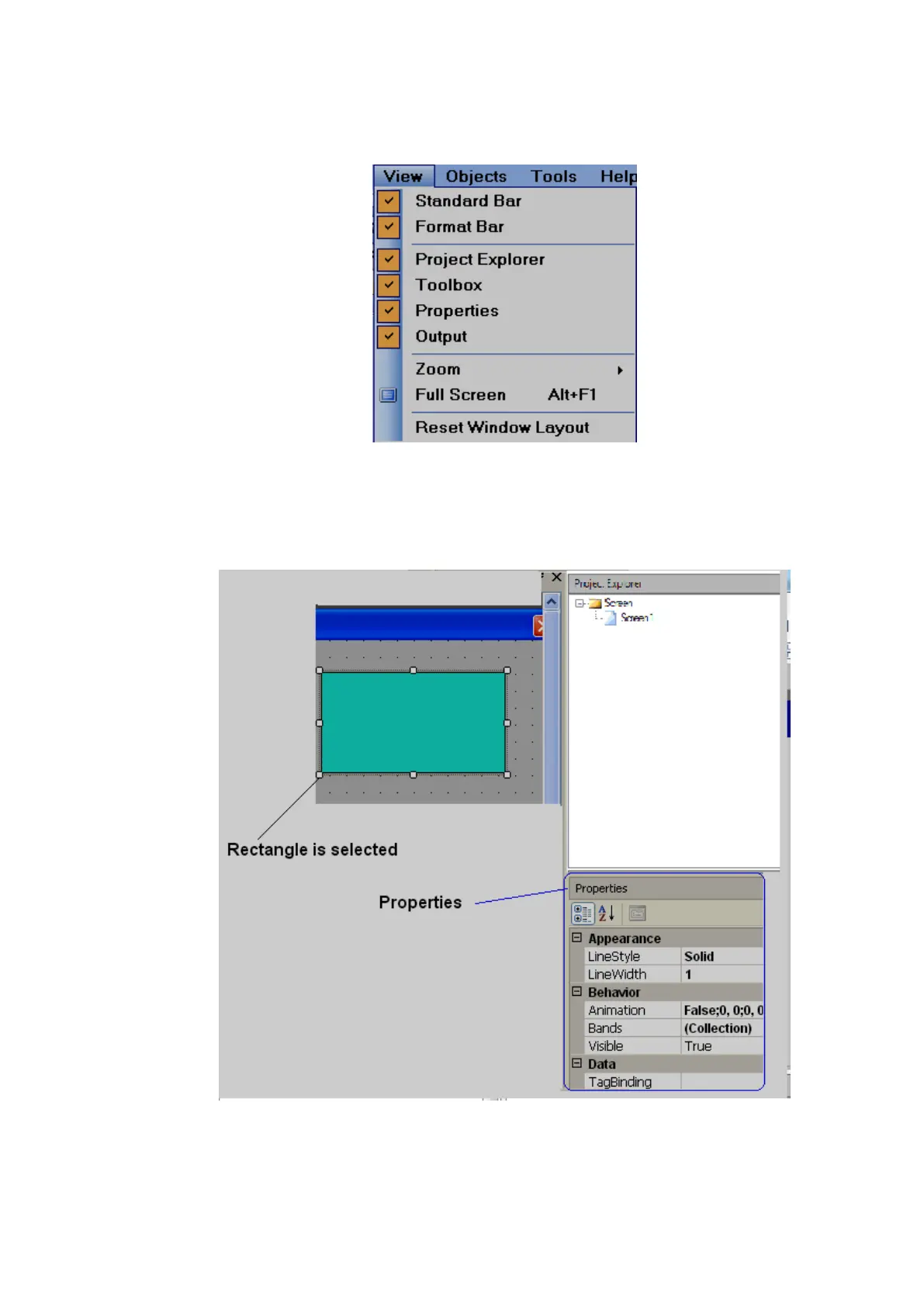
Select the required items to view in window layout.
1. Properties
If “properties” is checked as shown above, in the right side bottom of screen layout, the
properties box will appear showing all the properties for the component/object that is selected.
In above example, a rectangle is drawn, and once it is selected, the right side bottom corner will
show all the properties for this specific rectangle if “properties” is checked in the View dropdown menu. It is
possible to modify properties of the rectangle from property grid. Alternatively, if you double click on the
rectangle, you will see a pop-up window where you can edit properties.



 To Next Page