Page 164 of 479
16. 2 hour/page (Circular Mode only)
17. 4 hour/page (Circular Mode only)
18. 8 hour/page (Circular Mode only)
19. 12 hour/page (Circular Mode only)
20. 1 day/page (Circular Mode only)
21. 2 day/page (Circular Mode only)
22. 1 week/page (Circular Mode only)
23. 2 week/page (Circular Mode only)
24. 4 week/page (Circular Mode only)
25. 1 hour/dot
26. 2 hour/dot
5.4.4 Direction
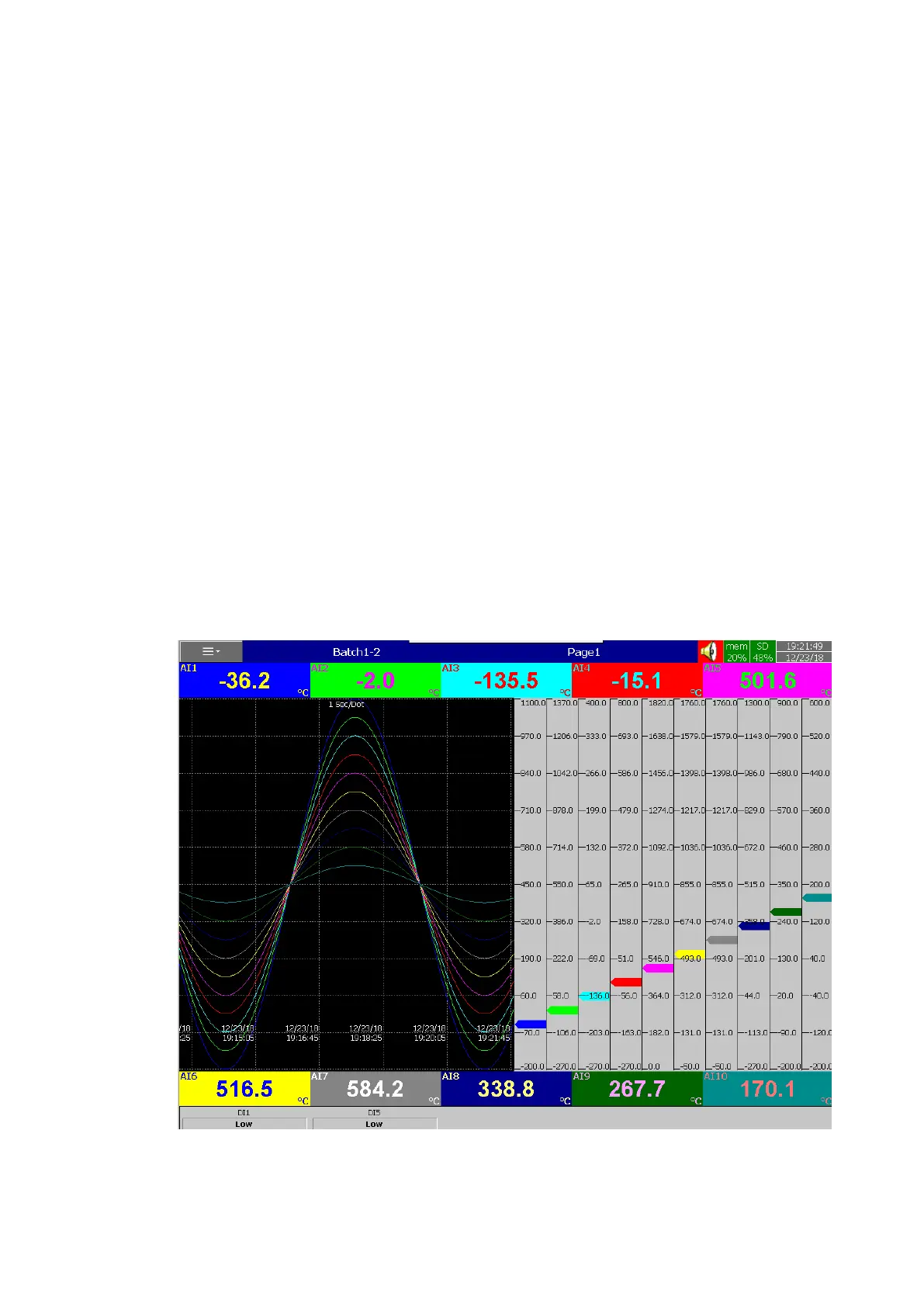
Sets the trend direction to be horizontal or vertical.
5.4.5 Background
Sets the background colour of Trend to black or white
5.4.6 Print Enable
This will enable or disable the data of the configured pen on this page in print Historical data
and output historical data jobs.
5.4.7 Trend Graph Scale
The trend scale of the pens to be enabled or disabled in the display page.
5-16 Trend Scale



 To Next Page