Page 76 of 479
5. CONFIGURATION
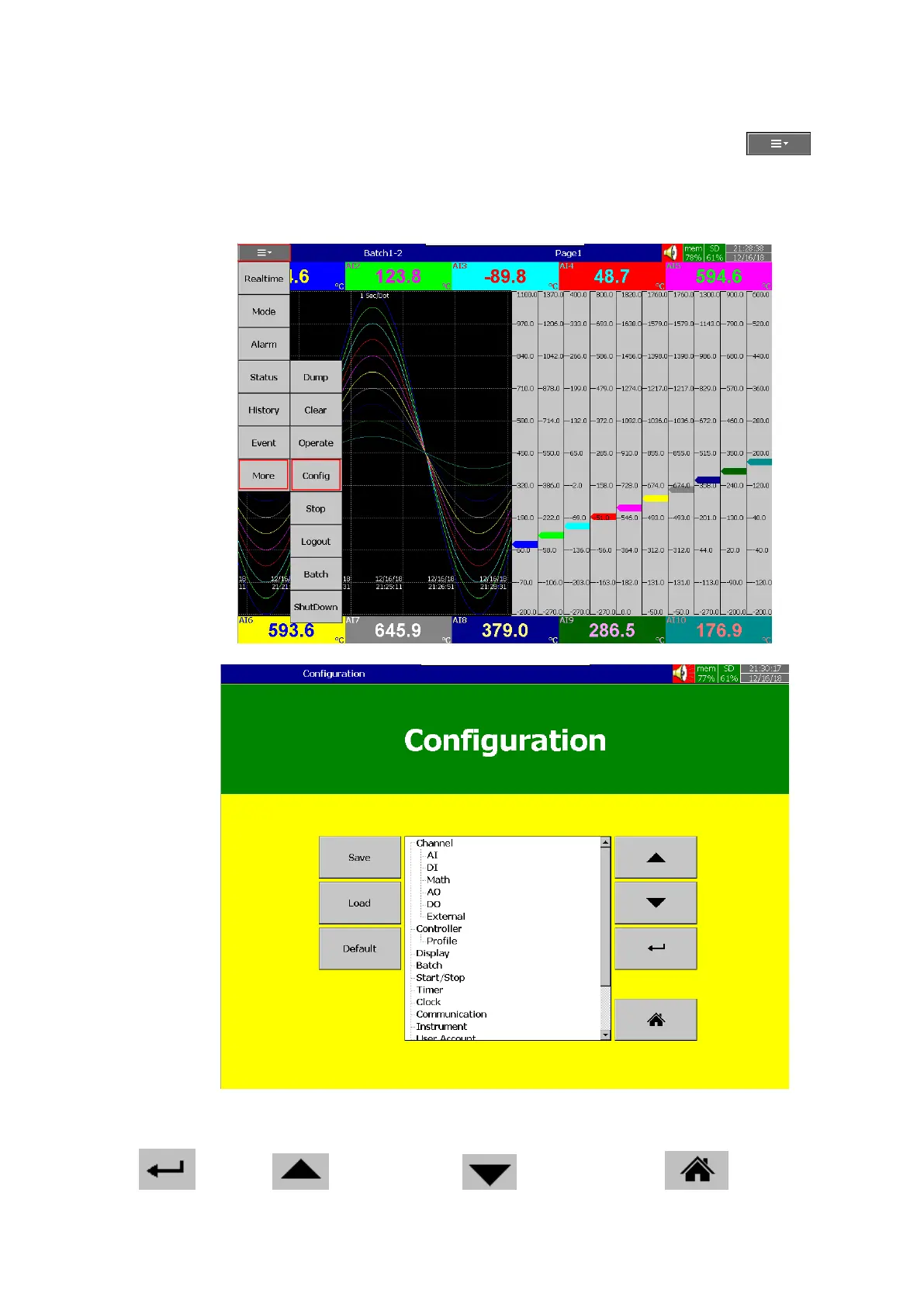
This section will explains about the procedure to configure the recorder. Press (Menu),
then More and then Config soft key to enter Configuration mode. A tree type layout appears with a
provision to configure Channel, Tools, Message, Display, Instrument, Security, Auto-Output, Demo, and
system Information. In addition, the Save, Load, Default and Home soft buttons also appear.
There are four soft keys are available in the configuration page for the menu navigation. They
are as below.
Enter key Up directional key Down directional key Home key



 To Next Page