EasyManua.ls Logo

Brainchild PR10 - Sample Configuration of Printer

Brainchild PR10
479 pages
Print Icon
To Next Page IconTo Next Page
To Previous Page IconTo Previous Page
Loading...
Page 199 of 479
5.13.9 Sample Configuration of Printer
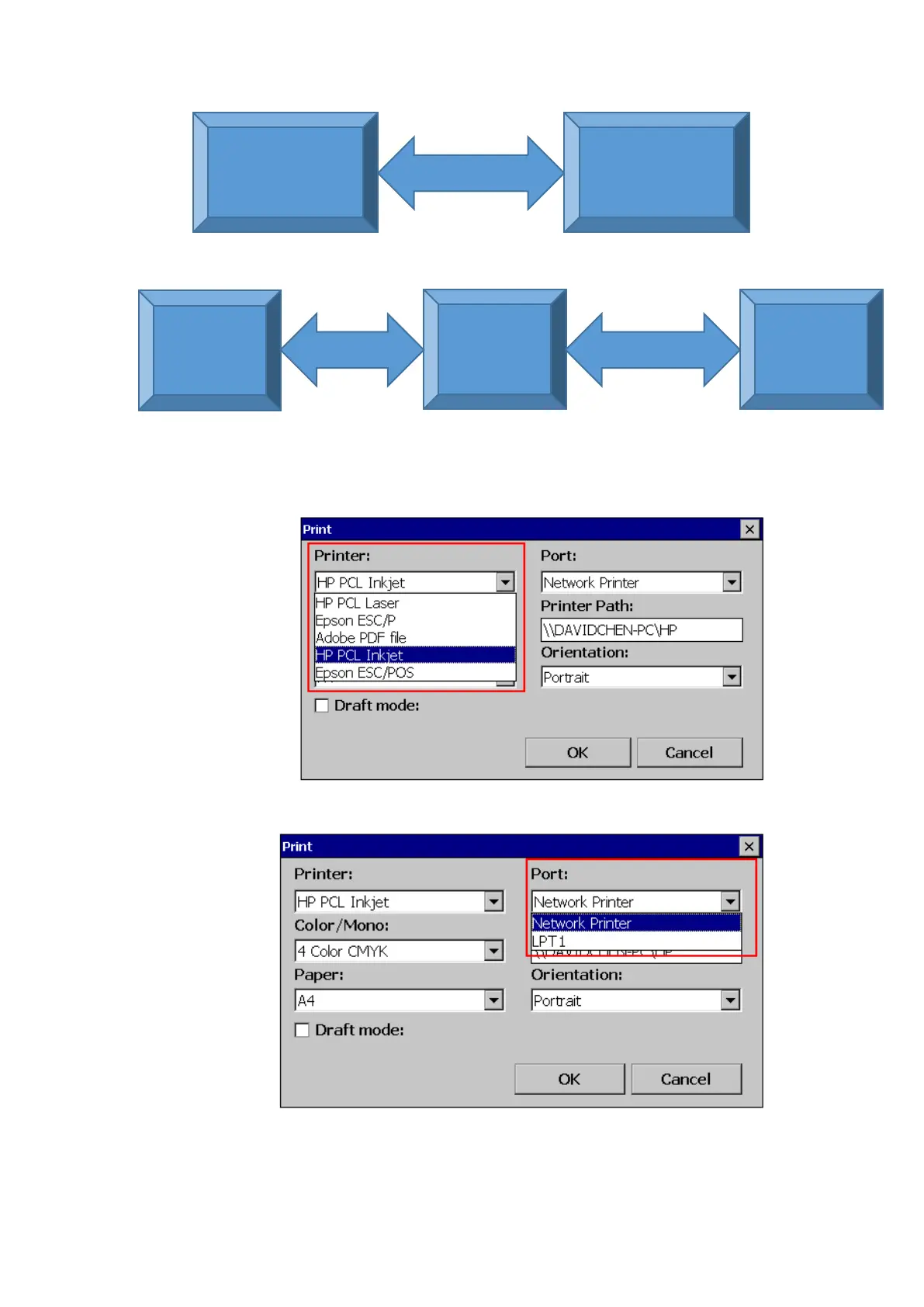
Steps to be followed for printer configuration as below.
1. Select the Printer Driver
2. Select the Port. LPT1 for USB Printer and Network printer for Network Printer and Shared printer.
3. Set the Printer Path as per the connection.
For USB Printer the path is not applicable.

Paperless Recorder
Network Printer
Ethernet
5-31 Network Printer Connection
Paperless
Recorder
PC
Ethernet
Printer
USB or Ethernet
5-32 Shared Printer Connection

Table of Contents

Related product manuals