Page 240 of 479
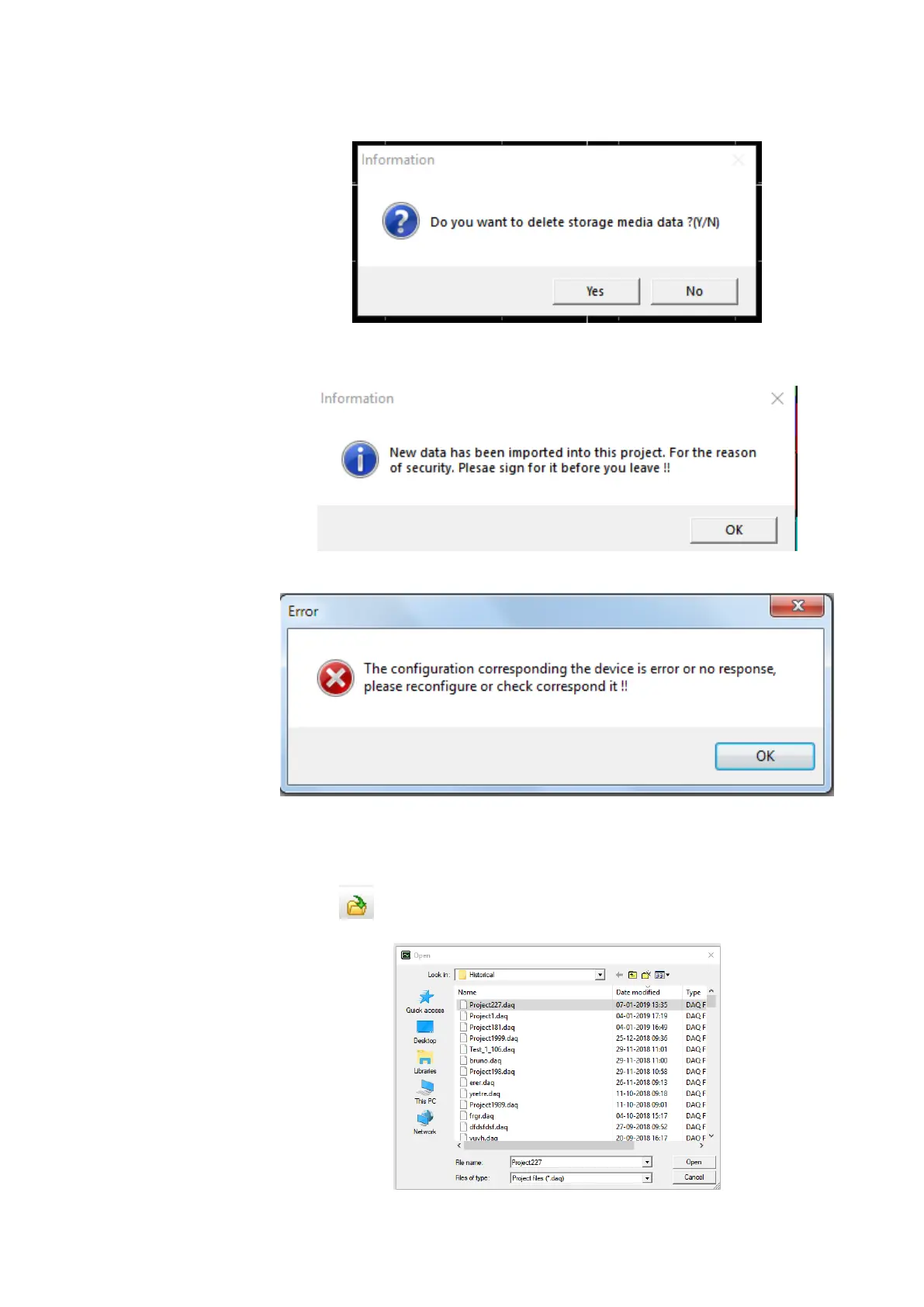
6. If the data is import from storage media then the system will prompt the user to delete the
data from storage media or not after import.
7. If the security is configured as CFR21 then it is necessary to sign for imported data before
close the project or logout.
8. If connection to the recorder fails then the software will show the error message.
6.1.3.6 Open an Existing Project
To open and upload the new data to an existing project the following procedures to be followed.
1. Click the icon or select Open from File Menu.
2. The software will list the projects from the default project path for the user to select.



 To Next Page