Page 213 of 479
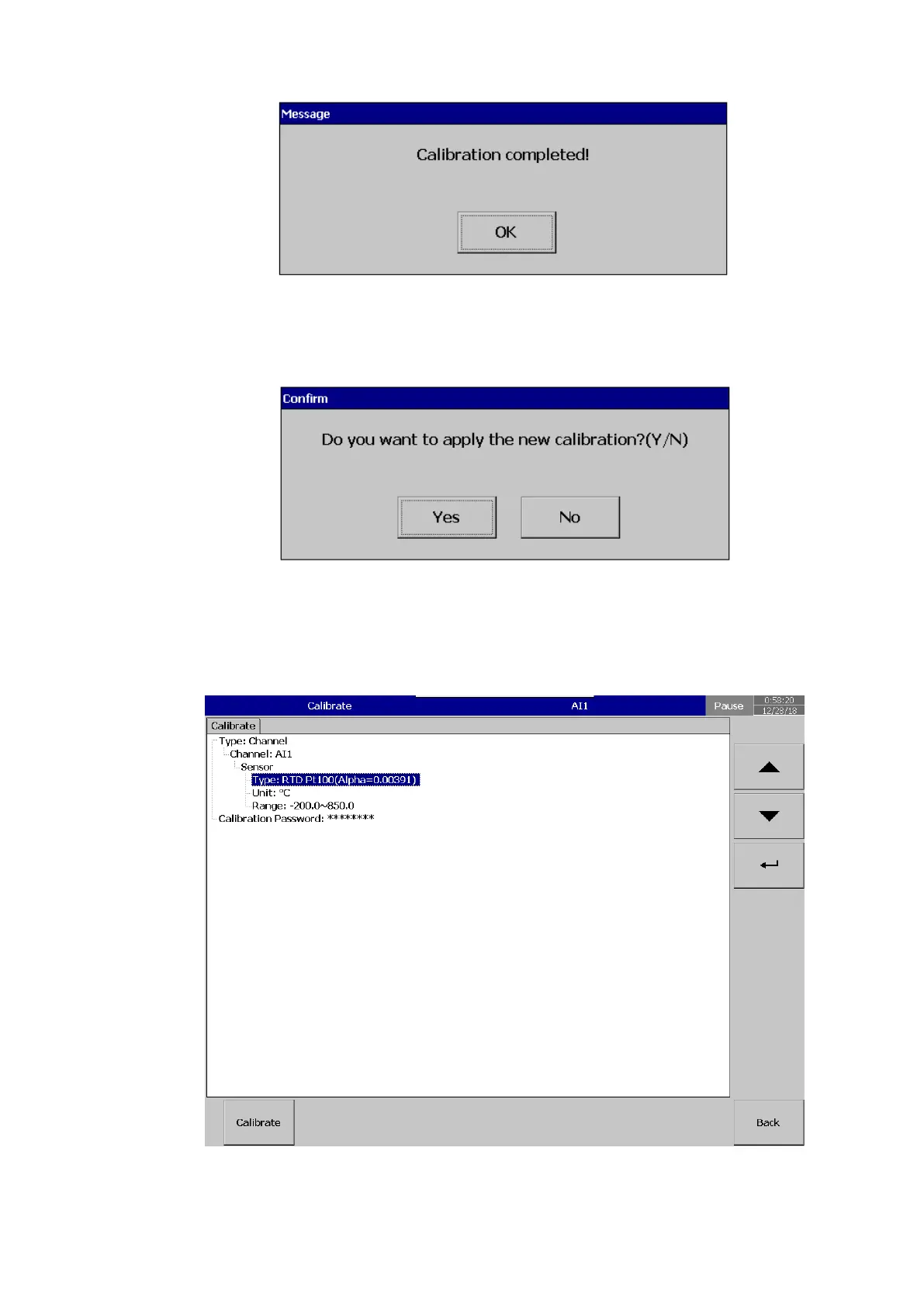
Press Back key to exit the calibration Menu. The system will prompt the user to save the new
calibration or not. Select Yes to apply the new calibration to the channel and No to exit without saving the
calibration data.
5.15.3 Calibrate an AI with Pt100 RTD
After Entering the Calibration menu, select the channel, input type and range then press
calibrate key.
The system will prompt for a user conformation to do the calibration of the channel.



 To Next Page