Page 231 of 479
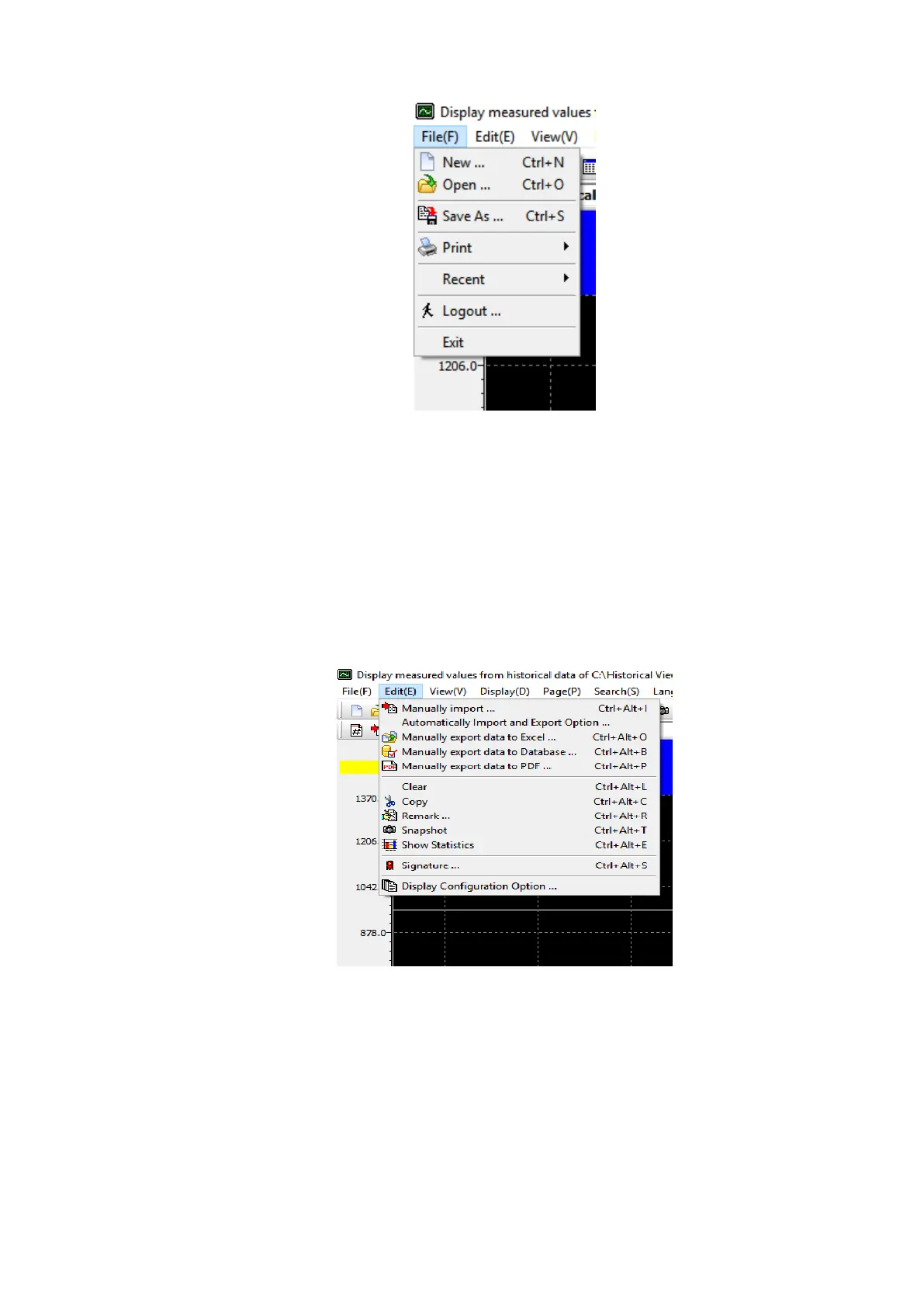
1. New: Create a new project.
2. Open: Open an existing project.
3. Save As: Save the project with a new name.
4. Print: Print the data.
5. Recent: Open recently opened projects.
6. Logout: Log out the current user.
7. Exit: Exit the program.
6.1.3.2.2 Edit (E)
The below are the sub menu options available in Edit Menu.
1. Manually Import: Manually import the data from the device.
2. Automatically Import and Export Option: Automatically import the data from the device and
exported to Excel, PDF or Database format
3. Manually export data to Excel: Manually export the data to excel
4. Manually export data to Database Format: Manually export the data to the database
format .csv
5. Manually export data to PDF: Manually export the data to PDF
6. Clear: Clear the data from the project for a specific time period or all.
7. Copy: Copy the screen



 To Next Page