Page 237 of 479
6.1.3.4.2 Edit (E)
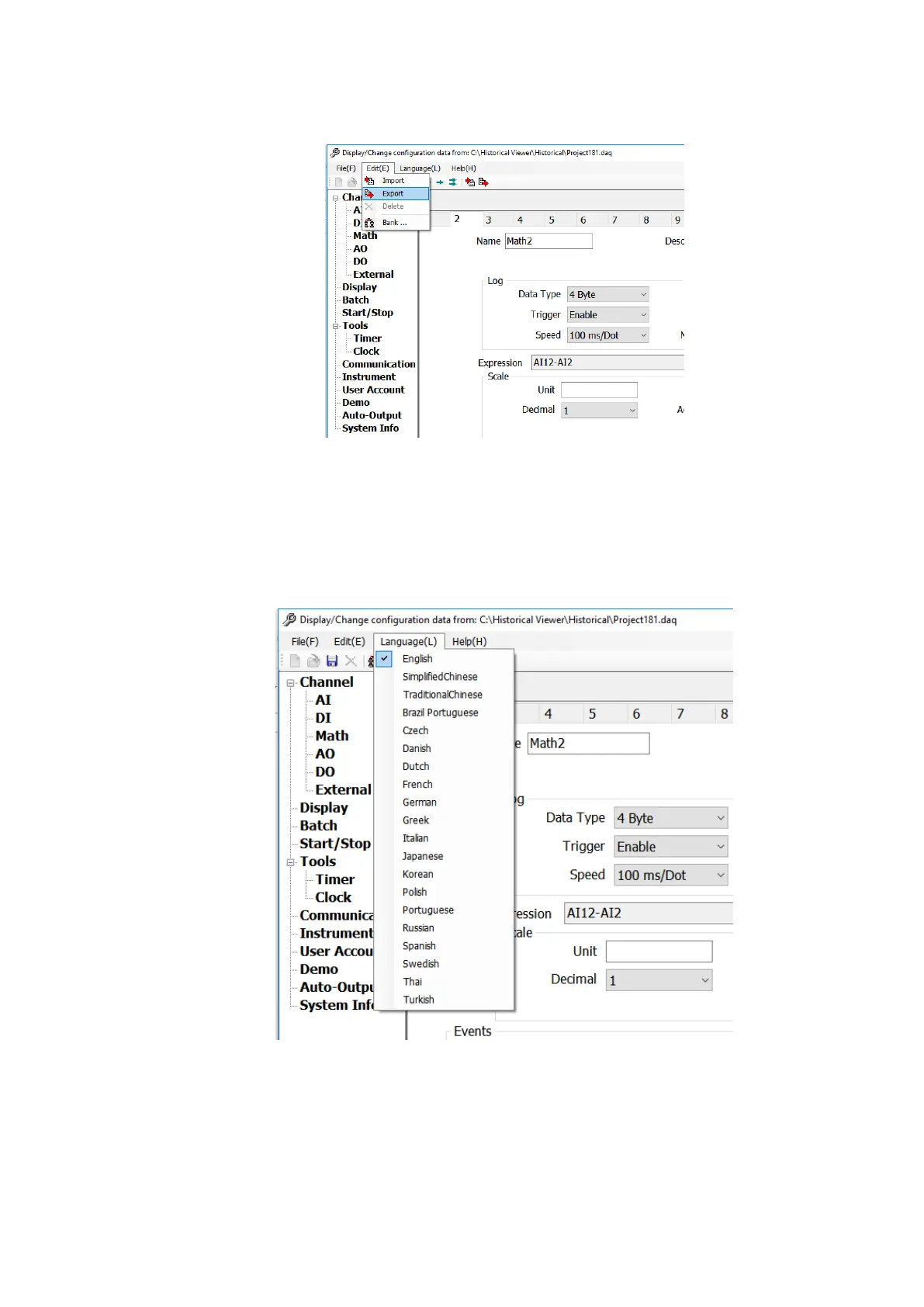
The below are the sub menu options available in Edit Menu.
1. Import: Import the configuration from the device or storage media.
2. Export: Export the configuration to the device or storage media.
3. Bank: Change the connection properties for the project.
6.1.3.4.3 Language (L)
The display language of the software can be changed by selecting anyone of the available
language from the sub menu.
6.1.3.4.4 Help (H)
The help menu provide the information about the software and the necessary information.



 To Next Page