- 119 -
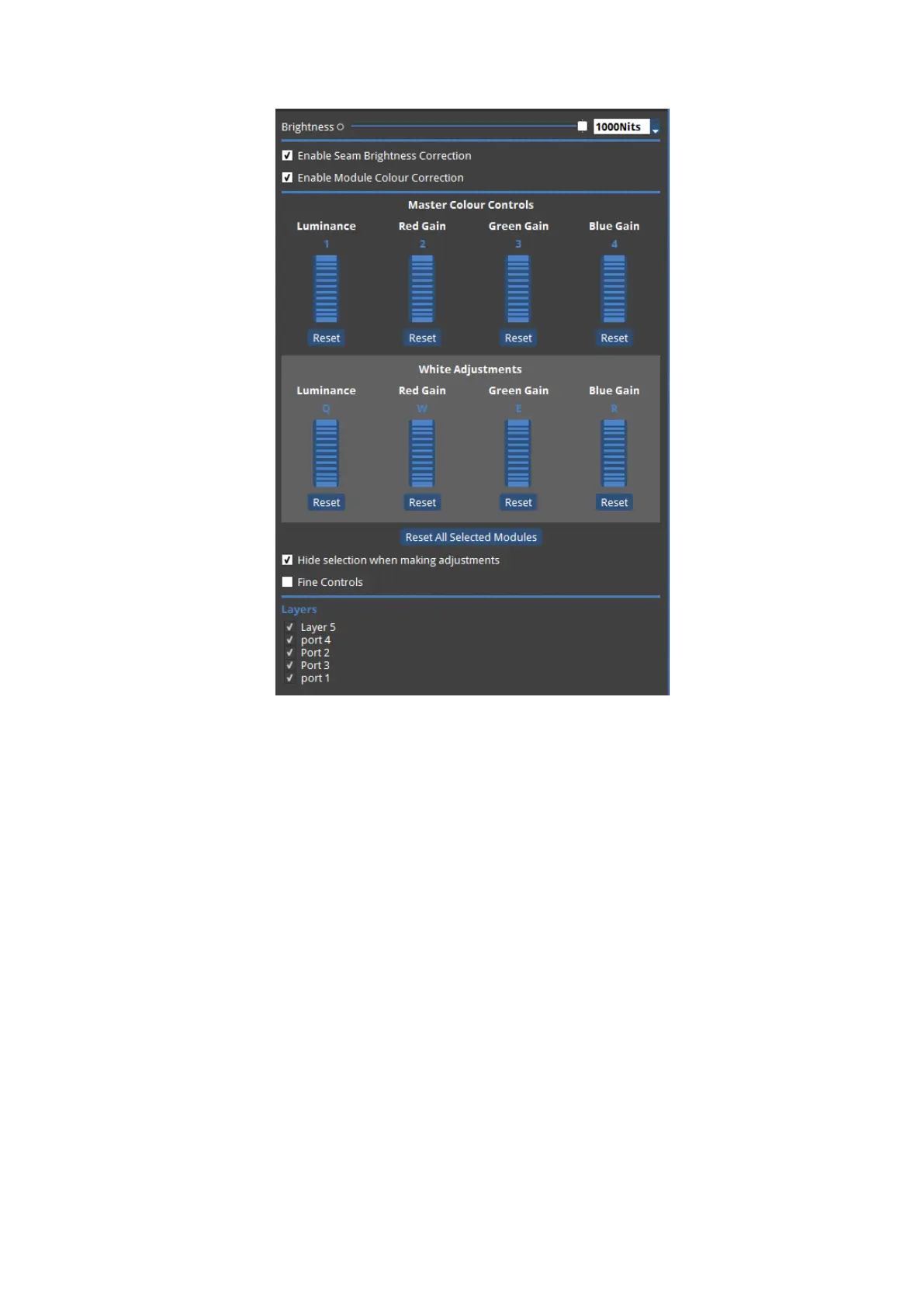
Figure 11-17. The Colour Adjustment panel showing Master Colour Controls and White
Adjustments
The Colour Adjustment panel features Master Colour Controls: Luminance, Red Gain, Green
Gain and Blue Gain. These give an overall level of colour control. In a similar fashion to
adjusting Seam Luminance values, these values can be changed in a few different ways:
moving the mouse pointer over to the required parameter thumbwheel and clicking and
dragging up and down, or clicking and using the scroll wheel, or by using the keyboard
shortcuts. The keyboard shortcuts are displayed above each paramater:1 allows Luminance
to be adjusted, 2 Red Gain, 3 Green Gain and 4 Blue Gain. These can be used in conjuction
with the - and +keys to decrease and increase values. 1, 2, 3, 4 can be used together Ctrlfor
fine control.



 To Next Page