- 120 -
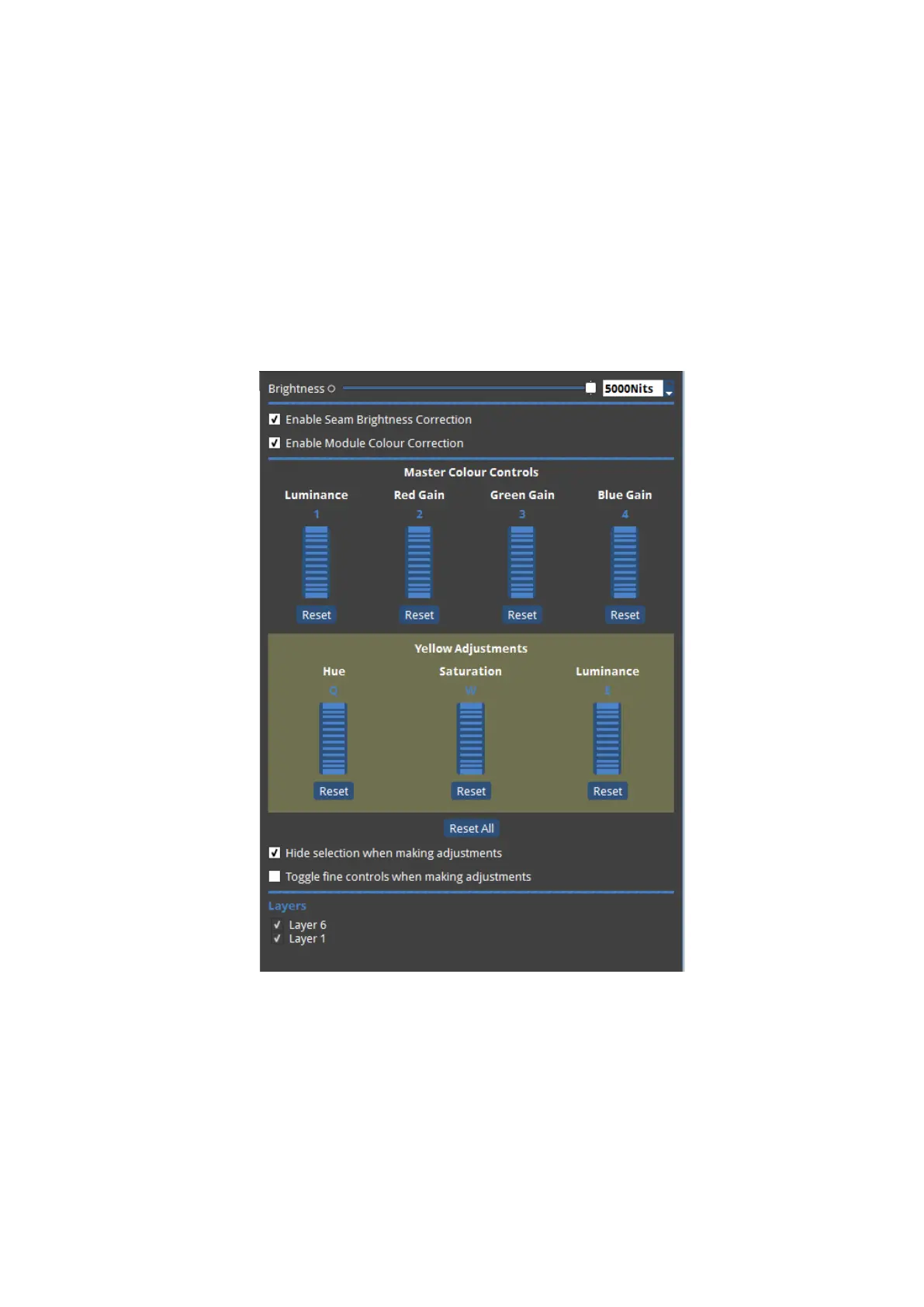
By using the the Display Colour controls Colour Adjustments can be made to white and
primary and secondary colours. NBThe controls only adjust the colour of the test pattern
being used.
Selecting White from Display Colours allows Luminance, Red, Green and Blue Gain to be
adjusted for white. These can be adjusted using the mouse and scroll wheel in much the
same way as before. The keyboard shortcuts for adjusting the white Luminance, Red, Green
and Blue Gain are Q, W, Eand Rrespectively. The value of these can be decreased and
increased by using the - and +keys, and using the Ctrl key together with Q, W, E and R
Figure 11-18. Yellow Adjustments



 To Next Page