- 45 -
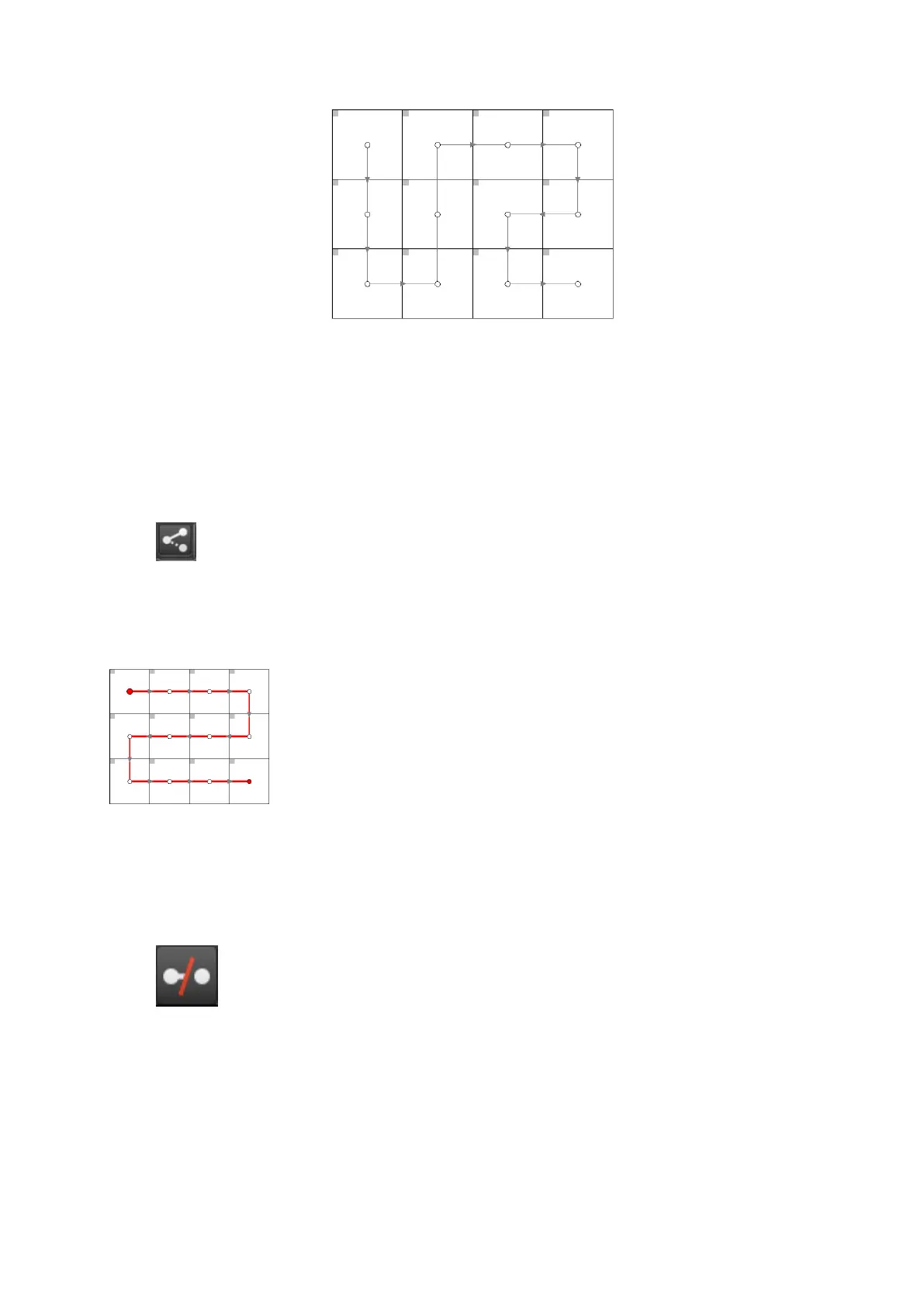
Figure 5-13. Second venue topology.
To correct a screen follow the following steps:
1. On the canvas select all the panels that have the wrong topology. Right click on one of
the panels and select Disassociate.
2. Now click the Edit Topology button to view the Topology toolbar
and select the string of fixtures you wish to correct by double clicking on the dot in the
centre of one of the panels. The whole string will now be coloured red.
Figure 5-14. The topology is drawn on all panels in the string.
3. The strike in the Remove Link button will change from grey to red once a string is selec-
ted indicating that it can now be used.
Click on it to remove the topology.
4. Now hover your mouse over the centre spot of the fixture which is to be at the start of
the string. Click and hold the button and drag the pointer to the centre spot of the



 To Next Page