700M HFID 6-2-15
100
Setup Menu
→ →
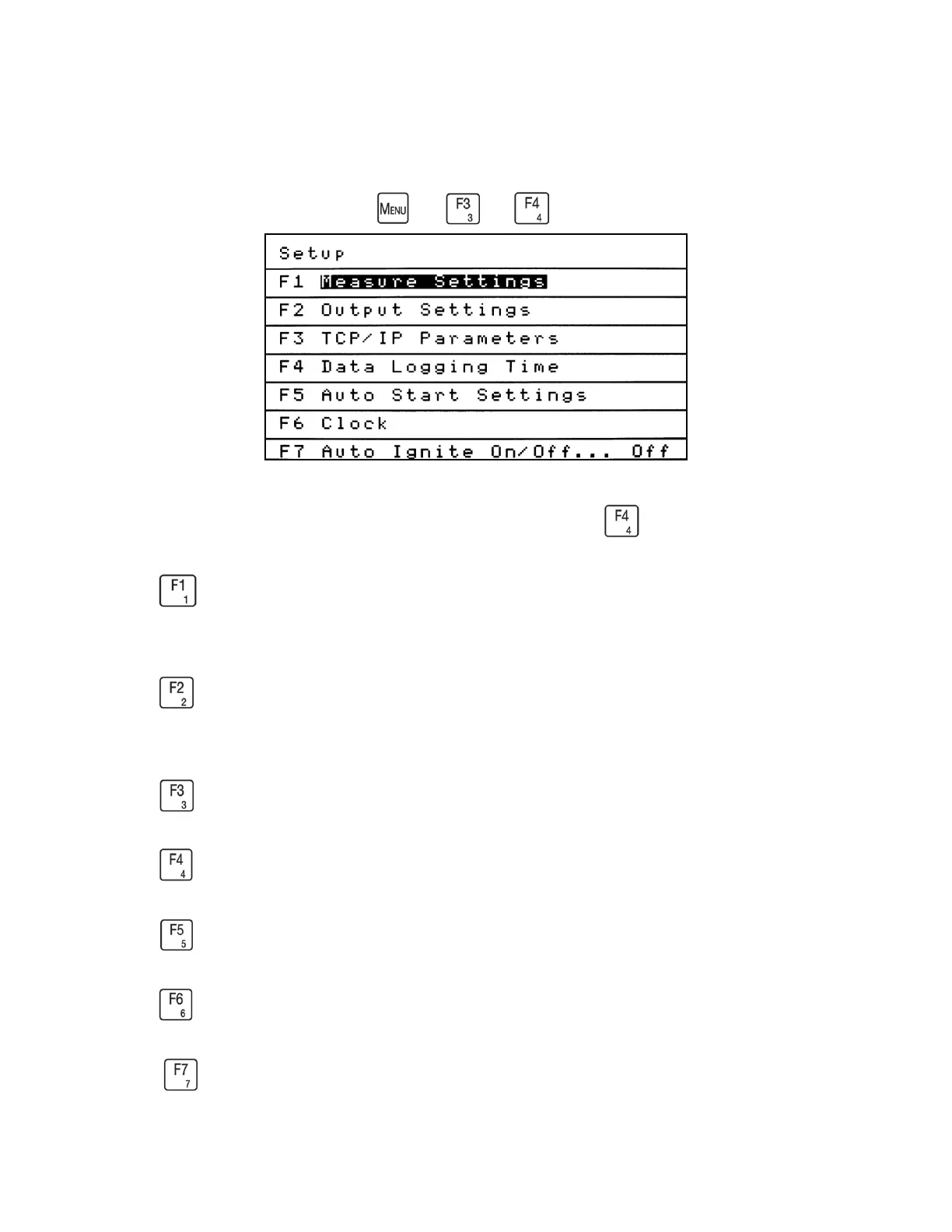
The Setup menu provides access to key setup screens including Measure Settings, Output
Settings and TCP/IP Parameters. From the Menus screen press to access the Setup menu.
Press to access the Measure Settings menu. These setup screens allow the operator to view
or change averaging times, THC/CH
4
/NMHC mode times and CH
4
correction factors.
Press to access the Output Settings menu. The Programmable Analog and Programmable
Digital outputs can be viewed or set up to fit the operator’s needs.
Press to view or change the current TCP/IP parameters.
Press to access the Data Logging Time screen. (For CAI use only)
Press to view or make changes to the Auto Start Settings.
Press to view or change the analyzer’s time and date.
Press to turn the Auto Ignite at Startup feature on or off.



 To Next Page