700M HFID 6-2-15
106
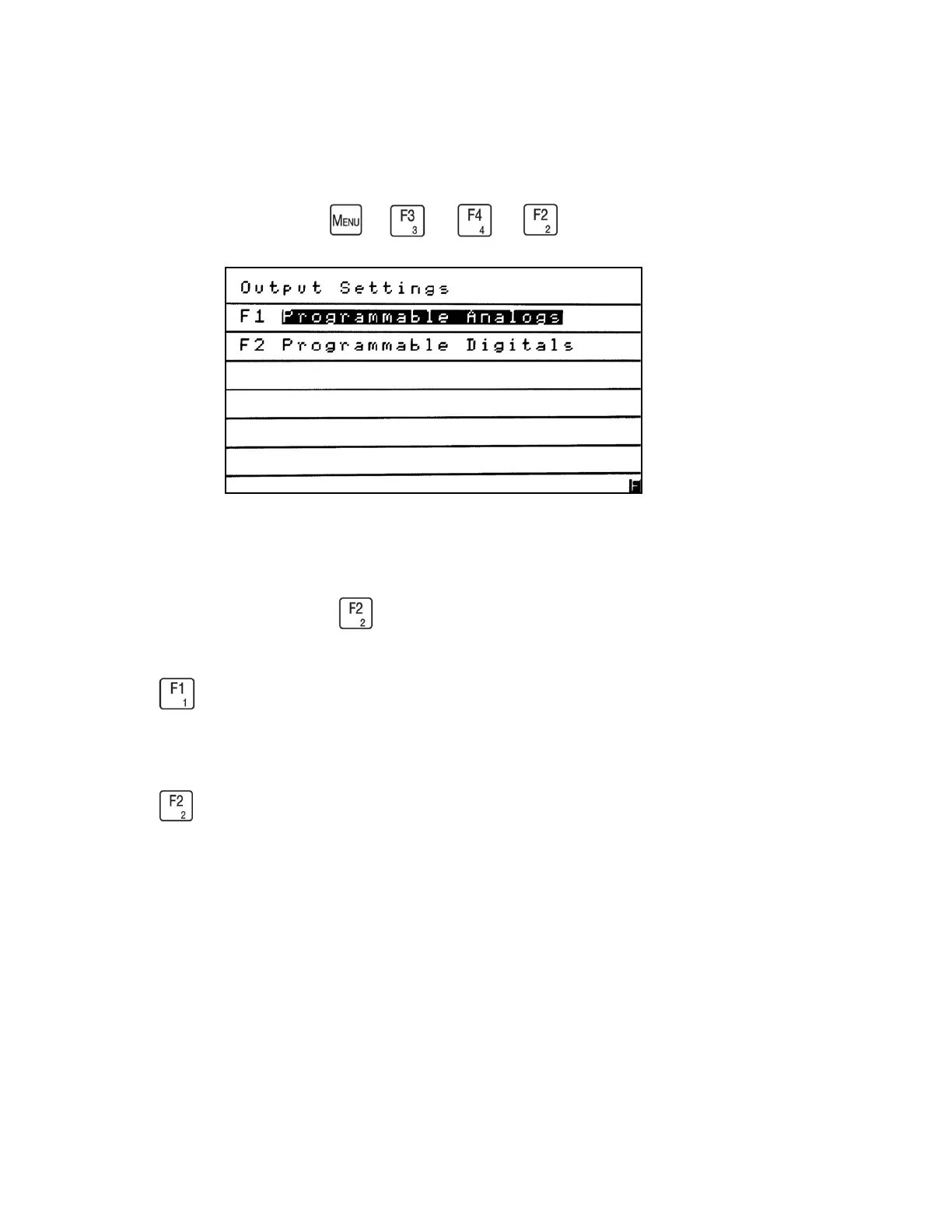
Output Settings
→
→
→
The Output Settings menu allows the operator to change the analyzer’s Programmable
Analog and Programmable Digital outputs to suit the operator’s needs. The Output Settings
menu is accessed by pressing from the Setup menu.
Press to see the Programmable Analogs menu, which allows the operator to view or change
the analog Output Assignments, Output Scaling or make Output Adjustments.
Press to see the Programmable Digitals menu, which allows the operator to view or change
the digital Output Assignments, choose Output Hold or Clear, or conduct an Output Test.



 To Next Page